Keap packs CRM, marketing automation, payments, and lead management into one platform, but it won’t be the right fit for every business. Pricing, setup, and ease of use can all push teams to look elsewhere. Whether you want something simpler, more affordable, or better suited to your sales and marketing needs, there are plenty of strong Keap alternatives to consider.
Overview
- HubSpot: best for businesses that want an ecosystem they can grow into
- EngageBay: best for smaller businesses wanting an affordable all-in-one
- Pipedrive: best for sales teams
- Zoho: best for customization/value
- ActiveCampaign: best for marketing automation
- Nimble: best for small teams focused on relationship management
What to Look for in a Keap Alternative
Start with the reason Keap isn’t working for you. If cost is the problem, compare pricing as your contact list and team grow, not just the starting price. If the platform feels too complicated, look for a CRM with a simpler setup and shorter learning curve.
You should also consider the tools your team actually uses. Depending on your needs, that could include sales pipeline management, email and SMS marketing, workflow automation, reporting, landing pages, integrations, or payment features. The goal isn’t to find the CRM with the longest feature list. It’s to find one that fits the way your business works.
6 Keap Alternatives to Keep On Your Radar
If Keap isn’t quite working for you, these six alternatives are a good place to start.
1. HubSpot Sales Hub
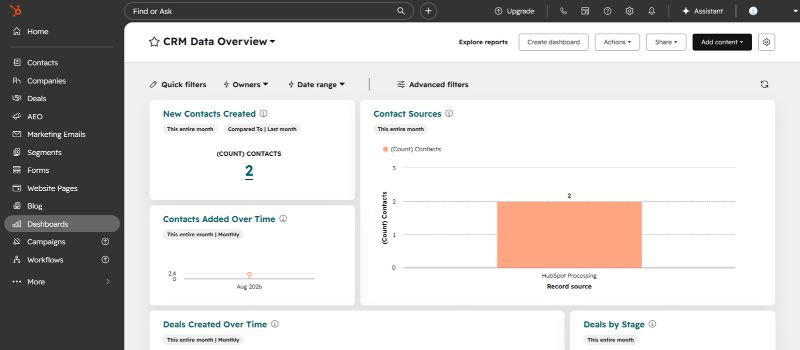
HubSpot is one of the most recognizable names in the CRM world, and for good reason. It’s a full-service platform that covers sales processes, marketing, and customer support. People like it because it’s flexible! Whether you’re a small startup or a full-scale enterprise, HubSpot grows alongside your business. The free plan is great for starting out and it offers the most important CRM features at no cost. But as you move to the higher tiers, the price can start to feel like a stretch, especially if every dollar counts.
Pricing
- Free Plan: Basic CRM tools like contact management, deal tracking, and email marketing. It is everything you need to get started.
- Starter: $20/month for 1,000 marketing contacts.
- Professional: $890/month for 2,000 marketing contacts.
- Enterprise: $3,600/month for 10,000 marketing contacts.
What makes HubSpot good isn’t just the pricing; it’s how easily it connects with your favorite tools. Over 1,000 apps, from Google Workspace to Shopify, fit right in. Plus, it has AI-powered features like predictive lead scoring and tailored content recommendations that feel almost too smart. And if diving into data is your thing, HubSpot’s customizable dashboards and reports show insights that actually make sense for growing your business.
If HubSpot is one of your front-runners, see how InboxAlly works with HubSpot to support your email deliverability.
Pros
- It’s one of the best free plans available.
- Seamless integrations with popular tools.
- Deep analytics with the option to customize reports.
Cons
- High-tier plans may strain smaller budgets.
- The initial setup can be time-consuming.
If you’re looking for a CRM that grows alongside your business and delivers top-tier tools, HubSpot offers a flexible and future-ready solution that won’t disappoint.
2. EngageBay
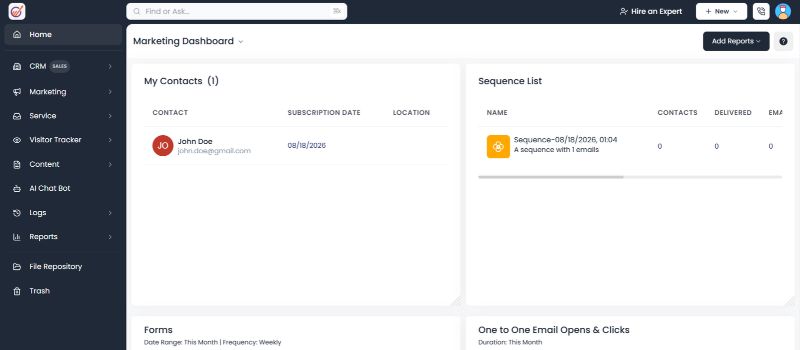
EngageBay is where budget-friendly meets feature-packed. Built for startups and small businesses, it combines marketing, sales, and customer service into a single, cohesive platform. If you’re working with a smaller budget but still want tools that deliver, EngageBay hits that sweet spot. Its free plan is particularly generous with features that other platforms might lock behind paywalls. This makes it an especially smart option for startups.
Pricing
- Free Plan: Includes 1,000 emails and 250 contacts.
- Basic: $12.74/month for 500 contacts.
- Growth: $55.24/month for 5,000 contacts.
- Pro: $101.99/month for unlimited contacts.
With EngageBay, you can start with the free plan and, as your business scales, pick the upgrades if and when you need them. Its user-friendly interface minimizes the learning curve, and the marketing automation software offers more than even some pricier competitors. From scheduling appointments to running email campaigns to using CRM telephony, everything works together smoothly—saving you both time and headaches.
Pros
- Affordable pricing designed with small businesses in mind.
- Excellent customer support.
- All-in-one platform covering marketing, sales, and service needs.
Cons
- Lower-tier plans don’t offer much in the way of advanced analytics.
- Some integrations can feel restrictive.
EngageBay offers a well-rounded CRM solution that strikes above its class. If you’re budget-conscious and looking for a full suite of tools, it’s a platform you can rely on.
3. Pipedrive
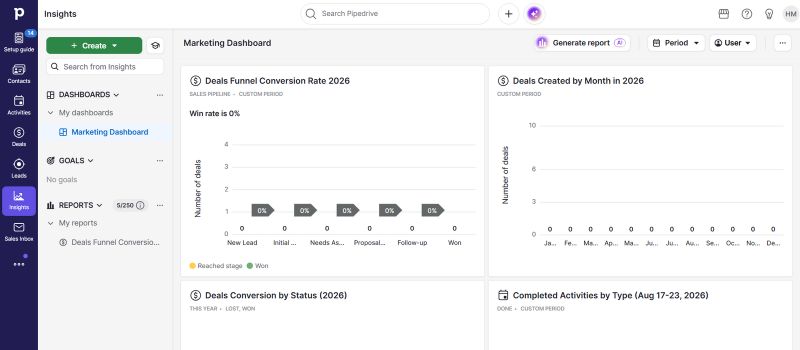
If sales are the backbone of your business, Pipedrive’s no-frills approach to pipeline management might feel like a breath of fresh air. This CRM is built for teams that want to focus on what matters the most: closing deals. Its visual tools keep everything front and center—no clutter, no confusion, just a clear path to hitting targets. For businesses tired of relying on overly complicated systems, Pipedrive’s intuitive design feels like a win.
Pricing
- Essential: $14.90/month per user.
- Advanced: $24/month per user.
- Professional: $59/month per user.
- Enterprise: $79/month per user.
What Pipedrive does best is eliminate clutter. Its drag-and-drop pipeline interface offers a clear snapshot of where deals stand, which makes it easier to focus on closing. The platform also automates repetitive tasks like follow-up reminders, saving time for building client relationships. That said, Pipedrive’s laser focus on sales and marketing efforts means it doesn’t offer much in the way of marketing features, which could leave businesses wanting a more all-encompassing solution.
Pros
- Designed for sales teams with a clean and visual pipeline management system.
- Incredibly easy to use, with a streamlined experience that requires little onboarding.
- Automation tools for handling repetitive sales tasks.
Cons
- Integration options fall short for businesses with more intricate workflows.
- Fewer marketing tools compared to other CRMs.
Pipedrive brings powerful tools for deal management and pipeline tracking, prioritizing sales efficiency over an all-in-one approach. For teams that care about simplicity and getting things done, it’s hard to beat.
4. Zoho CRM
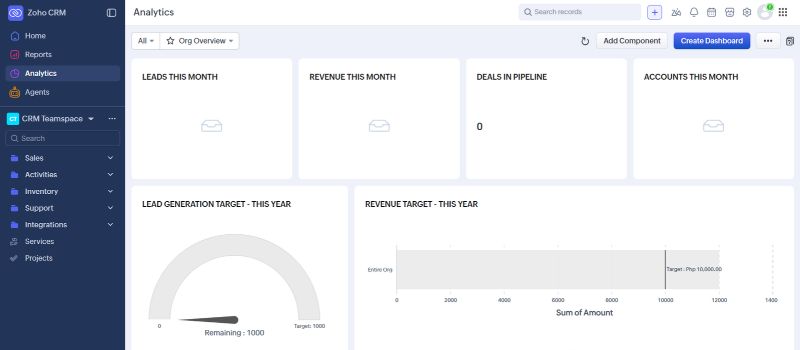
Zoho CRM keeps things practical without breaking the bank. Its real strength lies in its integration with the rest of the Zoho suite, which creates a unified hub across project management, HR, and beyond. From tracking leads to analyzing data, it’s built to keep up with the needs of businesses big and small.
Pricing
- Free Plan: Supports up to 3 users.
- Standard: $14/month per user.
- Professional: $23/month per user.
- Enterprise: $40/month per user.
- Ultimate: $52/month per user.
Customization is where Zoho CRM shines. You can tweak workflows, shape dashboards, and design reports to match how your business operates. Its AI assistant, Zia, provides actionable insights and predictive analytics that help you fine-tune your sales strategies.
However, Zoho’s depth can feel a bit daunting at first—new users might find it more complicated to start with compared to simpler, more intuitive CRMs.
Pros
- Affordable pricing makes it accessible for small and medium-sized businesses.
- Highly customizable features and workflows.
- Integrates seamlessly with Zoho’s ecosystem and numerous third-party apps.
Cons
- Learning curve can be challenging for first-time users.
- The interface can feel less intuitive compared to competitors.
Zoho CRM is made for businesses that prioritize customization and scalability, provided they’re willing to invest the time to learn its feature-rich platform.
5. ActiveCampaign
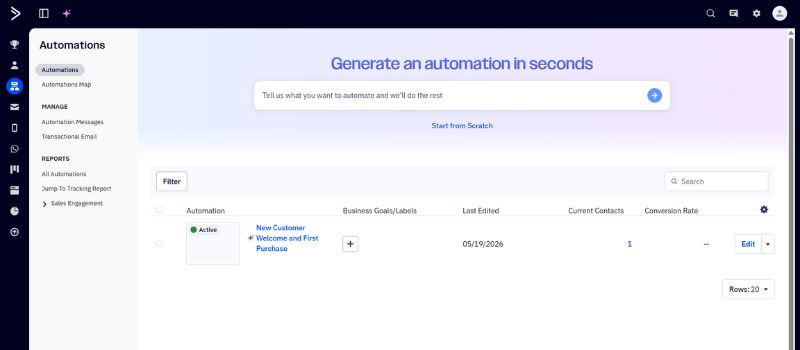
Another hit in the online industry, ActiveCampaign is for businesses that rely heavily on marketing automation and customer engagement. With tools that combine email, SMS, and social media into smooth customer journeys, it keeps audiences engaged at every step of the sales funnel. If your team thrives on marketing-focused workflows, this platform’s powerful automation is like having an extra pair of hands you’ve always needed.
Pricing
- Plus: $19/month per user.
- Professional: $49/month per user.
- Enterprise: $145
ActiveCampaign offers automation maps that let businesses see and refine every step of the customer journey and with its detailed analytics, you get a clear view of campaign performance and customer behaviors.
Pros
- Industry-leading marketing automation.
- Excellent multi-channel engagement tools covering email, SMS, and social media.
- Advanced analytics for campaign optimization.
Cons
- CRM features lack the depth found in other platforms.
- Costs can add up fast as team sizes or needs grow.
ActiveCampaign is great for businesses centered on marketing automation, but if you’re after a more comprehensive CRM toolkit, you might need to combine it with another platform to cover all your bases.
If ActiveCampaign looks like the right fit, see how InboxAlly was used alongside ActiveCampaign to improve email deliverability.
6. Nimble CRM
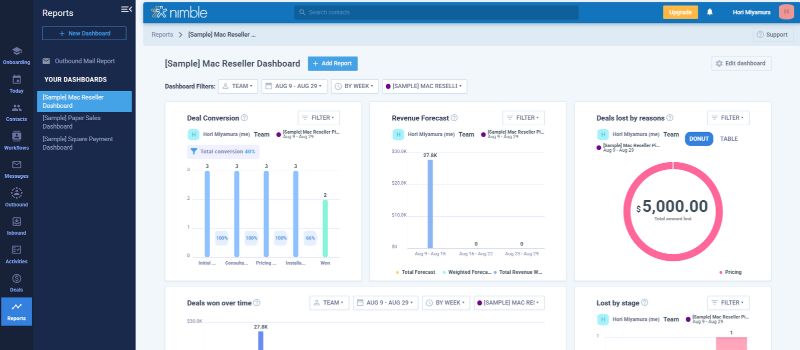
Nimble CRM is built for solopreneurs and small teams who care more about building real connections than wrestling with complicated systems. It keeps things simple but smart, compiling details from your email, social media, and calendar to create detailed contact profiles. With everything in one place, you can keep track of every conversation and interaction without breaking a sweat.
Pricing
- Single Plan: $24.90/month per user for 25,000 contact records.
- Add-ons: Premium features like contact data enrichment and group messaging come at an additional cost.
Nimble is a CRM with a social media focus. It syncs seamlessly with LinkedIn and Twitter, gathering useful customer details so you can interact with purpose. The interface is refreshingly simple and requires minimal onboarding, but that simplicity means fewer advanced features compared to what bigger CRMs might offer. That said, if your goal is building genuine connections instead of navigating complicated systems, Nimble feels like a perfect match.
Pros
- Exceptional social media integration for detailed customer profiles.
- Simple and intuitive, with barely any setup.
- Affordable pricing, especially for solo users and small teams.
Cons
- Lacks advanced CRM tools that bigger businesses might need.
- Fewer options for workflow automation and reporting.
Nimble CRM puts the spotlight on building relationships instead of wrestling with complicated systems. It’s lightweight, efficient, and surprisingly powerful when it comes to staying connected with your network.
Final Thoughts
Keap has long been a trusted CRM, but its steep pricing and limited flexibility make it less appealing in 2026. The good news is that there are plenty of alternatives, from budget‑friendly options like EngageBay and Brevo to powerhouse platforms like HubSpot and ActiveCampaign.
Whichever CRM you choose, it still needs to work with the rest of your email setup. If deliverability is something you want to improve, see how InboxAlly works with different CRMs and email platforms.