Send more offers. Land in more inboxes.

Affiliate marketers do well when they can send a lot of email and the lists keep performing. The volume is the upside. The volume is also what providers watch. InboxAlly is built for promotional senders at scale: per-provider placement testing on the exact subject lines you'd broadcast, engagement signals that sustain placement as you push volume, and multiple sender profiles to grow your sending fleet.

Built for the way promotional sending actually works

Affiliate sends compete against every other promotional email in the inbox. Subject lines that work in the open market are the same patterns spam filters flag. Subscribers who clicked once won't click again on the same kind of offer. One bad launch can cost weeks of recovery.

Offer copy trips spam signals

The vocabulary of affiliate marketing ("save," "free," "limited time," "% off") overlaps with the patterns filters use to route mail to Promotions or Spam. Legitimate offers and bad actors look the same on the wire. Without testing first, you find out which side providers put you on only after the broadcast.

Subscriber fatigue drags reputation down

A list you've mailed for six months engages differently than one you've mailed for two. Opens drop, clicks drop, and mailbox providers respond by demoting future sends, often before complaint rates would tell you anything is wrong. The decline is gradual until placement collapses.

Big launches spike everything at once

Black Friday-scale launches blow up send volume, click rates, and complaint rates simultaneously. Providers see the anomaly and reach for the throttle. One bad launch can drop a sending domain for weeks; without a recovery playbook, the next launch lands even softer.

What InboxAlly gives affiliate marketers

A deliverability platform built for the realities of promotional sending: offer copy that needs vetting before broadcast, lists that need engagement signals between launches, and reputations that move quickly on launch days.

1

Per-provider placement testing on real subject lines

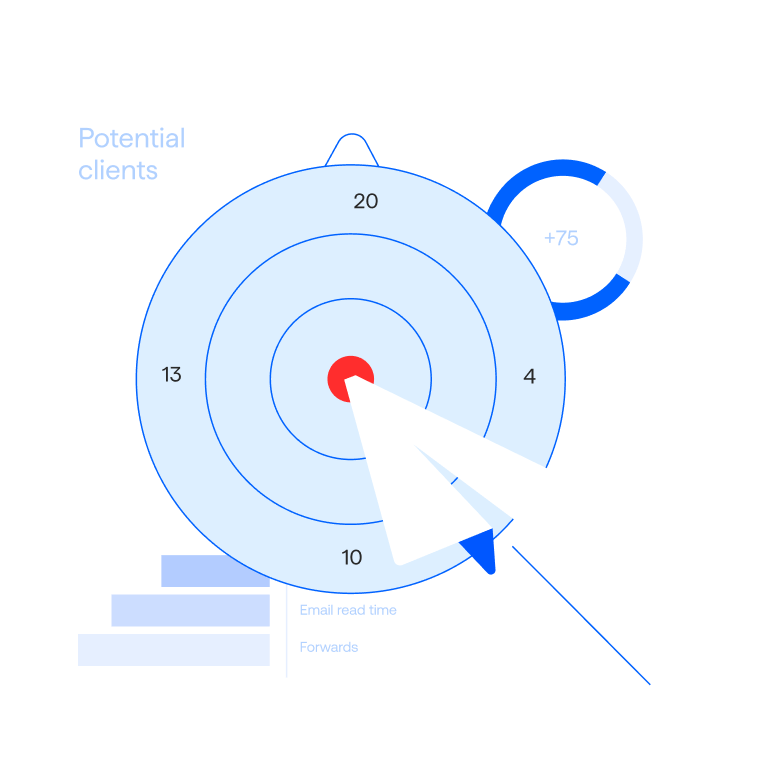
Send the exact subject line and preview text you'd use to a seed network covering Gmail, Google Workspace, Outlook, Hotmail, Microsoft 365, and Yahoo. See where each provider routes the message (Inbox, Promotions, or Spam) before the campaign goes out. Switch copy, retest, broadcast with confidence.

How placement testing works
2

Engagement signals for tired lists

When a list has been mailed for months and engagement is slipping, InboxAlly's engagement engine generates real interaction signals (opens, clicks, replies, spam-to-inbox moves) through actual mailbox interfaces. Retrain mailbox providers on what your sender deserves, then resume promotional sends with placement restored.

How reputation repair works
3

Reputation repair when a launch goes wrong

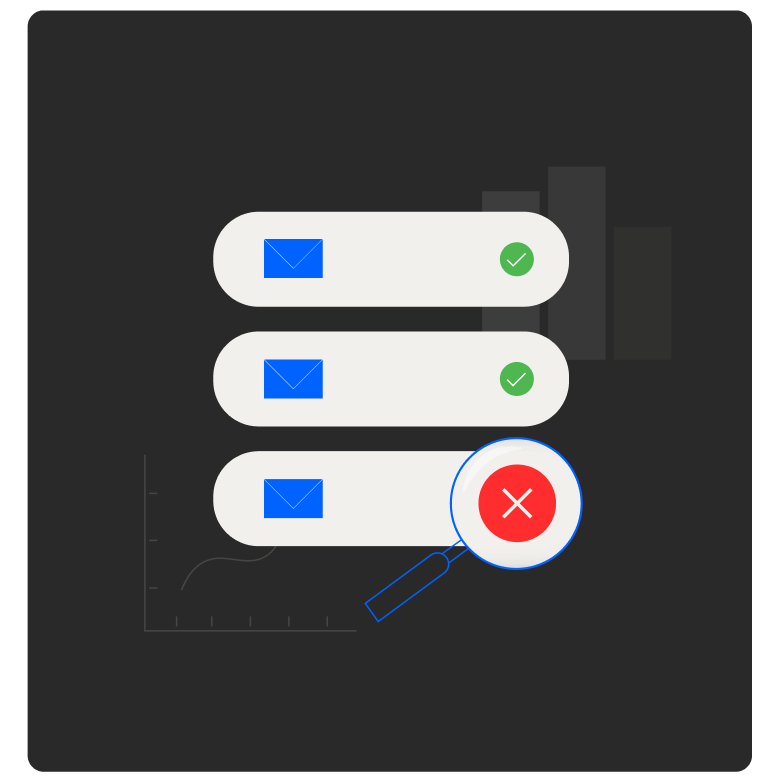
Big offer underperforms, complaint rates spike, reputation drops. The reputation repair flow can reverse bad mailbox classifications (Spam to Inbox, Promotions to Primary) on the offending sender. Recover instead of burning the domain and migrating to a fresh one.

Read the docs
4

Multiple sender profiles for offer segmentation

Run separate sender profiles per offer, partner network, or send pattern under one account. Each profile carries its own IA Score, engagement mode, placement history, and reporting. Keep affiliate launches isolated from your evergreen list so one bad campaign doesn't drag the rest of your sending. Capacity scales with your plan.

Sender profiles

Tooling, automation, and a team built to scale with you

Affiliate sending compounds when the tools and the people behind them scale with you. AI grounded in your account data, autopilot warmup for every new offer domain, and a deliverability team you can reach as your sending fleet grows.

IA Assistant

An in-app AI grounded in your account data. Ask why placement shifted after a launch, which subject line variant tested best, or what changed on a specific sender. Answers come from your campaigns and reputation history, not generic best-practice templates.

Adaptive Autowarmup

AI-driven autopilot warmup that adapts to each domain's signals in real time. Spinning up a new offer domain or a launch-specific sender? Set the ramp, plug in via native CRM integrations, and let the warmup run while you focus on creative.

Our deliverability team, every plan

Every plan ships with a dedicated Customer Success Manager plus access to InboxAlly's deliverability team via email, live chat, phone, and Zoom. When a launch lands wrong, there's a team to work the recovery with you.

Illustration of an affiliate marketer's offer launch and placement workflow

The affiliate marketer's toolkit

Beyond the IA Score and placement testing above, InboxAlly ships the full toolkit. What you need to test offers, run launches without burning the sender, and recover when a campaign lands wrong.

Test

Validate offer placement, authentication, and list quality before the broadcast goes out.

  • Per-provider placement testing

    Send offer copy to a seed network covering Gmail, Google Workspace, Outlook, Hotmail, Microsoft 365, and Yahoo. See exactly where each provider routes the message (Inbox, Promotions, or Spam) before the campaign goes out.

  • Authentication setup

    Per-domain SPF, DKIM, and DMARC tracking via DMARC Reports and Domain Analytics. Offer sends with clean authentication land better; broken alignment is the first thing filters check when content reads promotional.

  • List hygiene before launch

    Validate launch lists against the address-quality checks used in deliverability incident response: disposable domains, role-based addresses, spam-trap patterns, hard bounces, and syntactic errors. Catch the list problems that turn launches into incidents.

Launch

Run the campaign with monitoring + segmentation in place so reputation moves stay visible.

  • Multiple sender profiles per offer

    Run separate sender profiles per offer, partner network, or send pattern. Each profile runs its own engagement mode (warmup, repair, protect, boost), placement history, and reporting. Keep launches isolated from evergreen sends.

  • Live monitoring during launches

    Postmaster monitoring surfaces alerts the moment Gmail reputation signals shift (domain reputation changes, spam rate movement, delivery errors). Pull the next send in a launch sequence before the domain pays the full reputation cost.

  • CRM integrations + REST API

    Native CRM integrations with HubSpot, Klaviyo, and more. For anything custom, the REST API covers seeds, sender profiles, and broadcasts. Wire warmup state, sender selection, and placement data into your launch automation directly.

Scale

Push volume up and keep it up: sustained engagement signals, multi-domain monitoring, and trend insights across launches.

  • Engagement signals that scale with volume

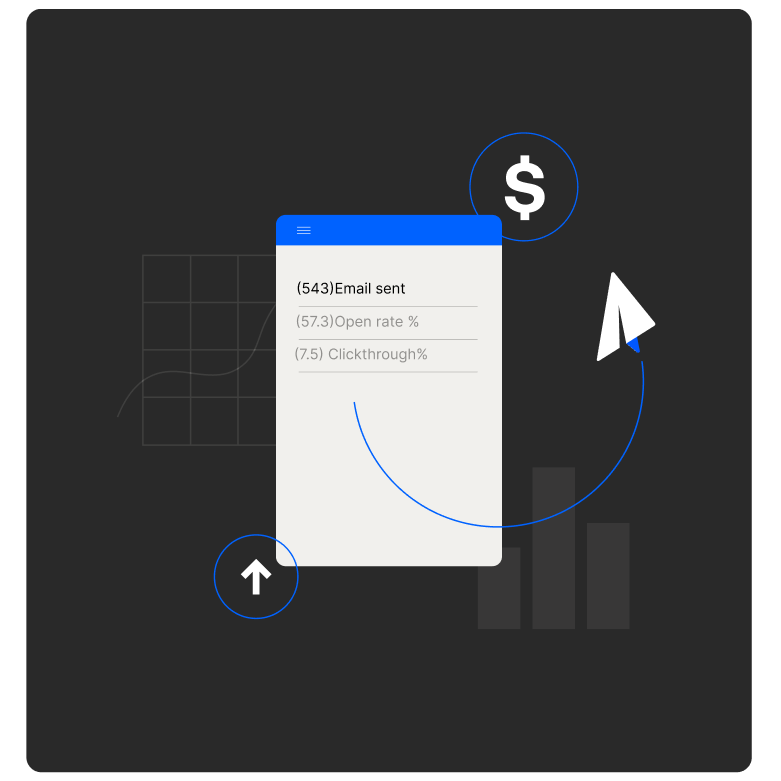
    The engagement engine generates real interaction signals (opens, clicks, replies, spam-to-inbox moves) through actual mailbox interfaces. As send volume goes up, these signals keep mailbox providers reading your sender as wanted. When a launch pushes placement down, reverse Spam-to-Inbox and Promotions-to-Primary classifications without rotating to a fresh domain.

  • Multi-domain health monitoring

    Ongoing visibility into authentication status (SPF, DKIM, DMARC compliance), Postmaster trends, and domain health signals across every sender profile, consolidated in one place. As your sending fleet grows, spot a slip on any single domain before it spreads across the portfolio.

  • IA Score history across launches

    Trend lines for IA Score and inbox placement per sender profile over time. Map score moves back to specific launches, offer types, or send windows. Build the playbook for what scales — and what doesn't.

Questions affiliate marketers ask

Can I test offer subject lines before broadcasting?

Yes. Send the exact subject line and preview text to a seed network covering Gmail, Google Workspace, Outlook, Hotmail, Microsoft 365, and Yahoo. The dashboard shows where each provider routes the message (Inbox, Promotions, or Spam) per send. Swap copy, retest, and broadcast once you see the placement you want. This is the workflow most affiliate marketers use before any sizeable launch.

InboxAlly's engagement engine generates real interaction signals (opens, clicks, replies, spam-to-inbox moves) through actual mailbox interfaces, not API calls. For a list that's been mailed heavily, this retrains mailbox providers on what the sender deserves, lifting placement back toward the inbox without changing the underlying list. You'd typically run this in parallel with regular sends; placement improvements are visible in the IA Score and per-provider data within days to weeks depending on how degraded the sender is.

The reputation repair flow can reverse bad mailbox classifications (Spam to Inbox, Promotions to Primary) on a degraded sender. In practice, this means an affiliate sender that took a hit on a launch can recover instead of rotate to a fresh domain. The engagement-signal engine generates real behavioral signals through actual mailbox interfaces, which providers use to update their internal sender model. Recovery timelines depend on how degraded the sender is and the volume of repair-side engagement.

Yes. InboxAlly supports multiple sender profiles under one account, each with its own IA Score, engagement mode, placement history, and reporting. Affiliate marketers typically use this to segment by offer, partner network, or send pattern; keep launches isolated from evergreen sends; or rotate domains across competitive offers. Plan tier determines how many sender profiles you can run simultaneously.

Yes, though results are best when you soften the promotional tone early on. In the initial phase, lean toward plain-text messages with minimal promotional language. That keeps seed placement high and lets the engagement engine restore reputation quickly. Once the foundation is solid, you can dial promotional intensity back up.

To test specific promotional copy, the Email Content Tester flags what is triggering spam filters in a given message so you can adjust high-risk language before sending to your seed list. Common adjustments: "Unlock Rewards" becomes "We have something special for you," "Expires in 48 Hours" becomes "Limited-Time Special for Members," and "REDEEM NOW" becomes "Explore Your Offer."

One thing worth noting: in InboxAlly's reporting, both the Primary inbox and the Promotions folder count as successful inbox placement. The goal is consistent placement and rising engagement, not Primary-tab-or-nothing.

Yes. InboxAlly exposes a REST API covering three resource areas: seeds (list, shuffle, manage), sender profiles (create, update, bulk-change engagement presets), and broadcasts (placement results filtered by provider or sender). Common affiliate-marketer use cases: pulling per-launch placement data into a custom dashboard, automating engagement mode changes when inbox rate drops below threshold, and programmatically syncing seed lists across multiple offer domains.

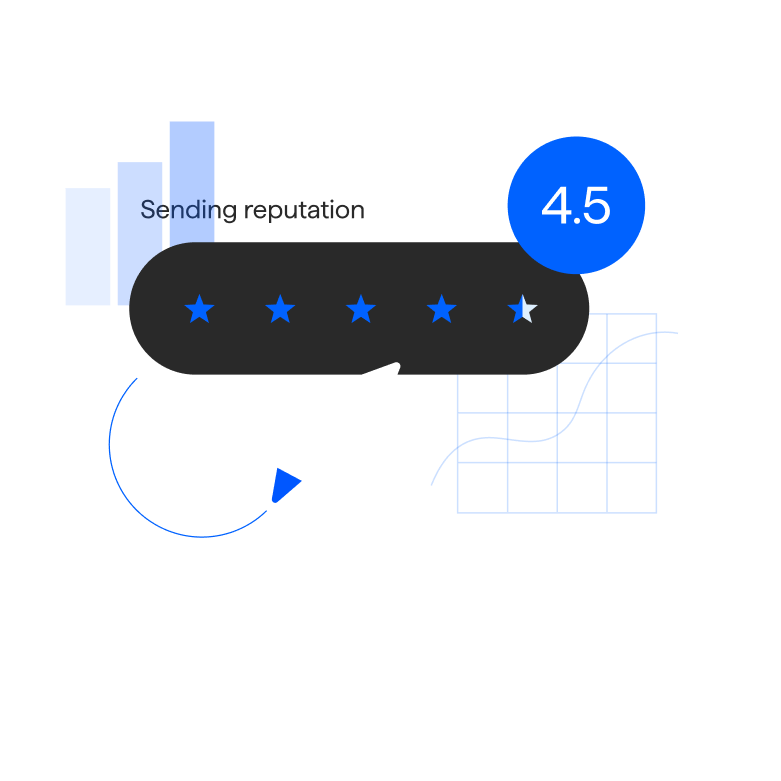
IA Score is InboxAlly's proprietary sender-reputation index, scored 0–100%, representing your predicted inbox placement rate. It's built from your seed email placement history, weighted toward recent performance, and updated daily. The score breaks down per mailbox provider, so when it moves you can see which provider drove the change. Score ranges: 95–100% Excellent, 85–94% Good, 70–84% Fair, below 70% Needs Attention.

See how your next launch would land

A 30-minute live walkthrough with a deliverability specialist on our team. Bring the subject line and offer copy you're about to send. We'll show you what providers would do with it.

Book a 30-minute demo