
SendGrid is a big name in the email marketing world, but that doesn’t mean it’s a perfect match for everyone. Maybe your emails keep ending up in spam, the unexpected fees are getting old, or maybe you just need a better platform for how you send emails.
The truth is, there’s no single “best” alternative. Some platforms are built for timely transactional emails, others for powerful marketing automation, and a few try to juggle both transactional and marketing needs in the same send. So instead of listing the usual options, this article breaks down five alternatives, each designed to solve a specific problem.
Need better inbox placement? More control? Fewer fees? Whatever your priority, there’s a platform that makes sense for you!
Key Takeaways
- If you’re looking for the best SendGrid alternative, Postmark and SMTP.com win on reliability for transactional email, Mailgun and Amazon SES win on developer control and scale, and Brevo wins on all-in-one simplicity.
- None of these platforms guarantee inbox placement on their own. More than just the infrastructure, deliverability depends on sender reputation and engagement.
How to choose the right email delivery service

Switching email service providers is more complicated than it seems. Your data, automation, and sender reputation don’t just follow you around like a streaming subscription. Every email delivery platform handles these differently, which is why the switch takes proper planning.
Transactional vs. marketing Emails
Transactional emails are things like password resets, order confirmations, and account alerts. For these, you need reliable email delivery and rock-solid inbox placement. Knowing the difference between transactional and marketing emails early saves you from switching the platform later.
If you’re more into newsletters, promotions and bulk email marketing campaigns, that’s marketing email, which means you’ll want automation, segmentation and good design tools. Some platforms do both, but most lean heavily in one direction. Which one do you need more?
Email API vs. SMTP relay
If you need deep integration with your app or service, an Email API is your best bet—it is flexible, scalable and built for developers.
If, on the other hand, you’re just looking for a simple way to send emails from your website or CRM, an SMTP (Simple Mail Transfer Protocol) relay could do the job—no coding required—just configure your email client, and you’re set.
Deliverability & reputation management
Getting an email sent isn’t the same as getting it seen. Some providers include sender reputation management tools or built-in email validation to cut down on bounces, but the best ones nail deliverability from the start. Good deliverability tooling is like having a virtual deliverability manager built into your sending setup.
If spam filters or low engagement are still a problem, InboxAlly can make a huge difference. It trains inboxes to trust your emails, improves deliverability and keeps your reputation spotless—give it a shot.
Pricing models
Some email marketing services charge per email (pay-as-you-go), others have monthly plans and some use a mix of both. Be sure to check for hidden fees—some platforms charge extra for dedicated IP addresses, analytics, or premium support with an email marketing specialist. A handful even offer a free plan so you can test things out before committing.
Ease of use
Are you a developer who wants an API-first experience or a marketer who needs a drag-and-drop setup? Some platforms are built for tech-heavy workflows, while others focus on simplicity. Pick a tool that works with you, not against you.
Once you know what you need, finding the right alternative gets a whole lot easier. Now, let’s look at your best options…
1. Postmark: For fast, reliable transactional emails
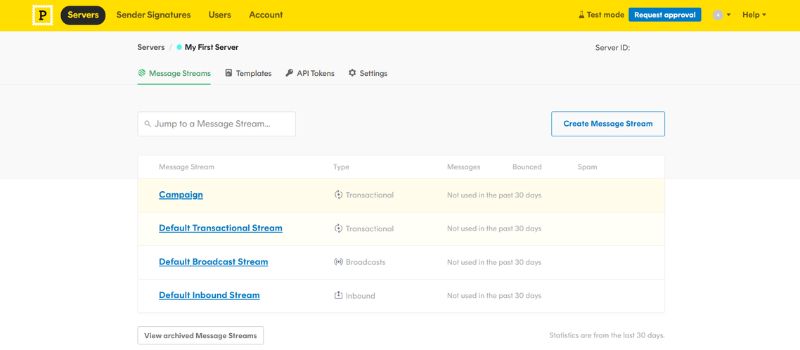
If your business depends on emails landing instantly because it relies on password resets, order confirmations, and account alerts, Postmark is made for you. Its whole architecture centers on fast, reliable transactional email delivery. SaaS companies, apps and developers love it because it’s not trying to do everything. It’s made for speed and reliability and that’s exactly what it delivers.
What makes it stand out:
- It’s transactional-only: Unlike SendGrid, which lumps marketing and transactional emails onto the same infrastructure, Postmark keeps them separate so important emails don’t get lost in the noise.
- It’s fast and they’ll prove it: Postmark shares real inbox timing data to show how much quicker it is than most competitors.
- No dedicated IP upsells: Instead of pushing costly dedicated IPs, Postmark keeps a strong shared reputation that works for most senders right out of the box.
What’s good, what’s bad
The good:
- Super reliable: If timing matters, Postmark makes sure your emails arrive right when they need to.
- No surprise fees: What you see is what you pay. No hidden charges for analytics, support, or inbox placement.
- Developer-friendly: Their email API services are clean, well-documented and easy to integrate.
The bad:
- Not for marketing emails: If you need to send newsletters or drip campaigns, this isn’t the platform for you.
- Not for bulk sending: Postmark is a great transactional email service provider, but if you’re sending millions of non-urgent emails, you’ll need another solution.
Postmark doesn’t try to be everything. It focuses on one thing and does it exceptionally well. No unnecessary extras or any frustrating upsells. It’s a platform built for speed, reliability, and inbox placement that works. As a dedicated transactional email platform, that focus is exactly the point.
2. Mailgun: For developers who want full control
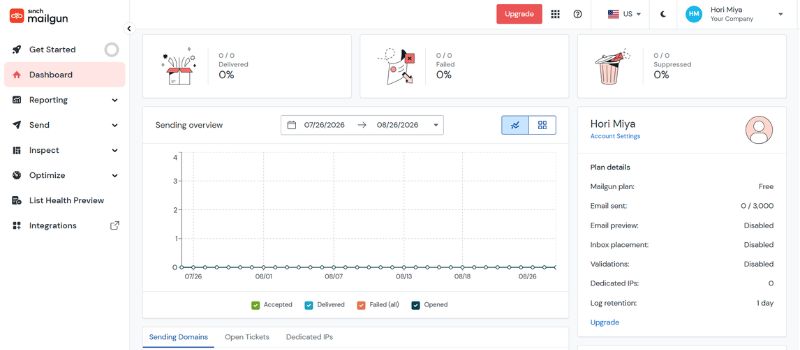
Here’s one for developers and tech teams with an itch for deep customization and advanced email workflows. If you want full control over email delivery, Mailgun gives you the flexibility to build exactly what you need. It’s also one of the few platforms with great scalability, regardless of whether you’re sending a few emails or millions.
What makes it stand out:
- It’s built for developers: Unlike plug-and-play email platforms, Mailgun is designed for custom workflows, API integrations and advanced automation.
- It scales effortlessly: Whether you’re a startup or a high-volume sender, Mailgun scales as your email needs grow.
- Deliverability tools (but at a cost): Mailgun offers email validation, inbox placement insights and dedicated deliverability monitoring, although most of these are paid add-ons
What’s good, what’s bad
The good:
- Full control over sending infrastructure: You can fine-tune email routing, authentication and sending logic exactly how you want.
- Advanced testing and optimization: Detailed logs, webhooks and real-time analytics to troubleshoot your email performance.
- Flexible sending options: Supports both SMTP and API-based sending, plus custom domain tracking for branded links.
The bad:
- Not beginner-friendly: You’ll need technical knowledge to get the most out of it.
- Limited customer support: Lower-tier plans get minimal support, which can sometimes be frustrating
- Deliverability isn’t guaranteed: Without manual optimization, emails can land in spam or get delayed.
Mailgun is a developer’s playground. It’s powerful, flexible and built to handle everything from custom routing logic to high-volume email flows. If your team knows how to work with APIs, this is a platform that can scale your email marketing without limits.
3. Amazon SES: Best for cheap, high-volume sending
Amazon Simple Email Service (SES) is for those who care more about cost than convenience. If you’re sending a lot of emails and want the cheapest possible solution, SES is nearly impossible to beat. That’s why companies like Reddit and Netflix use it!It’s highly scalable, deeply integrated with AWS, and a fraction of the cost of other providers.
What makes it stand out:
- Dirt-cheap pricing: At $0.10 per 1,000 emails, SES is at least five times cheaper than most competitors.
- Massive scalability: It’s great for handling fluctuating and high-volume email loads.
- Deep AWS integration: If your infrastructure is already built on EC2, S3, Lambda, or other AWS services, SES fits right in.
But deliverability is still your responsibility. SES doesn’t offer inbox placement monitoring, spam filtering or sender reputation management. If you need to fix inbox placement issues, prevent spam filtering, or improve engagement, make sure to check out InboxAlly.
What’s good, what’s bad
The good:
- Pay only for what you use: Pricing scales based on actual email volume, which is essential for fluctuating or unpredictable sending patterns and fast-scaling businesses
- Regional sending options: You can send emails from different AWS regions, which reduces latency and helps comply with country-specific data regulations.
The bad:
- Zero support: no help unless you pay for an AWS support plan.
- Steep learning curve: Requires technical expertise to set up and manage.
- No deliverability tools: You’ll need external help for inbox placement and engagement tracking
Amazon SES is all about scaling and cost efficiency. If you’re a high-volume sender with the technical know-how to manage deliverability yourself, it’s a powerful platform that fits well into the AWS ecosystem. Its transparent pricing is part of the appeal too because you always know exactly what you’re paying for.
4. Brevo (formerly Sendinblue): Best for all-in-one email & marketing
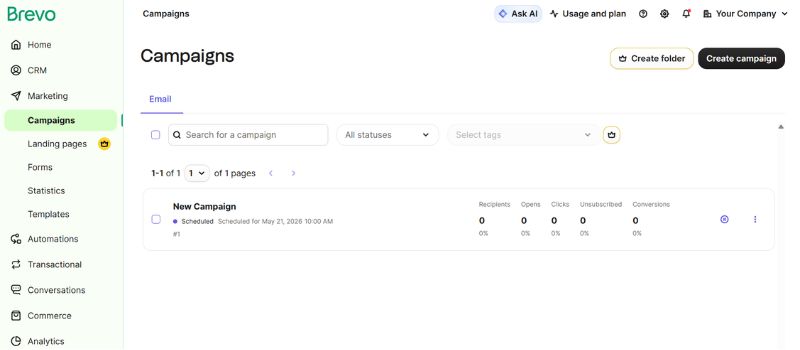
If you’re tired of managing separate platforms for every email type, Brevo makes email marketing simple by putting everything under one roof. Whether you’re running a small business, an ecommerce store, or managing marketing campaigns, Brevo gives you email automation, CRM tools and transactional messaging—all in one place. No coding, no complicated setups, just an easy way to handle your emails. Brevo also offers a generous free plan for smaller senders just getting started.
What makes it stand out:
- One plan for everything: Unlike most providers, Brevo lets you send newsletters and order confirmations from the same dashboard under a single plan.
- Built-in CRM and automation tools: Comes with customer segmentation, SMS marketing and integrations with Shopify, WooCommerce and Magento.
- Budget-friendly (but not the fastest): It’s one of the more affordable options, but if you need quick transactional emails, Postmark or Mailgun might be better.
What’s good, what’s bad
The good:
- Flexible sending options: Works with both SMTP and API, so you can connect it however you want.
- No sending limits: Some providers throttle your emails, but Brevo lets you scale without aggressive caps.
- More than just email: It includes built-in SMS and WhatsApp messaging for multi-channel marketing.
The bad:
- Slower delivery times: Transactional emails don’t get the same priority as they do on other platforms.
- Deliverability can be hit or miss: Bulk emails may not always land in the inbox which could hurt your overall marketing performance.
Brevo is easy to use, budget-friendly and ideal for ecommerce and small businesses looking for a streamlined setup. Just be aware of its deliverability issues.
5. SMTP.com: A reliable SMTP service
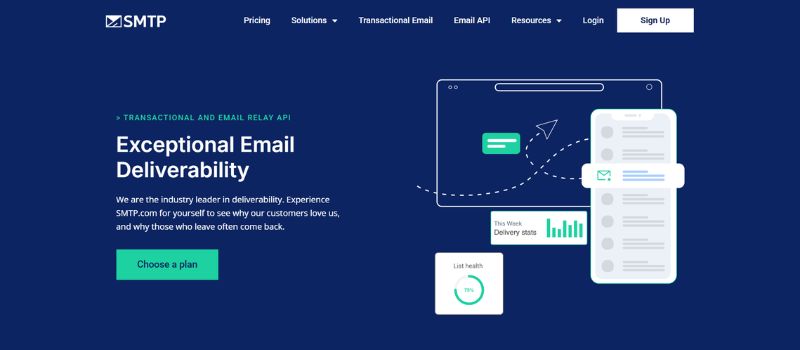
Sometimes you just need an SMTP relay that works without any fancy automation or deep API customization. That’s exactly what SMTP.com gives you. It’s built for businesses that want reliable deliverability, sender reputation tools and solid customer support. It may not have the deep customization of Mailgun or Postmark, but it’s simple, stable and easy to use.
What makes it stand out:
- Plug-and-play SMTP relay: No complicated API work—just connect it and start sending emails.
- Built-in reputation management: Comes with dedicated IPs, email verification features and monitoring tools to keep your emails out of spam folders.
- Customer support that actually helps: Unlike many email providers that leave you searching forums for answers, SMTP.com offers direct, responsive support.
What’s good, what’s bad
The good
- Whitelist-approved servers: SMTP.com works on whitelisted servers, which means your emails are less likely to end up in spam.
- Offers warm-up tools for new senders: Built-in IP warm-up tools help prevent deliverability issues when scaling up email volume.
- Works well for regulated industries: It is frequently used by finance, healthcare and legal sectors that need strict compliance and security.
The bad:
- Pricier than some alternatives: You’re paying for better support and reliability, but that can make it more expensive for bulk sending.
- Less customization than developer-focused platforms: If you need deep API control or advanced automation, SMTP.com might not be the best option.
SMTP.com keeps things simple and reliable. It’s not the cheapest or the most flexible, but if deliverability, ease of use and good support matter most, this no-fuss SMTP service gets the job done.
So, how do you pick the right one?
Honestly? It depends. Sure, it’s not the most exciting answer, but the truth is your choice comes down to what matters for your email needs. Is it speed? Customization? Affordability? Or do you need an all-in-one platform that does a little of everything?
Some platforms cater to developers, others to marketers and some try to balance both. The real question to ask yourself is: where do you fit in?
But remember: Deliverability is a whole different challenge. Even the best provider won’t help if your emails keep landing in spam. That’s where InboxAlly can help you improve email deliverability, boost engagement, and get better inbox placement, no matter which platform you use. Get started today!