
Email marketing is a tricky business.
Each email client, each mobile device, and each browser is essentially speaking its own language. Then, there are engines and filters that each email must pass through before it hits your target audience’s inbox.
Email service providers, such as Google and Yahoo!, are using tools to block possible entryways for spammers to better serve their customers. The problem is that these filtering tools are not 100% perfect, meaning even legit emails can go to spam too!
One of the best ways to reduce the chances of emails being marked as spam and make sure they reach the prospects’ primary inbox is by using an email warm-up tool, such as Mailreach. These tools often automate the process of warming up email inboxes, increasing inbox health automatically.
But if you’re looking for other email warm-up tools that can help improve your deliverability, below are some of the best Mailreach.co alternatives worth checking out!
Mailreach Alternatives at a Glance
| Tool | Best For | Starting Price |
|---|---|---|
| InboxAlly | Improving and repairing inbox placement | $149/month |
| Warmbox.ai | Automated warm-up for cold outreach | $19/month |
| Warmup Inbox | Affordable mailbox warm-up | $19/inbox/month |
| Allegrow | Managing multiple cold email inboxes | $99/month* |
| Folderly | Deliverability testing and troubleshooting | $96/mailbox/month, billed annually |
| Mailwarm | Controlled email warm-up | $69/month, billed annually |
| Ongage | High-volume email marketing | $399/month |
| QuickMail | Cold outreach with built-in warm-up | Check current pricing |
| Lemwarm | Personalised warm-up for sales teams | $29/email address/month |
*Pricing may change. Check each provider’s website for current details.
Top 8 Mailreach Alternatives
1. InboxAlly

InboxAlly is an email deliverability tool that goes beyond standard email warm-up. It helps users build sender reputation, improve inbox placement, and repair domains whose emails are already landing in spam.
The tool works alongside your existing email platform and does not require access to your mailbox credentials. You simply send emails to InboxAlly’s seed network, where they receive positive engagement to show inbox providers that your messages are wanted.
For a closer look at how the two platforms differ in features, pricing, and warm-up approach, see this detailed InboxAlly vs Mailreach comparison.
InboxAlly’s Best Features
InboxAlly’s seed inboxes interact with your emails by opening, reading, clicking, replying, marking them as important, and moving them out of spam or promotions. These actions can help improve how inbox providers view your emails over time.
You can use automated warm-up or include the seed addresses in your real email campaigns. InboxAlly also offers inbox placement testing, blacklist monitoring, DMARC reporting, and a dashboard where you can track your sender reputation and campaign performance.
InboxAlly Pricing Overview
InboxAlly offers a 10-day free trial with no credit card required. Its Starter plan costs $149 per month and includes 100 seed emails per day and one sender profile, with higher tiers available for additional seed volume and sender profiles.
2. Warmbox.ai

Warmbox.ai is an email warm-up service that uses artificial intelligence to help clients warm up their cold email inboxes and not land in spam. It helps users reach the inbox of their leads by automatically sending emails from their account while interacting with it as prospects would like to increase the email deliverability rates.
How this AI-powered software works is it connects your inbox first within 2 minutes and you can already start the email warm-up. This is such a great tool for cold email outreach for marketing and sales.
Once your or your business’ email is connected with Warmbox.ai, it sends realistic emails using GPT-3 technology, which uses deep learning to produce human-like text.
Warmbox.ai’s Best Features
As mentioned above, one of the best features of Warmbox.ai is the GPT-3 powered auto email reply. This technology is trained to write and deliver quality emails that can be personalized for every recipient. Doing so maximizes conversions from online advertising campaigns to direct mailings or lead generation.
Warmbox.ai moreover integrates with popular email providers so your email address can send a warm message in one go. It can be integrated with Gmail, Yahoo!, AOL Mail, Sendgrid, Sendinblue, SMTP, Zoho mail, Amazon SES, iCloud, and many more!
Warmbox.ai Pricing Overview
Warmbox.ai costs $15 if you avail of the Solo pricing plan. However, this is only good for one inbox warm-up and up to 50 emails per day. Other pricing plans are Startup $69/month, and Growth $139/month.
3. Warmup Inbox
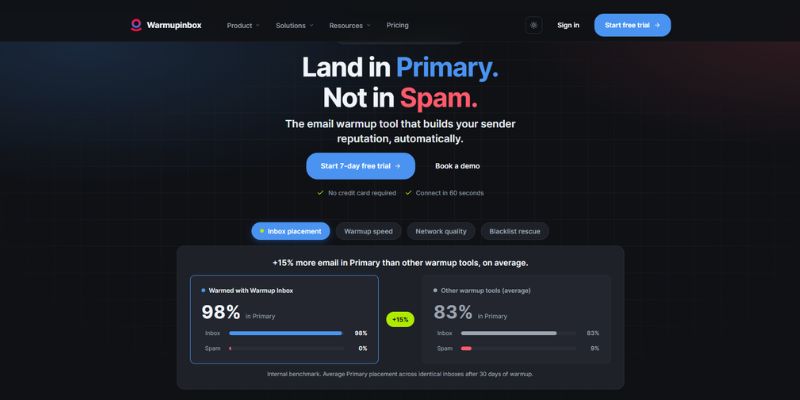
Warmup Inbox, just like Mailreach, is an email warming tool that interacts with your email account just like interested leads would do. As a result, your IP reputation rises.
This warming tool also reduces the likelihood of your domain and inbox being added to any blacklists or being deactivated for suspicion of spam. But to take full advantage of this tools’ benefits, you may have to use it for 45 to 90 days.
It is easy to set up, especially if you know your SMTP settings and your email credentials. It works reliably and simply. A caveat, though, is that some of the emails it sends can look computer-generated so you may have to double-check the content before mass sending emails.
[Related post: How to Send Mass Emails Without Landing in Spam]
Warmup Inbox’s Best Features
Warmup Inbox features include Gmail and Microsoft Outlook integrations, inbox health scores, full sending control, SMPT integration, domain age tracking, and blacklist monitoring.
Warmup Inbox Pricing Overview
Warmup Inbox offers a 7-day free trial. Then, you can pay $19 per inbox per month. One of its advantages is that you can just pay as you go without long-term commitments.
4. Allegrow
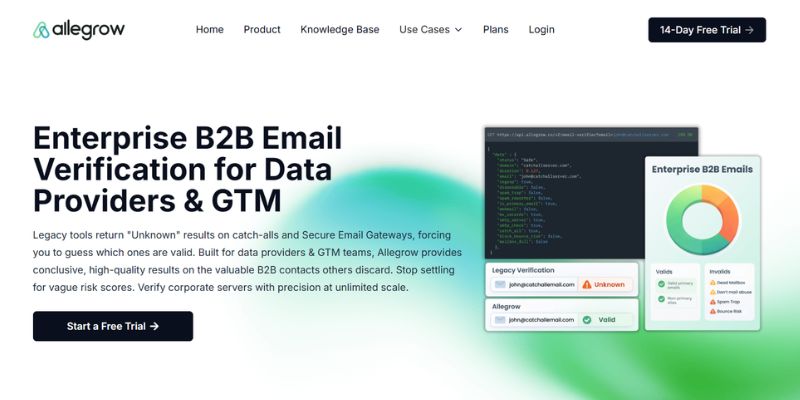
NeverSpam by Allegrow is an email marketing software that helps improve your inbox placement and increase your sender reputation. It monitors and stops your cold emails from landing in the promotion and spam folders.
What the tool does is simulate human activity on your account and provide you with a report on which folder your campaigns are landing in. On the dashboard, you can see your sender’s reputation and guide on how to interact with your email accounts to make them appear more human to your recipients.
NeverSpam’s Best Features
NeverSpam network marks the emails you sent from your account as important and responds to these emails from the receiver’s inboxes. As a result, it increases your domain reputation and signals to ISPs that your emails are relevant and engaging.
NeverSpam connects with Office 365, Exchange, or Google email accounts and sits alongside your current data solutions and marketing automation to increase the impact of the marketing and sales you conduct through these platforms. It also improves your email open rates by making your email account behave like a real human through actions queued each day.
NeverSpam Pricing Overview
5. Folderly
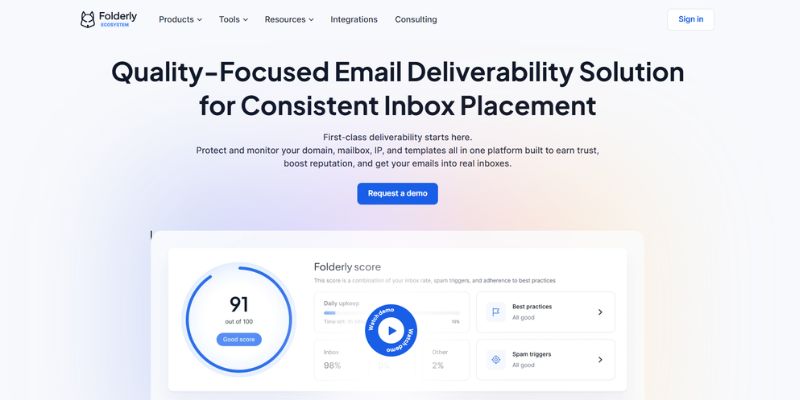
Folderly is an AI-based email deliverability platform for maintaining your email deliverability, spam testing, and email monitoring. Its goal is to help marketers like you accelerate their sales by helping them send emails that drive revenue.
This affordable email reputation tool ensures that your emails don’t go to spam by doing an email deliverability test and Folderly spam fix.
Folderly’s Best Features
Folderly has one-click testing for spam filters, content analysis, and DNS settings. By clicking the email deliverability test, you will know what holds your email deliverability back and ensure that your account will work in the future to its full capacity.
The content analysis feature analyzes all spam words that had been included in email copy and detects what could trigger spam filters. As for the DNS settings, it ensures that DKIM, BIMI, DMARC, and SPF are set up correctly.
Folderly Pricing Overview
Folderly’s core email deliverability service starts at $96 per mailbox per month when billed annually for one to nine mailboxes. The per-mailbox price decreases for larger teams, while businesses with 100 or more mailboxes receive custom pricing.
Folderly also offers Inbox Insights as a separate inbox placement testing product. It includes a free plan with two tests per month, while the paid plan costs $79 per month for 100 tests.
6. Mailwarm
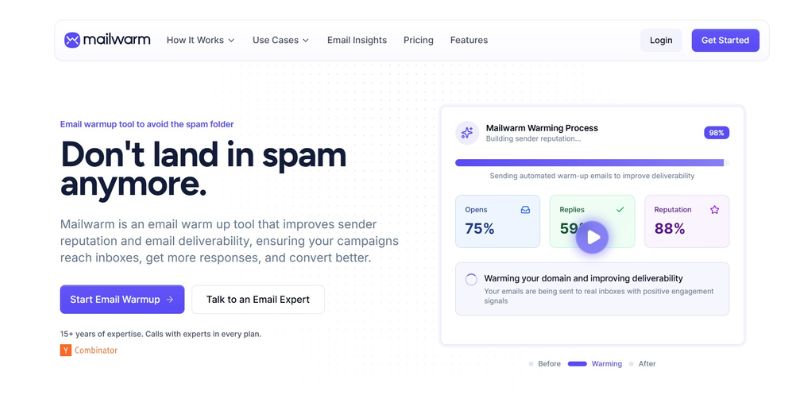
Mailwarm is an email warm-up tool that is focused on making clients reach a perfect email activity by acting like thousands of good leads. It allows you to warm up your email account for cold emailing, keep your email sending consistent, and reach a high positive activity ratio.
Mailwarm’s Best Features
Whether you’ve just started using your email address or have stopped using it for 30 days, Mailwarm gently increases such an email’s sending activity on the first few days. After being progressive with your sending activity, its goal is to get positive actions from your leads and maintain a linear sending.
Its features allow you to control your warm-up, monitor your activity through its dashboard, and plan your daily warm-up frequency.
Mailwarm Pricing Overview
For its Starter package, it costs $69 per month and already covers up to 50 Mailwarm emails per day, one account to warm (1 SMTP), and chat support. They also offer a Growth package for $159 per month (covers up to 200 Mailwarm emails per day), and Scale for $479 per month (covers up to 500 Mailwarm emails per day.
7. Ongage

Ongage is not a direct Mailreach alternative in the traditional sense. Rather than focusing primarily on mailbox warm-up, it is a high-volume email marketing platform that combines campaign management, segmentation, analytics, and automated IP warming.
It may be a better fit for established businesses and enterprise senders that need to manage large email campaigns, optimise audience targeting, and gradually build the reputation of a new sending IP. Smaller teams looking only for a dedicated email warm-up tool will likely find the other Mailreach alternatives on this list more suitable.
Ongage’s Best Features
Ongage offers advanced segmentation, campaign automation, real-time reporting, A/B testing, and integrations with multiple email delivery providers. Its automated IP warming capabilities help businesses gradually increase sending volume when introducing a new IP address.
Ongage Pricing Overview
Ongage plans start at $399 per month for up to one million emails or SMS messages. Because it is designed for high-volume sending, its pricing and feature set are better suited to established marketing teams than individual cold email users.
8. Lemwarm
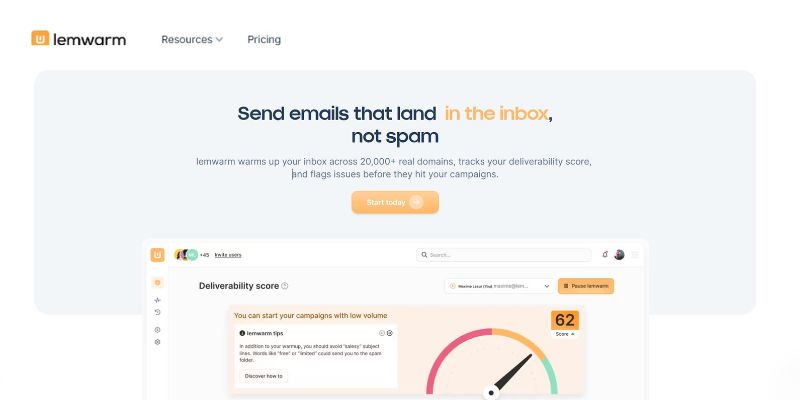
Lemwarm is an email warm-up tool that sends emails to other lemlisters using your account with uniquely generated content using its smart content algorithm.
Lemwarm’s Best Features
Lemwarm provides automated email warm-up through a network of more than 20,000 healthy domains. Its features include technical setup checks, deliverability reports, human warm-up emails, and support for warming up real email templates.
The Smart plan also includes personalised warm-up emails, industry-specific warm-up networks, and custom deliverability alerts and recommendations.
Lemwarm Pricing Overview
Lemwarm’s Essential plan costs $29 per email address per month, or $24 per month when billed annually. The Smart plan costs $49 per email address per month, or $40 per month with annual billing.
Custom pricing is available for teams with more than 10 users. Lemwarm is also included with every lemlist plan.
Make the Inbox Your Destination
The best Mailreach alternative depends on what you need to improve. Some tools focus on automated email warm-up, while others add inbox placement testing, authentication checks, monitoring, campaign management, or support for multiple mailboxes.
Before choosing a platform, compare its warm-up method, provider support, reporting, mailbox limits, and pricing. More importantly, remember that warm-up is only one part of deliverability. Strong email authentication, clean lists, controlled sending volumes, and relevant content still play a major role in where your emails land.