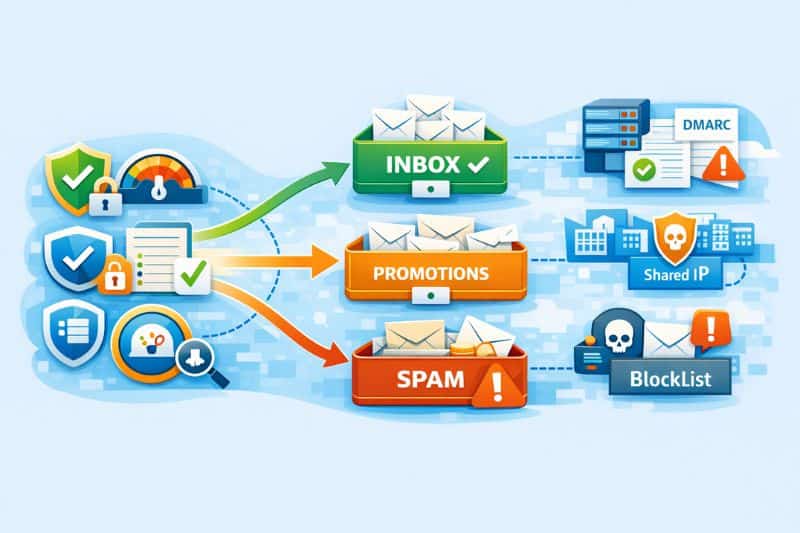
If you’re sending email marketing campaigns, you need to know whether people are actually seeing them.
That sounds obvious, but it’s where a lot of email marketers get misled. A campaign can show as delivered in your ESP and still end up in the spam folder, Promotions, or somewhere else, where it won’t get much attention.
That’s why email deliverability audits are such an important part of every good email program. They help you look at the technical and operational factors affecting inbox placement, so you can see what’s hurting performance and what needs to be fixed.
In this guide, we’ll walk through the main parts of a deliverability audit, including authentication, sender reputation, list health, sending patterns, content, and monitoring. If you want to understand what’s affecting your inbox placement and how to fix it, keep reading!
Key Takeaways
- An email deliverability audit checks whether your emails reach the inbox or get filtered into spam after you send them. Running one quarterly (or before any major campaign) prevents small problems from becoming big.
- It covers six areas, which are all connected: authentication, sender reputation, list quality, sending patterns, content, and monitoring.
What exactly are you checking?
A deliverability audit breaks down into six areas, and they’re all connected in an important order. There’s no point optimizing your email content if your domain isn’t authenticated, and authentication won’t save you if your sending IP ended up on a blocklist you didn’t know about.
Here’s how they go:
- Authentication – are SPF, DKIM, and DMARC configured correctly and aligned?
- Sender reputation – what do internet service providers think of your domain and IP?
- List quality – how many of your contacts are real, active, and opted in?
- Sending patterns – are you consistent, or do you spike and go silent?
- Content – is there anything in the email itself that might trigger spam filters?
- Monitoring – do you even know where your emails land?
Problems tend to cluster in the first two. We’ll get into why.
Email authentication protocols: set up once, break often

SPF, DKIM, and DMARC are the three protocols inbox providers use to verify that an email actually came from who it claims to come from.
- SPF (Sender Policy Framework) tells receiving servers which IPs are authorized to send on behalf of your domain.
- DKIM (DomainKeys Identified Mail) attaches a cryptographic signature that proves the message wasn’t altered after it left your server.
- DMARC (Domain-based Message Authentication, Reporting, and Conformance) connects them together with a policy that tells inbox providers what to do when something doesn’t check out.
The tricky part isn’t knowing you need them. It’s knowing they’re configured correctly. SPF records break when you add a new sending tool and forget to update the DNS. DKIM keys expire or get misaligned during a platform migration. And DMARC is the most commonly misconfigured of all.
According to EasyDMARC’s 2025 adoption report, global DMARC adoption went up by 64% in two years, which sounds great until you dig into the details. The majority of those domains set their policy to p=none, which is monitor-only mode. It collects reports about authentication failures but doesn’t actually instruct inbox providers to reject or quarantine anything. It’s the equivalent of installing a security camera, pointing it at the door, and never checking the footage.
Quick way to check: run your domain through MXToolbox or Google Admin Toolbox. You’ll know in seconds if anything is off. If DMARC passes but the policy is still p=none, the job isn’t finished.
Reputation: the score you don’t control directly
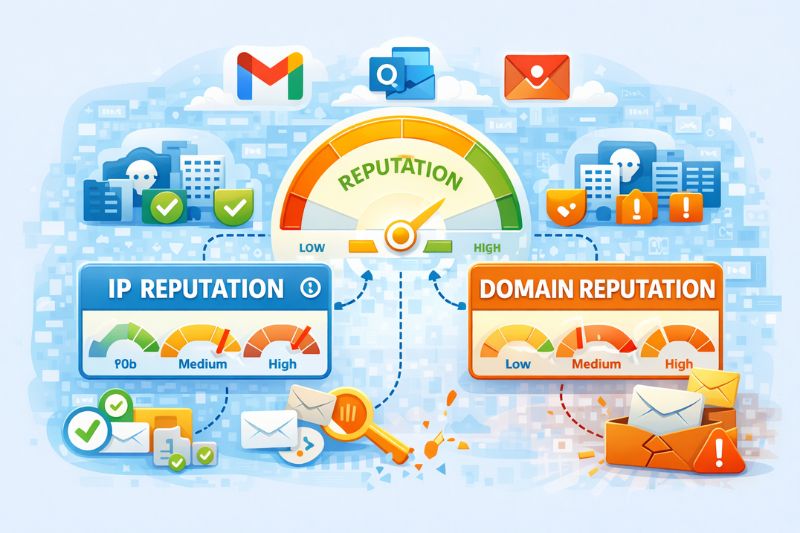
Your sender reputation is how Gmail, Outlook, and Yahoo rate your trustworthiness as a sender. It’s based on things like bounce rates, spam complaints, engagement history, and how long your domain has been sending. You can’t set this number manually. You can only move it through behavior (for better or worse).
There are two separate scores: IP reputation and domain reputation, and they’re evaluated independently. You can have a clean IP and a damaged domain, or vice versa. If you’re sending on a shared IP (which you probably are unless you specifically purchased a dedicated one), the behavior of other senders on that same IP influences your sender score too.
How do you check? Google Postmaster Tools shows spam complaint rates, authentication results, and compliance status for Gmail traffic. It’s worth noting, however, that Google retired the old domain and IP reputation dashboards in late 2025, as part of the move to Postmaster Tools v2. The familiar High/Medium/Low labels are gone, so you’re working with behavioral trends now.
Microsoft SNDS is the equivalent. For non-Gmail providers, and for blocklists, MXToolbox lets you check whether your domain or IP shows up on major lists like Spamhaus, Barracuda, or Proofpoint. If you’re on any of those, there’s a good chance that’s the single biggest thing affecting your inbox placement right now.
On shared IPs, you’re inheriting other people’s decisions. If you want more control without opting for dedicated IP addresses tomorrow, start a free InboxAlly trial and reinforce the engagement signals inbox providers trust while you fix list issues and stabilize your sending patterns.
List quality and decay
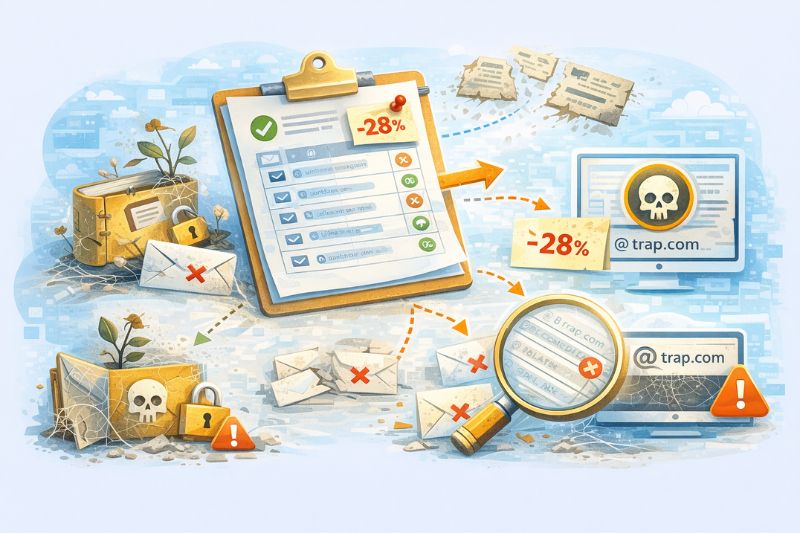
B2B contact data decays at roughly 22–30% per year as people change roles, companies merge or fold, and domains go inactive. That means a list you built a year ago and haven’t touched since might have a quarter of its addresses pointing to nowhere, and every email you send to one of those invalid addresses counts as a hard bounce, which inevitably leads to a poor sender reputation.
Older lists carry an even nastier risk in the form of spam traps. These are email addresses that don’t belong to real people and exist specifically to catch senders who aren’t maintaining their lists. Some are recycled addresses that were once valid but got repurposed by mailbox providers after being inactive for a long time. It can take months to reverse the damage done by sending to these addresses.
The fix is straightforward, even if it’s tedious: run your list through a verification tool like ZeroBounce or NeverBounce before major sends, remove hard bounces immediately rather than letting them accumulate, and set a sunset policy for contacts who haven’t engaged in 90 or more days. If your list hasn’t been cleaned this quarter, honestly, start there before anything else in the audit.
Sending patterns and content
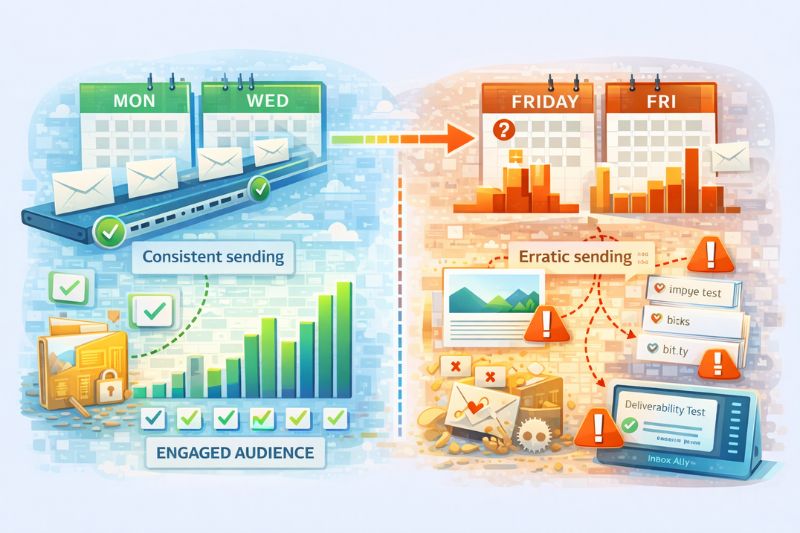
Inbox providers reward consistency. A domain that sends 2,000 emails every Tuesday and Thursday looks like a legitimate email sender with an engaged audience. A domain that sends nothing for three weeks and then sends 15,000 cold emails on a random Friday afternoon looks like something entirely different, even if the content is perfectly fine.
Speaking of content, the old advice about avoiding specific words like “free” or “act now” is mostly outdated since modern spam filters use machine learning to evaluate patterns. But structural issues like emails with a heavy image-to-text ratio, too many links (especially shortened URLs), or missing unsubscribe links can still create problems so make sure to run a test through InboxAlly‘s email tester before you launch. It takes a couple of minutes and catches things you’d never notice by just reading the email in your own inbox.
Monitoring and when to consult deliverability experts

You can pass every check in the world today and still end up in spam three months later because engagement trended down and nobody noticed.
Without ongoing monitoring, you won’t catch that shift until it’s already cost you weeks of placement. Google Postmaster Tools and Microsoft SNDS are free and worth checking weekly. Inbox placement testing, where you send to seed addresses across major providers to see exactly where emails land, gives you an even clearer picture, though most tools that offer it charge for the service.
The difference between email campaigns that consistently land in Primary and the ones that bounce between inbox and spam usually isn’t technical sophistication. It comes down more to whether you treat deliverability as something you check on regularly or something they fix once and forget about.
If you only look when performance drops, you’re always late. Start a free InboxAlly trial and make monitoring boring: track where your emails land, see patterns between sends, and fix issues while they’re small enough to be cheap.
When to audit
Don’t wait for a crisis. Run a full audit quarterly, a quick check (authentication + reputation + blocklists) monthly, and a deeper review before any campaign that’s larger than your usual email sending volume. If open rate drops more than 10–15% without an obvious content reason, audit immediately because almost certainly something changed under the hood and your ESP probably isn’t going to tell you what.