
If you run your marketing through GoHighLevel, sending emails through it feels like the easy part. But what do you do when your campaigns start going to spam? And why does nothing you change about the emails themselves seem to fix it?
There are a few reasons, and most of them have nothing to do with your emails.
GoHighLevel’s built-in email sends from a shared pool of IP addresses, the same ones used by thousands of other agencies and their clients. It gives you no warm-up and no way to keep your reputation separate from theirs, so your inbox placement lives and dies partly on how complete strangers behave.
It takes proper authentication, a dedicated sending domain, an actual warm-up, and steady reputation work to reach the inbox.
So, with all that said, is GoHighLevel’s email any good? Yes and no, and it’s a difference you’ll want to understand before your next campaign. Here’s how it sends, where it lands, where it doesn’t, and what to do about it.
Key takeaways
- GoHighLevel’s deliverability is fine for email sent to warm, opted-in lists, but its built-in sending, which goes through a shared Mailgun setup, is less effective for cold outreach and large campaigns.
- The best way to use it is to handle your domain reputation and inbox placement with a dedicated deliverability tool, and let GoHighLevel do the rest.
What GoHighLevel is meant to do

GoHighLevel comes up constantly in agency groups, usually as the thing that lets someone cancel six other subscriptions. That’s the whole idea behind the marketing, and it’s mostly on point because it gives you one login for the CRM, funnels, automations, scheduling, and, yes, email.
But where does that email land? It’s the last thing mentioned, and not by accident. GoHighLevel is, essentially, a customer database with a marketing system as a side feature, made for agencies managing a few client accounts at once. Email is one item on a long feature list, and as such, it feels like less of a priority. It sends campaigns and reminders to people who already know you, and for that, it does the job. But if you expect it to behave like software built only for sending, you’re in for a rough ride.
How your email gets sent
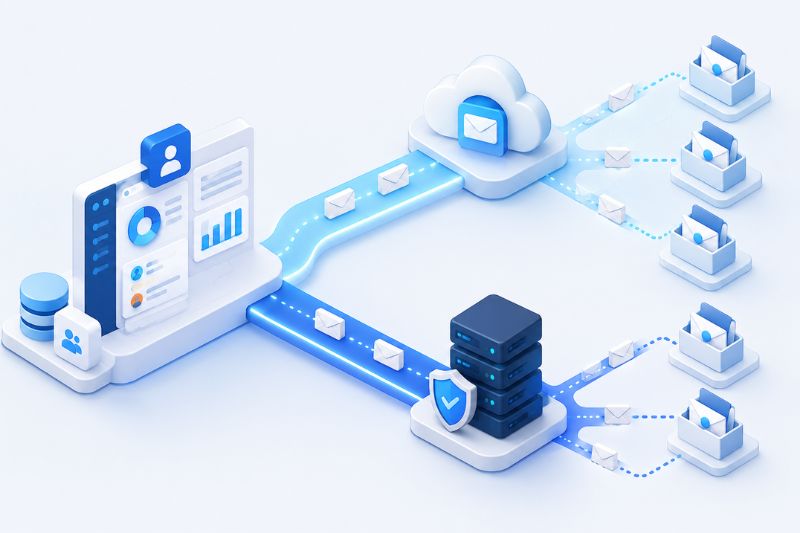
There are two ways email leaves GoHighLevel, and which one you’re using is more important than the settings page lets on.
Out of the box, you’re on LC Email, GoHighLevel’s own sending service. Mailgun powers it behind the scenes, and GoHighLevel deals with the Mailgun side so you don’t have to. Verify your domain, add a couple of DNS records, and every sub-account can send right away. That’s genuinely great for an agency onboarding a new client every week, and it’s a big reason people stay.
The other option is to bring your own setup: your own Mailgun account, or another provider through custom SMTP, sending from a domain and a reputation that are yours and yours alone.
Hang on to that difference, because it decides almost everything that follows. On the default setup, email just works, but only as long as you’re sending to a warm list at a reasonable pace. Cold sending, or high volume, is where that same easy setup becomes the reason you start considering other options. Which brings us to the question everyone actually came here to answer.
So, does it land in the inbox?
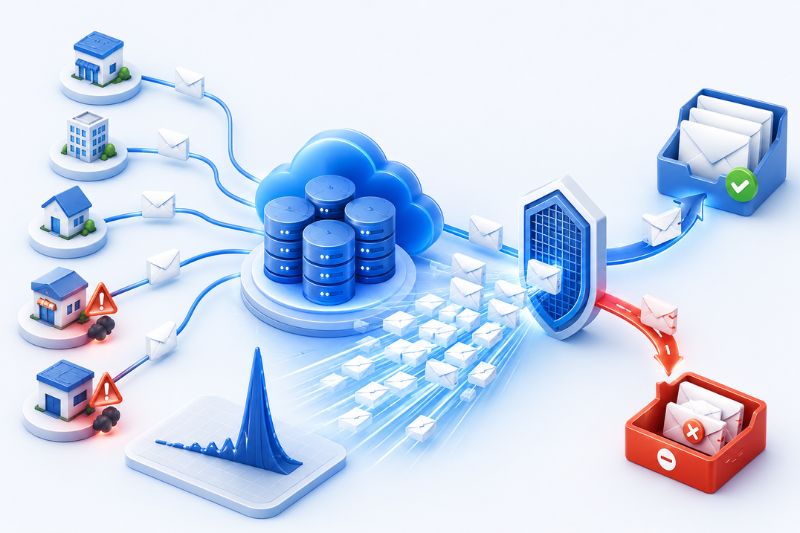
So why do so many GoHighLevel users insist the email doesn’t work when it technically sends fine? It comes down to one decision the platform made for you on day one.
LC Email sends from Mailgun’s shared pool, which means your messages go out from IP addresses you share with thousands of other GoHighLevel agencies and their clients. Now imagine sharing a credit score with everyone in your apartment building. You can pay every bill on time and still get turned down, because the tenant in 4B just doesn’t care.
That’s your sender reputation on a shared pool. If a few of those strangers blast-purchased lists or wander into spam traps, the whole pool’s standing drops, your perfectly normal newsletter included, and nothing on the platform lets you see it happening, let alone fix it.
That’s the catch from a minute ago, and it’s why cold outreach is the worst possible thing to send on the default setup. A cold campaign needs a warm-up first: a new domain earning trust slowly, sending small batches to people who open and reply before it ever attempts real volume. GoHighLevel does none of that for you.
There’s a sending limit you can set, and the app sometimes calls it warm-up, but it’s just a speed limit named as warm-up. Nothing opens your mail, reads it, or replies on your behalf, so no actual reputation gets built. And since nothing precedes your sends, a single bulk campaign can push hundreds of emails out in one go, which is exactly the kind of sudden spike that gets a young domain flagged.
The fixes that actually move the needle
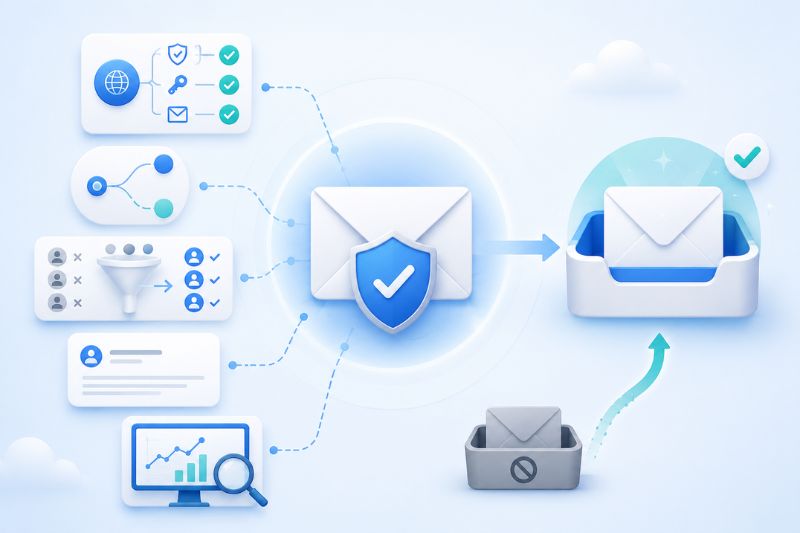
There is some good news, of course. Most of what damages GoHighLevel’s deliverability is in your hands. The catch is that all of it is now your job, since the platform won’t do anything about it. None of it is complicated, at least.
- Get authentication right. Since 2024, SPF, DKIM, and DMARC are not optional, which is why missing or sloppy records cause the bulk of GoHighLevel’s delivery problems. Start DMARC on a monitoring policy, then make it stricter once you’re sure nothing is getting blocked.
- Send from a subdomain. Keep marketing mail off your main domain. A subdomain keeps any reputation damage in one corner, away from the address you use for business email.
- Keep your list clean. Drop hard bounces, complainers, and anyone who hasn’t opened a single email in months. Mailing dead addresses burns money and tells inbox providers you don’t look after your list.
- Keep the emails plain. Templates crammed with images, buttons, and links look promotional, so they get sorted as promotional. Simple, mostly-text emails reach more inboxes, full stop.
- Look at the right metrics. GoHighLevel shows you opens and clicks, but not where the mail landed. The real stats are in your sending provider’s dashboard and in Google Postmaster Tools.
That covers the everyday stuff. What it won’t fix are the two problems wired into the platform itself: the shared pool you don’t control, and the warm-up GoHighLevel never runs.
That’s exactly what a deliverability tool is for. InboxAlly builds a domain’s reputation directly, using a network of inboxes that open your mail, read to the end, reply now and then, click the occasional link, and lift anything misfiled back out of spam or Promotions, until the providers start reading your sends as mail people want.
It works on top of GoHighLevel without ever needing your sending logins or your DNS. So if your open rates have gone through the window, and you’ve ruled out the copy, this is usually what’s missing. Book a free InboxAlly demo and find out where your mail is really going before you send another campaign.
Who should send email through GoHighLevel
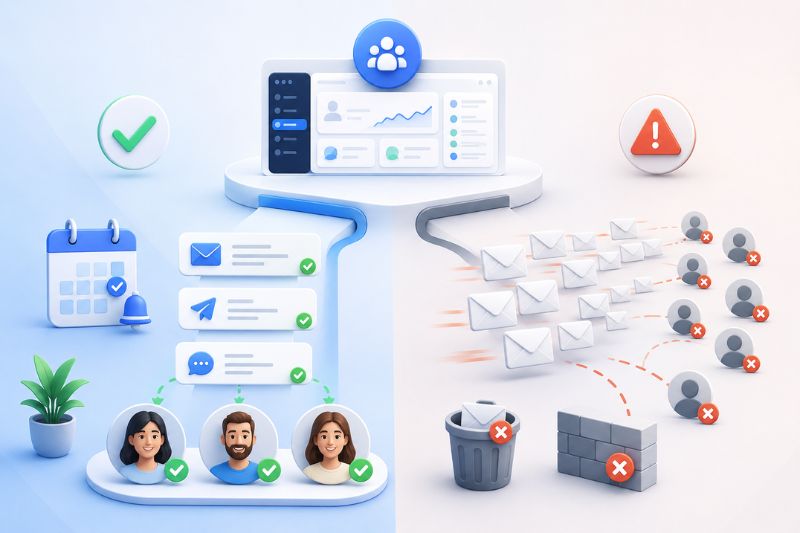
If you’re an agency sending out nurture sequences, appointment reminders, and follow-ups to people who opted in, GoHighLevel’s email is more than fine, and the all-in-one convenience saves money. Same for any business that wants its CRM and campaigns under one roof and sends at a reasonable pace.
Where it doesn’t do as well is the other end entirely: cold outbound at volume, or any business whose revenue depends on landing in strangers’ inboxes by the thousand. GoHighLevel can technically manage it, but between the shared sending and the do-it-yourself warm-up, you’ll spend more time setting it up than using it.
For that kind of work, either combine it with a dedicated tool or move the heavy sending elsewhere and let GoHighLevel do what it’s actually good at.
What GoHighLevel costs

GoHighLevel has two tiers:
- Starter is $97 a month and limits you to three sub-accounts, which should be enough for solo marketers and freelancers with a client or two.
- Unlimited, at $297 a month, removes the sub-account limit and comes with desktop white-labeling, and it’s where most working agencies land.
One thing that the price does not mention is that email, SMS, and calls are billed by usage on top of your plan, so a busy sending month can bring additional costs. There’s a 14-day trial that requires a credit card.
The bottom line
GoHighLevel is a good platform that happens to include email, not an email tool you’d choose for email. Judged that way, it rarely lets you down.
Handle the authentication, the list, and the reputation yourself, or hand the reputation part to something built for it, and your emails will land where people can see them.
And if deliverability trouble comes, let InboxAlly handle the one thing GoHighLevel can’t: prove to mailbox providers that your emails deserve a place in the inbox. Start a free 10-day trial and see your inbox placement improve.