
An average person’s understanding of what an ISP is usually boils down to annoyed calls to the provider when something doesn’t work. Pay the bill, get the internet to work, and that’s the end of the relationship. Fair enough.
But if you send email on any kind of scale, or you’re trying to understand why your messages don’t end up at the intended destination, the concept of an ISP starts being a lot more relevant than your monthly broadband bill.
In this article, we’ll take a look at what ISPs do in the context of email, how they influence inbox placement, and why understanding their role changes how you approach deliverability. Let’s begin!
Key Takeaways
- ISP stands for Internet Service Provider, and it’s the company that connects your devices to the internet by routing data, assigning IP addresses, and managing your connection’s speed and reliability. The tier your ISP belongs to directly affects how efficiently all of this happens.
- In email, inbox providers like Gmail and Yahoo function as ISPs. They control the gateway to the inbox, filtering messages based on sender reputation and engagement signals.
So, what does ISP stand for?
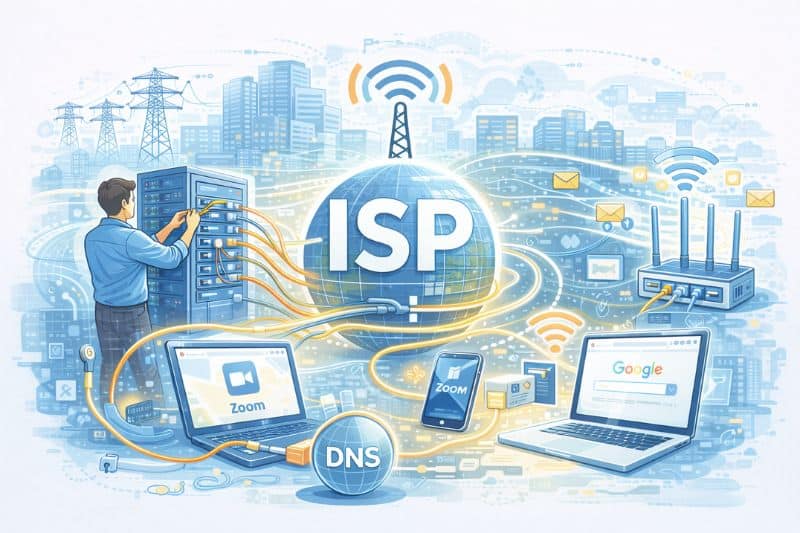
ISP stands for Internet Service Provider.
Your ISP is the company responsible for connecting your home, office, or phone to the infrastructure, routing, and data management that makes everything from a Google search to a Zoom call actually work.
Think of it the way you’d think of a power company. Your devices are the appliances, and the ISP is the grid. Without it, nothing turns on. And just like with electricity, most people only think about it when something goes wrong.
There’s more to your ISP than just keeping Netflix running, though, and that becomes especially relevant if you send email at any kind of volume. More on that later.
What is the job of an ISP?
Quite a lot, actually.
When you type a URL or send an email, a series of processes starts almost instantly. Your ISP is at the center of all of it. Here’s what it does in the background:
- Assigns your IP address – Every device on the internet needs a unique identifier. Your ISP allocates one from its pool of IP addresses, which functions like a return address for any data you send or request.
- Routes your data – Your ISP looks at where your data needs to go and finds the most efficient path to get it there, using a global network of routers and switches.
- Handles DNS translation – When you type “example.com,” your ISP translates that into a numerical IP address so your request can actually reach the right server. Without this, you’d need to memorize numbers instead of domain names.
- Manages speed and reliability – Your ISP controls how much bandwidth you get, how it’s delivered, and how quickly faults get repaired.
The efficiency of all of this depends a lot on which tier your ISP is in, and it’s something you should account for when choosing a provider.
Types of internet connections ISPs offer
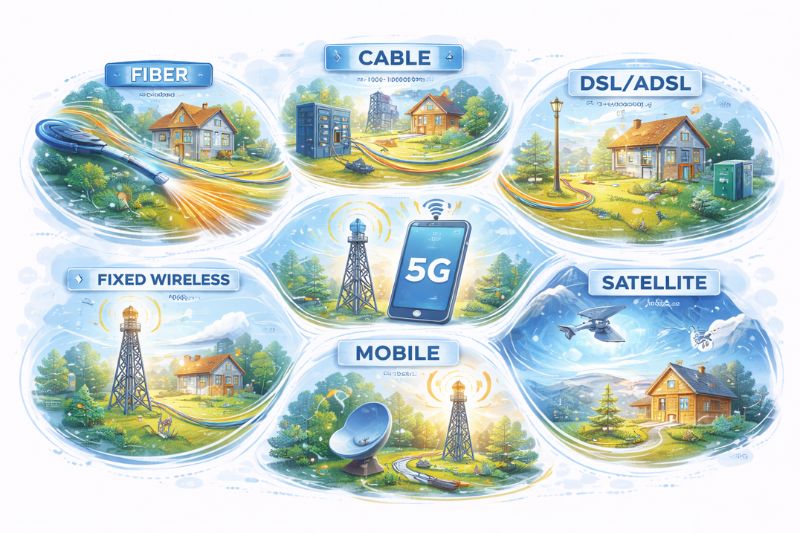
Not all connections are the same, and availability varies depending on where you are. Here’s a quick breakdown of what ISPs typically offer:
- Fiber (FTTP) – Fiber optic cable runs directly to your property. High-speed internet access, best reliability, no dependence on phone lines. Capable of up to 1 Gbps both ways.
- Cable Broadband – Uses coaxial cables, connecting through a fiber cabinet. Fast and widely available, usually ranging from 60 Mbps to 1 Gbps.
- DSL/ADSL – Runs over copper telephone lines. Much slower than fiber, and performance degrades with distance from the exchange. Still common in areas without fiber coverage.
- Fixed Wireless – Radio signals transmitted from a local mast to a receiver on your property. Good coverage in rural or remote areas where laying cable isn’t practical.
- Mobile Broadband (4G/5G) – Your phone carrier becomes your ISP. Flexible and increasingly fast with 5G rollout, though data caps can be a limitation.
- Satellite – Broad coverage, including very remote areas, but high latency due to the distance signals travel to and from orbit.
The connection type your ISP uses directly affects how efficiently it routes your data, which brings us to something that goes largely unnoticed until it causes a problem.
ISP tiers: not all providers are built the same
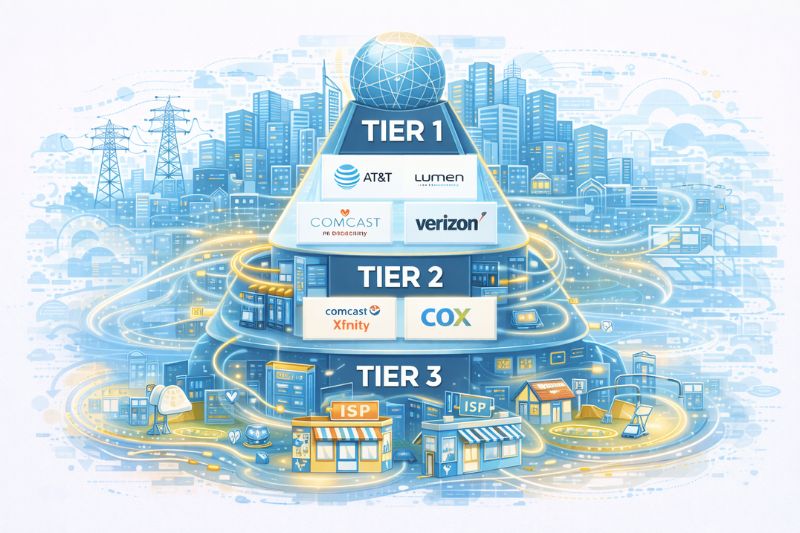
ISPs are classified into three tiers based on how much of the internet’s backbone they own and control.
Tier 1 providers are at the top. They own the core infrastructure, the physical cables, the international networks, etc., and can access any other network through what’s called settlement-free peering, meaning they exchange data without paying each other. AT&T, Verizon, and Lumen are examples. They often manufacture their own hardware too.
Tier 2 providers, which include most national and regional ISPs like Comcast Xfinity and Cox, don’t have the infrastructure. They purchase access from Tier 1 networks but can still peer with other Tier 2 providers without charge. They serve local and regional markets well, but they work at the mercy of whoever is above them.
Tier 3 providers purchase their internet access from Tier 2 (and ultimately Tier 1) networks. They have no peering capabilities, which means more hops in the chain, higher potential for congestion, and slower speeds. They’re cost-effective for light, static usage, but not where you want to be if you need top performance.
Why is this important? Because the tier your ISP occupies determines how directly your data gets where it needs to go. More hops mean more chances for delay, packet loss, and inconsistency. And if you’re sending a lot of emails, that infrastructure chain plays a subtle but significant role in what happens to your messages.
ISPs and email deliverability
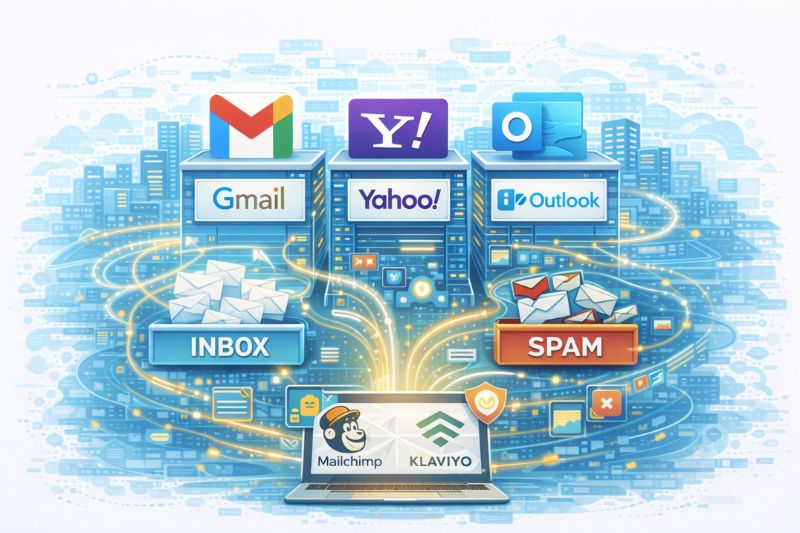
You might not have known this, but Gmail, Yahoo, and Outlook are technically ISPs too.
They’re often called mailbox or inbox providers, but their role in the email ecosystem is essentially the same as that of a traditional ISP for internet access: they control the gateway. And just like a Tier 3 ISP can introduce delays and inconsistency into your connection, inbox providers introduce their own set of filtering, reputation assessment, and routing decisions that determine whether your email lands in the inbox or spam.
When you send an email through a platform like Mailchimp or Klaviyo, your message passes through sending infrastructure, gets evaluated by the recipient’s inbox provider, and is scored based on factors like sender reputation, domain authentication, engagement history, and content signals. Inbox providers decide in milliseconds whether your email is worth delivering.
If you want to stop wondering what ISPs are doing with your mail, get some visibility into it. InboxAlly shows where your emails have been landing recently and helps reinforce the engagement signals these providers actually reward. Try it for free and see what changes when you treat inbox placement as a priority.
How to Choose an ISP
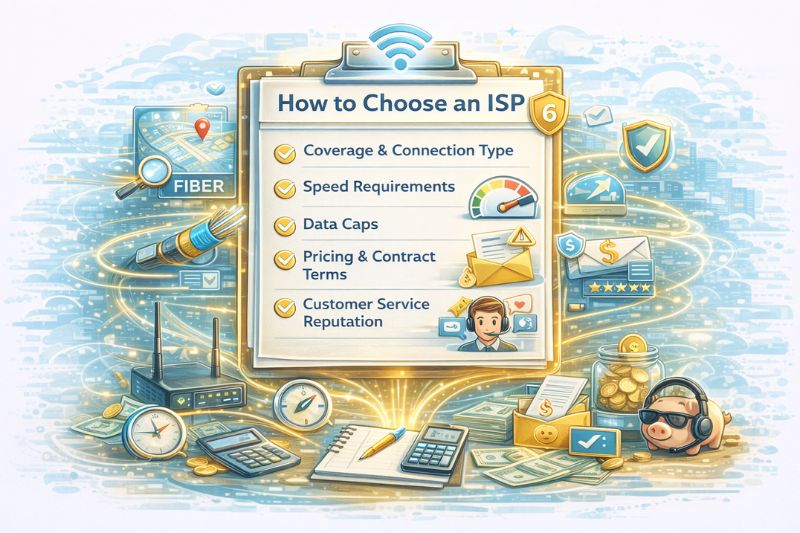
If you’re evaluating providers, whether for home, business, or your sending infrastructure, make sure to consider these factors:
- Coverage and connection type: What’s available at your address? Fiber isn’t everywhere yet, and the difference between what’s advertised and what’s accessible can be jarring.
- Speed requirements: Basic browsing needs very little. Remote work, video conferencing, and high-volume data transfers require much more. Know what you’re actually using before you commit.
- Data caps: Some ISPs throttle speed or charge overages once you hit a data limit. An unlimited plan is usually worth the premium if you’re a power user.
- Pricing and contract terms: Many ISPs offer promotional rates that expire after 6-12 months. Factor in the total cost, not just the introductory one.
- Customer service reputation: This is often underrated for home users but for business use, uptime and fault response time can be make or break.
The Bottom Line
ISPs are easy to ignore until they become impossible to. For most people, that moment comes when the internet goes down. For email senders, it comes when open rates inexplicably go down, and nobody can explain why.
Understanding what an ISP does puts you in a much better position to diagnose problems before they cost you.
So when a big send is coming, don’t rely on hope and a perfect internet connection. InboxAlly can warm up your sending reputation by building the engagement signals Gmail/Yahoo/Outlook trust before the campaign goes out, so your email doesn’t start in spam. Book a free demo to see what it can do for your sending environment.