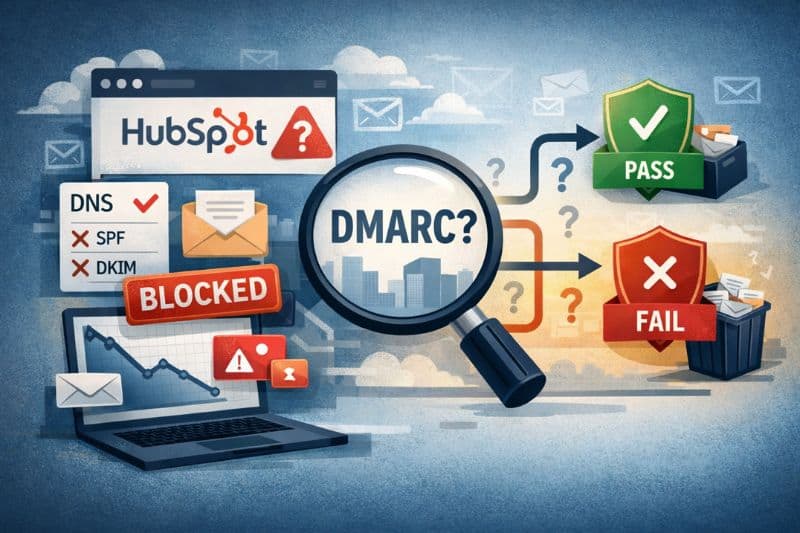
DMARC is a topic that’s been talked about to death, but the same question still comes up: do the same rules apply when HubSpot is involved?
In a lot of HubSpot setups, DMARC issues appear after a domain change or a drop in inbox placement, so the first reaction is to blame HubSpot. What’s really going on isn’t obvious at first, and the usual answers people look for don’t fully explain it.
So in this article, we’ll explain how DMARC in HubSpot works, why it causes so much confusion, and what “working” should look like in your own setup. Let’s begin!
Key takeaways
- DMARC doesn’t fix deliverability on its own. It sets rules, exposes sender issues, and protects your domain, but it won’t help with inbox placement if your reputation and engagement are weak.
- Inbox placement improves when authentication is paired with engagement. Once SPF, DKIM, and DMARC are aligned, consistent user-like behavior is what helps mailbox providers rebuild trust in your domain.
What is a HubSpot DMARC record?
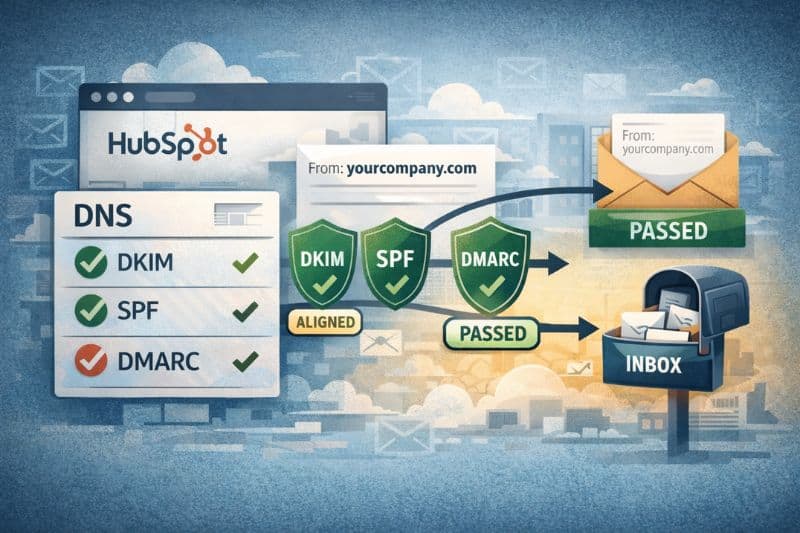
DMARC (domain-based message authentication) is the rule you publish in your domain’s DNS, and mailbox providers use it to decide what to do when an email doesn’t authenticate the way it should.
HubSpot’s part is simpler. HubSpot can send marketing emails under your brand domain only after you prove, through DNS records, that you’ve granted permission. When that happens, DMARC checks whether messages claiming to be from your domain have a valid authentication path that matches the domain shown in the From address.
That matching is the whole point.
DMARC doesn’t demand perfection. It doesn’t require SPF and DKIM to pass every time, but it does require that at least one pass for the same domain your recipients see. If one aligned pass exists, DMARC can pass. If both SPF and DKIM fail, DMARC treats the message as untrusted, and your policy tells providers how strictly to enforce it.
This is why “SPF passed” can still lead to a DMARC fail, and why HubSpot can look correctly set up while inbox placement slowly goes sideways.
Why DMARC fails even when SPF or DKIM “pass”
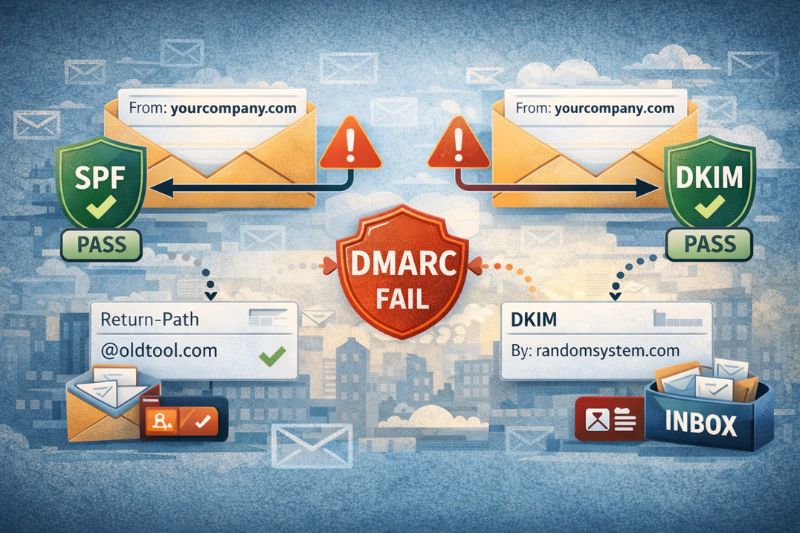
There’s the domain people see in the From line. There are the domain SPF checks (the envelope sender/Return-Path side of the message). And there’s the domain DKIM uses to stamp a signature on the email. In a good setup, at least one of those behind-the-scenes checks matches the From domain. In a messy setup, they don’t.
DMARC asks one simple thing: Does this email match the domain it claims to be from? If SPF passes, but it’s linked to a different domain than the one in the From line, DMARC won’t pass. The same thing happens if DKIM authentication signs the message, but the signature belongs to another domain. An incongruent pass still counts as a fail.
That’s why HubSpot DMARC headaches usually exhibit similar behaviour:
- Messages flagged as partially authenticated
- Campaigns that bounce between the inbox and spam for no obvious reason
- DMARC reports showing senders you didn’t even know were still active
And this isn’t some rare edge case. It’s what happens when a domain has collected years of tools from old ESPs, forgotten CRMs, and random transactional systems, and nobody ever went back to clean the trail.
How HubSpot fits into email authentication protocols
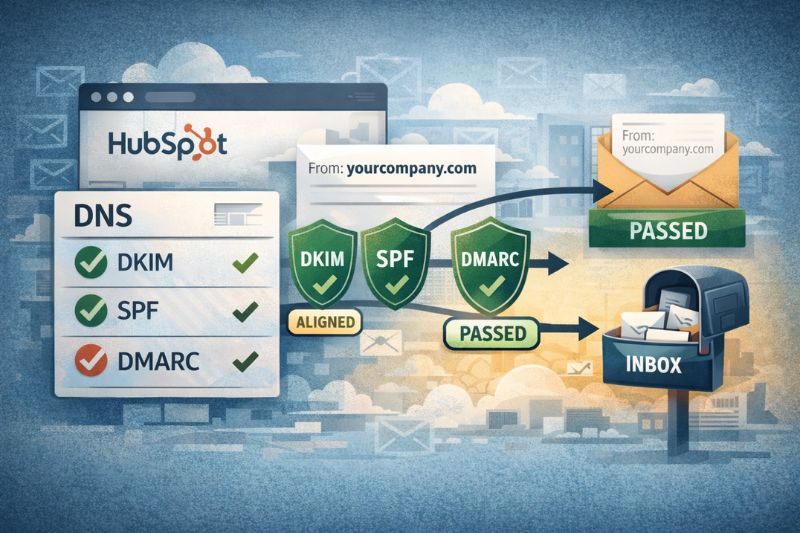
When you connect an email sending domain in your HubSpot account, you’re not “turning on DMARC.” You’re doing something more basic: telling the world, through DNS, that HubSpot is allowed to send as you. Getting your email integration with HubSpot set up correctly at this stage helps avoid alignment issues later on.
HubSpot relies on the same email authentication building blocks as every major sender. They’re just stored in your DNS, not inside your campaign editor.
- DKIM (DomainKeys Identified Mail) is set up with two CNAME records so HubSpot can add a valid signature to the messages it sends for your domain.
- SPF (Sender Policy Framework) is a TXT record that lists who’s allowed to send. HubSpot needs to be included in that list and merged into your existing record, not added as a separate record.
- DMARC (Domain-based Message Authentication) is separate. It doesn’t “help HubSpot send.” It checks whether SPF or DKIM match the domain in your From address, then applies your policy when they don’t.
That separation is why people get stuck. HubSpot can pass the verification process and still fail DMARC because the failure concerns how your domain’s records function as a whole, not just through HubSpot.
The usual suspects when it comes to misconfiguration boil down to these:
- SPF is split into multiple records, so SPF fails or becomes unreliable
- DKIM signing with a different domain than the one you’re using in the From field
- DMARC is set to quarantine/reject before all legitimate senders are properly configured.
Once you draw a clear line between “what HubSpot sends” and “what your DNS claims,” debugging gets a lot less complicated.
Choosing a DMARC policy without breaking email performance
DMARC policies are easy to list but hard to use correctly, and they can easily become a trap if you don’t know what you’re doing.
- p=none is monitoring. This one collects reports and mostly stays out of the way.
- p=quarantine penalizes failures, typically by routing them to spam.
- p=reject does what it sounds it does. It fully rejects email.
The big mistake is jumping to enforcement before you know who’s sending mail as your domain. HubSpot might be fine, but some forgotten system, like an old CRM, can still be using the same domain.
There are also smaller DNS settings that affect the strictness of DMARC, such as alignment mode, subdomains, and rollout percentage. If those are configured incorrectly, DMARC will block email that appears untrusted even when it isn’t.
The DNS mistakes that make HubSpot look guilty
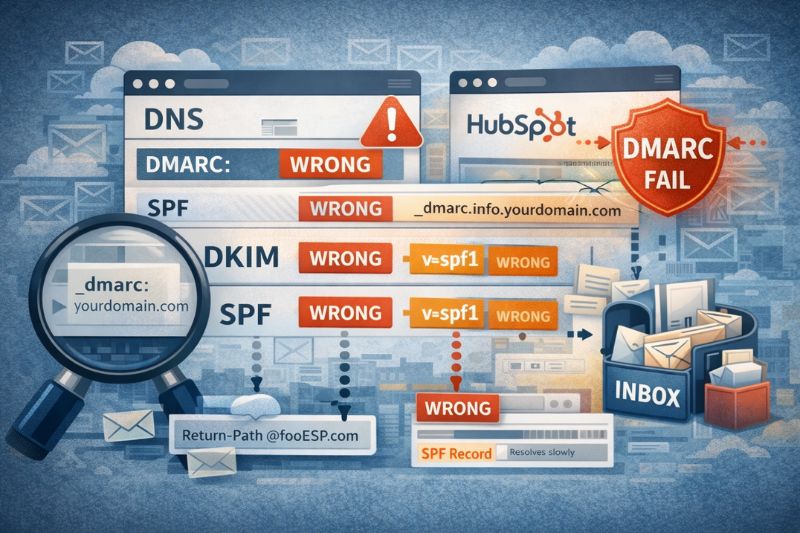
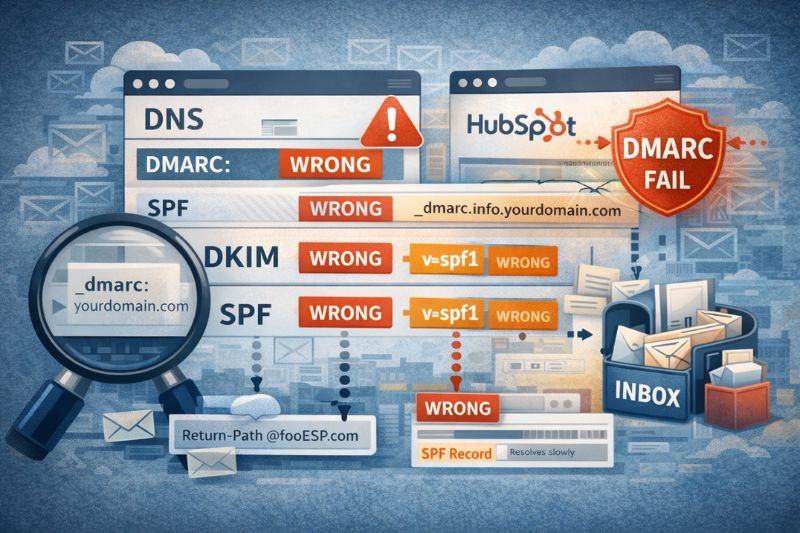
Most issues people label as “HubSpot DMARC problems” don’t start in HubSpot at all. They start in DNS and your broader domain settings. HubSpot is the sender you notice when delivery falters.
One of the most common mistakes is placing the DMARC record in the wrong spot. DMARC only works when it’s published at the _dmarc host for the domain you’re sending from. If you put it on the root domain or attach it to the wrong domain connection, mailbox providers won’t see it the way you expect.
SPF causes trouble just as often. A domain should have one HubSpot SPF record. When it’s split into multiple records, usually after adding another tool or making a quick change, SPF stops validating predictably. That creates alignment issues, and DMARC reacts accordingly.
Domain history is another important factor. Domains that have cycled through multiple ESPs, CRMs, or transactional services tend to accumulate leftover SPF includes and partially removed senders. Those don’t break things outright, but they muddy the signal and can later appear as unexpected sources in DMARC data.
Some DNS providers alter how records resolve, especially for CNAMEs, and this can interfere with DKIM setups that rely on straightforward resolution.
None of these are major changes to a DMARC record, which is exactly why they get overlooked. But they’re more than enough to cause authentication failures, even when HubSpot is set up correctly.
DMARC reports: the only reliable way to see what’s happening
DMARC reports are the closest thing you’ll get to a straight answer. Without them, you’re guessing based on a few test emails, a dashboard pass/fail, or whatever a checker tool decides to show you that day.
These reports tell you who is sending mail as your domain, which IP addresses those messages originate from, and whether SPF or DKIM are passing with alignment. That last part is important. It’s how you uncover the usual surprises when an old system tool you forgot to shut down, or mail that technically “passes” but still fails DMARC.
Aggregate reports are the real meat here. They come in batches and look confusing at first, but they’re excellent at showing you patterns over time:
- Senders you expect vs ones you don’t
- IPs that keep failing alignment
- Authentication paths that look fine but don’t pass DMARC
Forensic reports exist, but most people avoid them. Support varies by provider; privacy is a common concern, and they rarely offer anything beyond what aggregate reports already provide. In most HubSpot setups, aggregate data is enough to move from assumptions to usable facts.
DMARC vs engagement: What helps with inbox placement
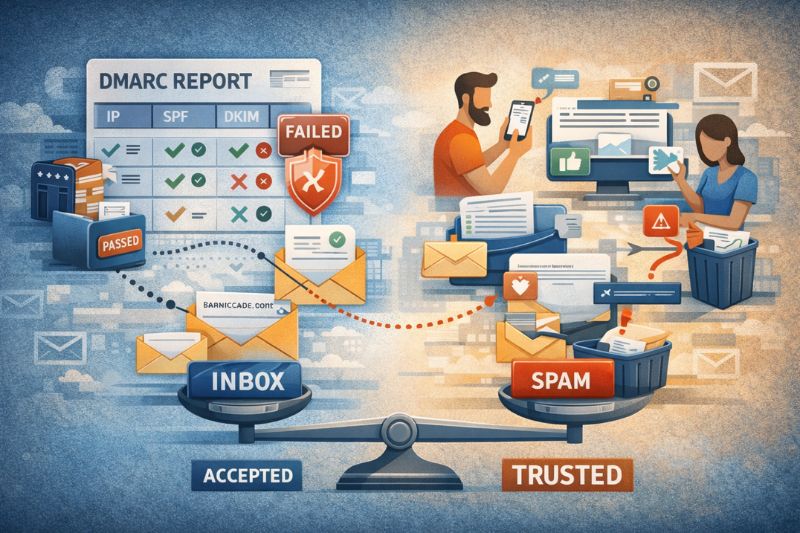
DMARC helps mailbox providers determine whether an email is allowed to be delivered. That’s it. It doesn’t decide where it lands.
Once a message is accepted, inbox providers and spam filters monitor how recipients respond to it. Do they open it or ignore it? Read it or delete it right away? Mark it as spam, or take it out of the spam folder? Whatever engagement occurs, it accumulates over time and determines how much trust a domain earns.
That difference between “accepted” and “trusted” is where InboxAlly can help. When a domain needs to recover, or when a new domain needs a good start, InboxAlly uses seed accounts that simulate real users opening emails, scrolling through them, clicking links, and replying.
When this kind of activity supports a properly authenticated setup, it gives inbox filters better data to work with. Over time, that helps them understand your sending patterns and treat your emails as legitimate emails.
If all this sounds too familiar, and you are battling inbox placement, book a free InboxAlly demo and see how it fits your email outreach setup.
Wrap-up
Thank you for reading.
If there’s one thing to take away, it’s this: DMARC is not a shortcut you want to take. When authentication methods are set up correctly, everything else becomes easier to diagnose and improve.
Take the time to get the basics right. Use reports to see what’s really happening. Pay attention to how inbox providers respond over time, not just whether a check “passes.”
You don’t need perfection on day one. You need progress in the right order. Clean setup first. Real signals next. The rest follows.