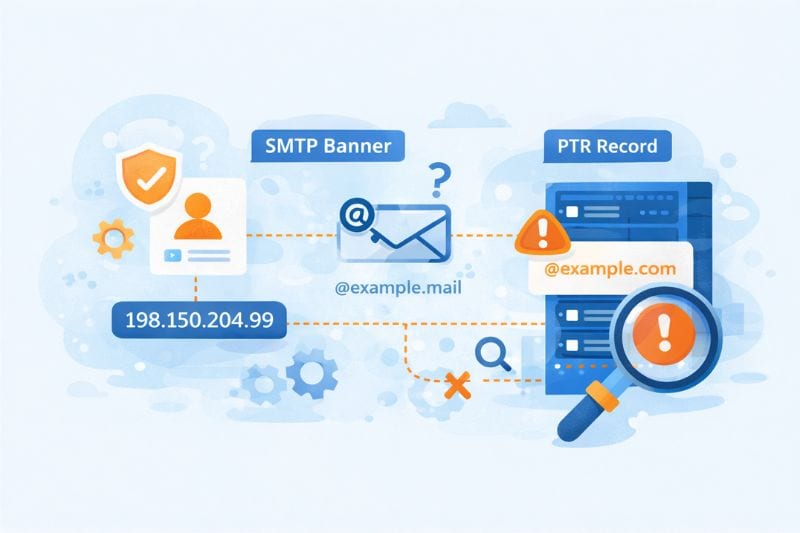
Checking your mail server’s health only to find a “reverse DNS does not match smtp banner” error is not a pleasant sight to see, as it looks suspicious to receiving servers, even if your intentions are pure.
This error essentially means the hostname your server broadcasts when it introduces itself (the SMTP banner) doesn’t match your mail server’s IP address pointer record (PTR). This check exists because spammers rarely control the infrastructure they use to send junk, so mail providers use this handshake as a primary “vouch” for your server’s legitimacy.
This naturally raises an important question: how important is fixing this error, and how much judgment happens before an email is even accepted for delivery?
Below, we’ll break down when this warning affects deliverability, when it’s safe to ignore, and how to decide whether fixing it will affect inbox placement or just silence a diagnostic tool.
Key Takeaway
- “Reverse DNS does not match SMTP banner” means that the hostname your mail server presents during the SMTP handshake is different from the hostname returned by the sending IP’s reverse DNS (PTR) record.
- When it matters: a reverse DNS / SMTP banner mismatch can often be ignored on its own, but it affects deliverability when combined with things like poor authentication and low engagement.
- How to approach fixes: only match the banner and the DNS if you control the IP and hostname, otherwise you risk breaking legitimate mail flows just to clear an error message.
What the SMTP banner and reverse DNS are used for
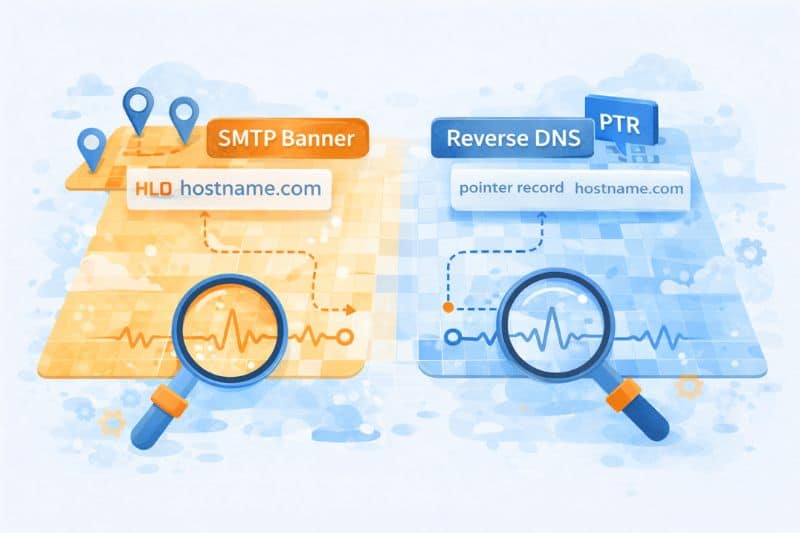
When a mail server connects to another server, the very first thing it does is announce a hostname using HELO or EHLO. That value becomes the SMTP banner. It’s logged immediately and tied to the connection before authentication, content, or reputation even enter the picture.
So why does that matter? Because receivers don’t evaluate email in a vacuum. They observe patterns. Over time, they learn that a specific hostname comes from a specific IP, at a specific cadence, behaving in predictable ways. That’s what allows them to classify traffic properly instead of treating every connection as a brand-new risk.
Reverse DNS looks at the same situation from the other side. Instead of trusting what the sending server claims, the receiving server performs a PTR lookup on the IP to see what hostname the network associates with it.
But, if neither the banner nor the PTR proves anything, why compare them at all?
Because mismatches are rarely random. When the SMTP banner has one identity and the IP resolves to another, receivers start asking whether the sender actually controls its infrastructure or is inheriting it indirectly, either through shared hosting, resold IP space, or poorly maintained server configuration. That question becomes more important at scale, where bad actors also rely on borrowed or disposable infrastructure.
Does that mean every mismatch is a problem? No. Shared environments do this constantly, and inbox providers know it. What causes suspicion isn’t the mismatch itself, but a lack of intent: default banners, generic PTRs, rotating names, or setups that look assembled rather than operated.
The point of the check is to detect whether a mail server has a coherent identity or is just passing through.
When configuration issues stack the odds against you, engagement is what truly resets trust. InboxAlly reinforces the engagement signals ISPs pay attention to, often better than any single infrastructure tweak. Book a free demo and see what InboxAlly can do for your inbox placement.
When this error becomes a deliverability risk
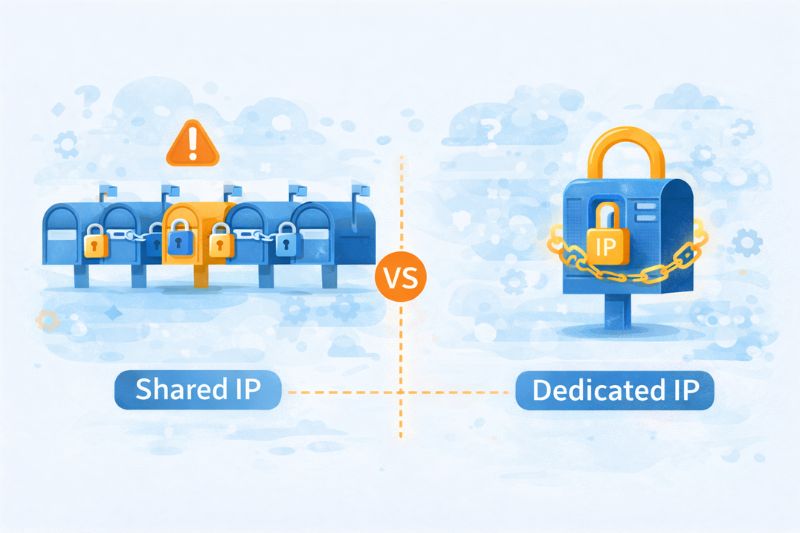
Dedicated IPs vs shared sending environments
This warning is very common on shared infrastructure. Cloud SMTPs and shared hosting pools assign IPs at scale, name them according to internal conventions, and don’t tailor PTR records to individual customers. Your SMTP banner might reference your sending domain or a branded hostname, while the reverse DNS points to something like mail-123.provider.net. That’s normal.
The important part is control.
On shared IPs, receivers assume you don’t own naming, so they expect some mismatch and discount it accordingly. Trying to force alignment in these setups often backfires, either because you can’t change the PTR at all or because you end up advertising an identity you don’t truly own.
Dedicated IPs are different. Here, mismatches can be an issue because the assumption is now opposite. If you control the IP, receivers expect you to control its naming too, so a banner claiming one identity while the PTR claims another suggests unfinished setup, leftover defaults, or infrastructure that’s been sloppily repurposed. Obviously, none of those inspires confidence.
Counterintuitively, it’s more important that the configuration makes sense with the level of control implied by your infrastructure than whether the names match perfectly.
Pattern matching first
This warning almost never comes alone. On its own, it’s usually nothing to worry about. But more often than not, it comes with other clues that point in the same direction.
Poor engagement is the most common accelerator. If users aren’t opening, clicking, or replying, receivers start scrutinizing everything else more closely. A mismatched banner that usually isn’t a problem can now create email delivery issues.
Authentication issues like piled-up SPF includes and half-encrypted DMARC policies take it even further. While not fatal individually, together they uncover sloppiness, and the banner mismatch fits neatly into that narrative.
But probably the biggest indicator of them all is identity inconsistency. One week, the banner uses a branded hostname; the next week, it reverts to a default. IP stays the same, volume fluctuates, domains rotate. Technically valid, practically messy.
For example, a sender who runs a dedicated IP with properly configured SPF and DKIM, leaves the SMTP banner at the default Postfix hostname, keeps a generic PTR record, and sends in uneven weekly volume spikes. Nothing is wrong “on paper”, yet email deliverability is almost guaranteed to degrade.
When do you risk getting penalized?
Penalties are usually applied during transitions. Cold IPs don’t get much benefit of the doubt, and new domains paired with incoherent infrastructure get classified cautiously. Inconsistencies like these slow trust formation when trust is at its utmost importance.
Common causes you’ll see
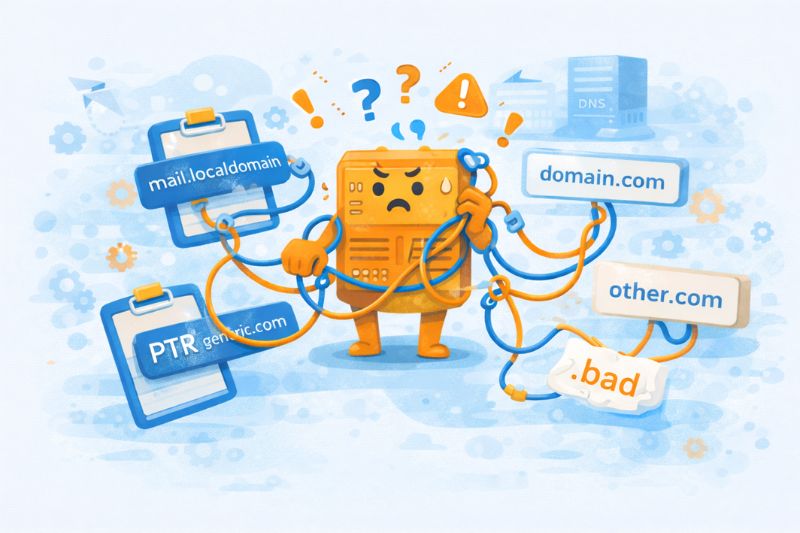
You rarely see this warning because someone did something outrageous. Most of the time, it comes from a handful of very ordinary setups that went wrong just enough to look sloppy.
- Generic PTRs set by hosting providers. Most hosting providers assign reverse DNS settings automatically and never revisit them. The PTR points to a provider-owned hostname, while the SMTP banner uses something custom. That’s fine on shared infrastructure, but not so much on dedicated IPs.
- Unchecked default SMTP banners. Postfix announcing mail.localdomain or exchange exposing an internal host name is still shockingly common, even though the issue has been discussed to exhaustion. This is less about correctness and more about neglect.
- Multiple domains are sending from one IP. One IP, several domains, rotating banners depending on the application or mail flow = this error, almost 100% of the time.
- Infrastructure changes without DNS configuration revision. An IP might be reassigned, a mail server rebuilt, or a provider swapped, but only part of the identity gets updated. The SMTP banner changes while the PTR is left behind (or vice versa), and the mismatch persists long after the original change.
All these cases show what happens when email infrastructure changes incrementally rather than by design.
What to do next
If there’s one takeaway, it’s that alignment matters more than perfection. Mail systems are trying to understand whether your infrastructure behaves like something that’s owned, maintained, and predictable.
Use warnings like this to ask better questions about control, consistency, and intent. Verify changes against actual delivery results, not just scanner output. And resist the urge to “fix” anything that doesn’t impact inbox placement in practice.
Clean configurations help; coherent systems help more. But the best thing you can do for deliverability is actively reinforce positive engagement so inbox providers trust your mail right from the start.
Book a free InboxAlly demo to see how guided engagement can help move your emails out of spam straight into the inbox and keep them there as you make infrastructure changes like this.