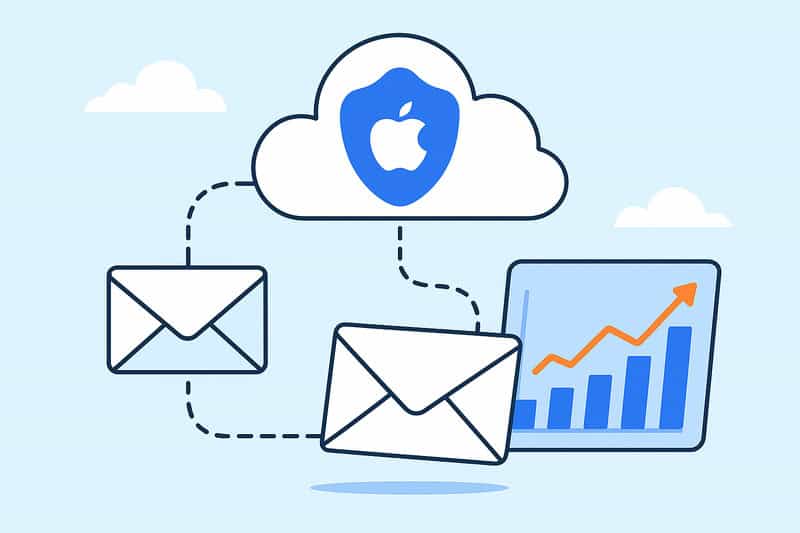
Suppose you’ve noticed your open rates suddenly skyrocketing for no reason. First, congrats! Second, don’t get too excited. Ever since Apple introduced Mail Privacy Protection (MPP), marketers everywhere have been watching their stats rise while their actual engagement has stayed mostly the same.
It feels weird, and it kind of is. Apple’s Mail app now opens emails automatically through its servers, which makes every campaign look more successful and more confusing. For marketers who rely on data to make decisions, that small privacy change turned into a full-blown tracking problem.
In this article, we’ll break down what that Protect Mail Activity setting does, how it reshaped email marketing, and what “open rate” means in a world where you can’t tell who actually opened anything.
Key takeaways
- Mail Privacy Protection didn’t kill email marketing. It exposed weak metrics. Open rates are inflated, but engagement still rules inbox placement. Genuine actions like clicks, replies, and read time matter more than ever.
- Apple turned privacy into a product. The main goal behind MPP is trust. By making privacy a visible, default choice, Apple changed how users think about data and how marketers have to prove value.
- Adaptation is the new advantage. Successful senders now rely on first-party data, authentic engagement, and tools like InboxAlly to rebuild trust signals and stay visible in a privacy-first world.
What Apple’s mail privacy protection really protects
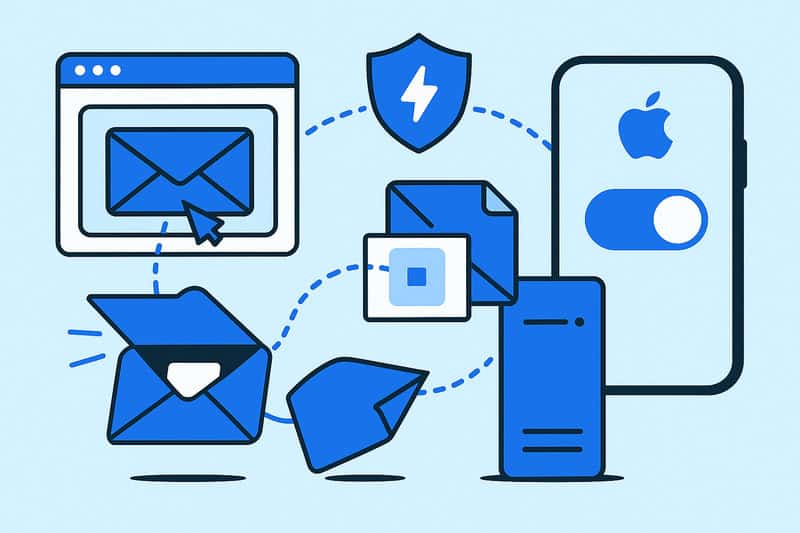
In plain English, Mail Privacy Protection (MPP) is a small switch in your Mail app that you can turn on, have Apple hide your IP address, and automatically downloads all the images in your emails, including the tracking pixel marketers rely on to see who opened a message.
But behind that simple description is a more complex setup. Apple routes your email activity through two separate relays:
- One that removes your IP address, so senders can’t trace your location or device.
- One that downloads the remote content (like those tiny pixels) from Apple’s own servers instead of yours.
To users, that’s privacy done right: no one can tell where you are or whether you even opened the message. To marketers, it’s a complete nightmare. Every “open” from an Apple Mail user looks the same. There’s no real timestamp, location, or a single way to tell if the person even saw it.
For the email industry, this was more than just a technical update. Apple wanted users to see privacy as a default, and in doing so, it rewired the foundation of how marketers measure engagement. From that point, every open looked identical, and data-driven decisions had to be rebuilt from the ground up.
The ripple effect nobody expected

When Apple first announced Mail Privacy Protection, most email marketers shrugged. “Fine,” they said. “It only affects open tracking. We’ll survive.”
Then the numbers started coming in, and open rates exploded. Lists that used to average 25% suddenly showed 60% or higher. It looked like success, but it wasn’t. It was static that just looked like useful data.
Without actual open rate measurements, marketers lost one of their simplest filters: knowing who was still worth being emailed.
- Re-engagement campaigns went off the rails.
- Segmentation became based on guessing.
- A/B tests turned meaningless because every version “performed well.”
While that was going on at Apple’s end, mailbox providers like Gmail and Outlook kept working the same way they ever had. Even to this day, they track the important stuff: how long someone reads, whether they click, and if they delete without opening. Those actions set the rules for sender reputation and inbox placement.
So, while marketers celebrated “record-high” engagement, the algorithms adjusted in the background, and the senders who depended on open rates to steer their strategy went off course by more than a mile.
That’s what no one saw coming: privacy blurred the data and reshaped the rules of who gets time in the inbox at all.
A world of fake engagement

When Apple Mail started pre-loading emails in the background, opens stopped meaning anything. Campaigns that nobody in fact read suddenly showed perfect engagement. You could send to a dead list and still look like a genius.
That illusion broke one of the oldest tools in email marketing: the open rate as a pulse check. Marketers relied on it for everything: segmenting active users, testing subject lines, and timing re-engagement campaigns. Once MPP blurred that line, the entire system lost its balance, and marketers lost their only sanity check tool.
The next instinct was to move toward clicks. At least those are real actions, right? But even that’s getting complicated. Click privacy is starting to be more strict, and link tracking is the next frontier under scrutiny. What’s left is only what can’t be faked: replies, scroll depth, read time, and genuine interaction.
Every email service provider (especially Gmail) sees those behaviors even when marketers don’t. That’s how they tell the difference between wanted and ignored mail.
So the focus is moving from surface metrics to authentic engagement:
- Who interacts with your message?
- Who stays subscribed?
- Who forwards your content?
This is a change in mindset, not just a data problem. Old tactics like list purges and subject-line tests can still work, but they don’t have as much to do with inbox placement as they used to. The name of the game now is following practices that algorithms trust and audiences feel.
Privacy as product design
Apple’s Mail Privacy Protection wasn’t made to hurt marketers. Their incentive to build it was to sell trust. Privacy has become one of Apple’s biggest products, right alongside the iPhone, MacBook, and other Apple devices. In a time when every app seems to track your clicks, scrolls, and even movements, people want control, and Apple gave it to them in one simple switch.
By making Protect Mail Activity a visible setting inside the Mail app, Apple turned privacy into something you choose, not something buried in fifteen pages of terms of use. Most users enable it instantly, often without reading the details. It’s framed as the smarter, safer default—and it is, from their side.
From Apple’s perspective, MPP is a feature that goes well with their brand strategy. Every time someone turns it on, it reinforces Apple’s promise: your inbox is yours only. Not your marketer’s. Not your data broker’s. Just yours.
And that’s the brilliance of it! Privacy stopped being a back-end concept and became a front-end experience.
What email marketers learned the hard way

The smartest senders didn’t waste time complaining when MPP launched. They adapted… as quickly as they could.
They stopped treating open rates like truth and started paying attention to what makes a difference:
- Who clicks.
- Who replies.
- Who buys.
- Who unsubscribes.
These are harder to fake and far more valuable because they show intent firsthand.
Marketers also began using first-party data: things like website visits, in-app activity, and CRM updates. They did it in addition to the limited data Apple still provides. That combination helped rebuild a more reliable view of customer behavior.
Some switched to server-side tracking, where they got more reliable engagement data directly from their systems instead of relying on client-side pixels. Others started using deliverability tools that simulate engagement and teach mailbox providers to trust their messages and keep them in the inbox, instead of the spam folder.
The common thread here is adaptation. The marketers who thrived after MPP were the most curious of the bunch. They tested, learned, and accepted that privacy-first marketing was just a new kind of math.
In short, they stopped chasing pixels and started chasing proof that inbox algorithms can trust.
Inbox placement in a privacy-first world

Now that we’ve seen the user side of privacy, it’s worth taking the perspective of the mailbox providers, who are actually the ones who decide where your emails land.
Gmail, Outlook, and Yahoo still evaluate senders using the same core ingredients: engagement, click activity, complaint rates, and consistent sending behavior. Mail Privacy Protection didn’t change that; it just made it harder for you to see.
That’s the catch: inflated Apple Mail opens might make your campaign look great on paper, but if subscribers aren’t clicking, replying, or spending time on your emails, mailbox providers will know. Because of this, your sender reputation can decline while your dashboard insists everything’s fine.
This is why deliverability has become a game of proof, not perception. You have to show the mailbox algorithms that your mail is wanted.
This is where InboxAlly can make a huge difference. By creating positive engagement with all major inbox providers, it strengthens the signals that matter (opens, clicks, replies, and read time) so your messages stay visible and trusted.
Because in a privacy-first world, inbox placement is about teaching the system that your emails deserve to be read every time.
So, on or off?
You can’t turn off where the internet is heading. Privacy is the new baseline, and even if users could toggle Mail Privacy Protection off, most wouldn’t.
The real question isn’t on or off but how you adapt.
Inbox placement now depends on authentic engagement, not vanity metrics we’ve been married to for too long. Opens, as we knew them, are gone. What matters is proof that your audience actually interacts with what you send.
The marketers who are ahead in this new way of sending emails are mastering the change instead of resisting it. They’re building trust with better data, genuine engagement signals, and the latest tools like InboxAlly that help deliver results where pixels no longer can.
If you’re in the same boat and want to see your campaigns spruce up with real results, book a free demo with InboxAlly. Sometimes, a small push from the right partner can take you a long way.
About the Author
Darren Blumenfeld is the CEO and Founder of InboxAlly, an email deliverability platform trusted by growth-focused marketers. He’s previously founded HonestMail, worked at NASA, and holds degrees from Tufts and Columbia. His passion for tech, education, and creativity continues to inspire innovation in email outreach.