Email tools and revenue systems are two sides of the same coin. One helps you send messages, the other determines whether those messages turn into money.
- Email tools handle sending using the mechanics of editors, pre-built automation templates, scheduling, and everything else that gets an email out the door
- Revenue systems work with the logic of all that: advanced segmentation, behavioral data, automation rules, and how it all holds together as you send more emails.
Both of these aspects require good tools. Without them, no email marketing strategy or broader marketing efforts will live up to their potential. Mailchimp and Klaviyo are among the most widely used email service providers, and in this article, we’ll look at how each one works, what makes them stand out, and the trade-offs of choosing either. Keep reading!
Key takeaways
- If you run an ecommerce business and revenue depends on tight-knit segmentation and multiple automations working together, Klaviyo is usually the better fit because it handles overlapping flows and advanced automation more reliably as you scale.
- If you run mostly campaigns, newsletters, and a few basic automations within a broader marketing setup, Mailchimp is often easier to use day to day, with less setup and quicker execution.
Are you buying an email tool or a revenue system?
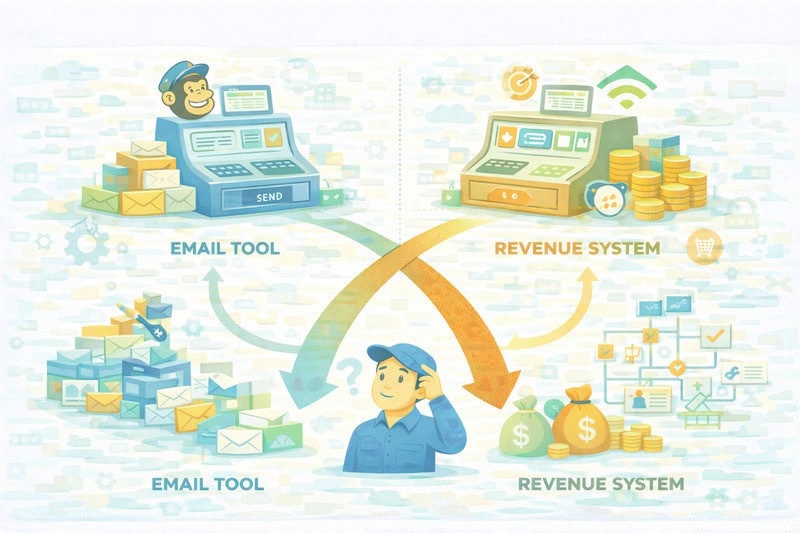
Most Klaviyo vs Mailchimp comparisons start with editors, templates, and dashboards. That’s understandable as those are the parts you work with every day, but that’s not where the money is made (or lost).
Once you go past basic email campaigns, requirements change, and the natural question becomes what the platform optimizes for.
Mailchimp allows you to publish emails in a wide range of use cases. Klaviyo helps you turn customer behavior into revenue, even if that means more upfront setup. That structure becomes even more effective when paired with a solid klaviyo email integration. That framing explains a lot of the day-to-day problems people run into later, but have a hard time putting into words.
Mailchimp is easier to get started with. You can just launch campaigns without too many setup decisions. Klaviyo usually requires you to define things like lists, events, and rules before you send, which gives it a structure to rely on later with more specific targeting.
We’ll get to the “ease of use” later, but for now, keep this in mind: the time you spend early is not wasted. It helps later, usually when multiple automations are running, and the same customer qualifies for more than one at once.
The day-to-day experience: speed vs setup
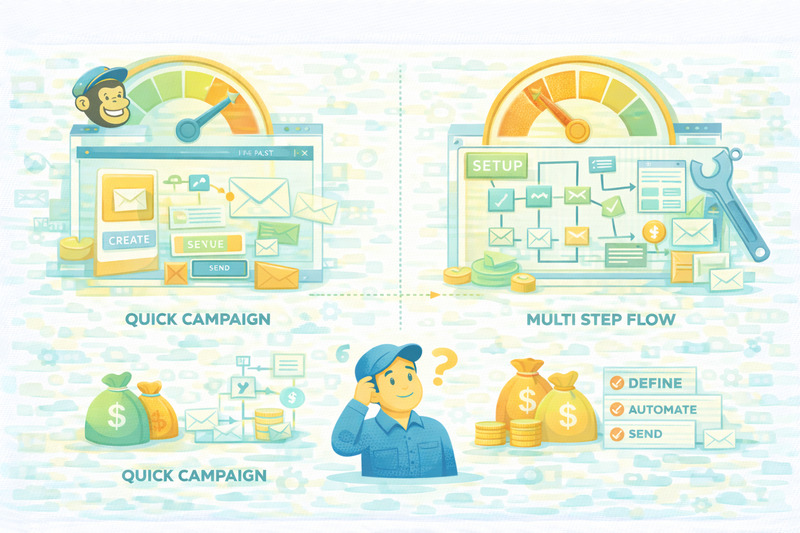
So how do both of these platforms feel with a hands-on keyboard when you’re trying to get a campaign out before something else steals your attention?
With Mailchimp, as soon as you log in, you’re in the dashboard where you can click “create”, pick an email, and you’re good to go. Fewer required decisions upfront and fewer places to get stuck. For a one-off campaign or a simple newsletter, this intuitive interface is God-sent.
Klaviyo takes longer to load the editor. There are more steps, more context to define, more structure to lock in early. The steeper learning curve in Klaviyo’s email builder can be daunting, especially at low sending volumes when you just want to write and send an email.
However, as soon as you’re running regular email marketing campaigns and multiple flows, you begin asking, “How fast can I draft?” instead of “How much of this work can I reuse?” In that sense, Klaviyo’s setup pays dividends for campaigns with shared audiences, logic, and blocks.
Is Mailchimp even an option then? It depends on what you can sacrifice:
- The productivity tax: how many clicks and decisions before you can start writing.
- The productivity gain: how much targeting, logic, and layout you don’t have to rethink next time.
But to give you an answer anyway, here’s how you can choose:
Pick Mailchimp when:
- You’re mostly sending campaigns without many automations.
- Speed matters more than reuse.
- Your targeting is fairly simple.
Pick Klaviyo when:
- Campaigns and flows overlap.
- Segments get reused across campaigns.
- You don’t want to keep rebuilding everything from scratch.
This is not a matter of taste but whether you’re optimizing for today’s send or next month’s workload.
Segmentation: how they handle today’s targeting standards
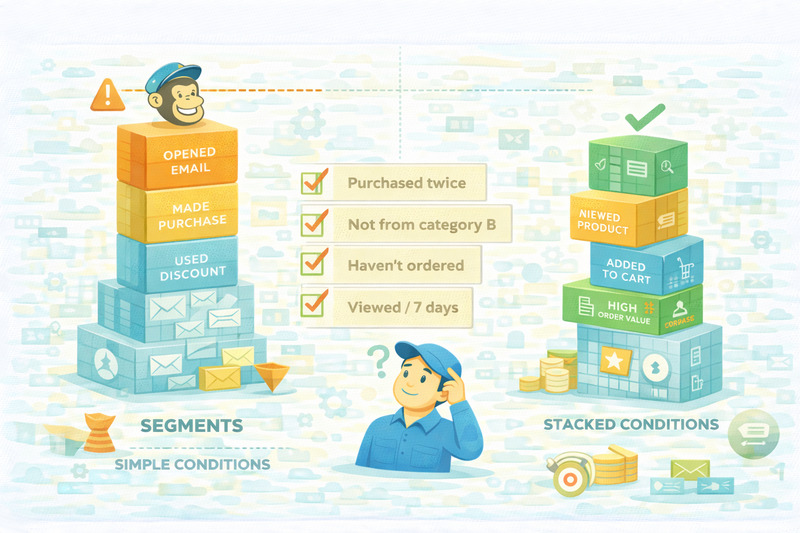
Back in the day of MySpace and RSS readers, segmentation was considered “advanced marketing.” Today, it’s just how you avoid sending dumb emails to the wrong people and paying for it later in unsubscribes, terrible campaign performance, and wasted effort.
At a basic level, both Mailchimp and Klaviyo let you group people by things like opens, clicks, and purchase history. That’s a standard for almost all email marketing tools and the foundation of building usable customer profiles. But how specific can you get with each of them?
There’s a practical difference between a few conditions and as many as you need.
With simpler segmentation, you can group people based on whether someone purchased or opened the last campaign, which works well for broad sends.
Once you’re operating more seriously, the questions change, and segmentation can get very specific. For example:
- Who bought twice in the last 60 days but not from this category?
- Who viewed a product, added it to the cart, didn’t buy, and hasn’t ordered since?
- Who has a high order value but only converts when there’s a discount?
Mailchimp supports segmentation like this, but it’s constrained. You can hit a ceiling where the logic you want doesn’t quite fit, or you have to simplify to build the segment. That’s usually where things stop being enjoyable.
Klaviyo removes most of those limits. Segments can stack conditions freely and, more importantly, they update automatically as behavior changes. You don’t move people between lists. Instead, you define the rule once and let it run.
Here’s a segment you’d actually use:
Customers who purchased in the last 90 days, haven’t ordered again, and viewed a product in the last week.
That group is perfect for a targeted nudge. It’s not a blanket promo or a generic newsletter. You need a message that acknowledges where they are.
This is also why dynamic content works so well these days. Showing different products inside the same email is practically segmentation rendered on screen. The logic decides who sees what, and the layout just delivers it.
Automation: how they handle flow overlap at scale
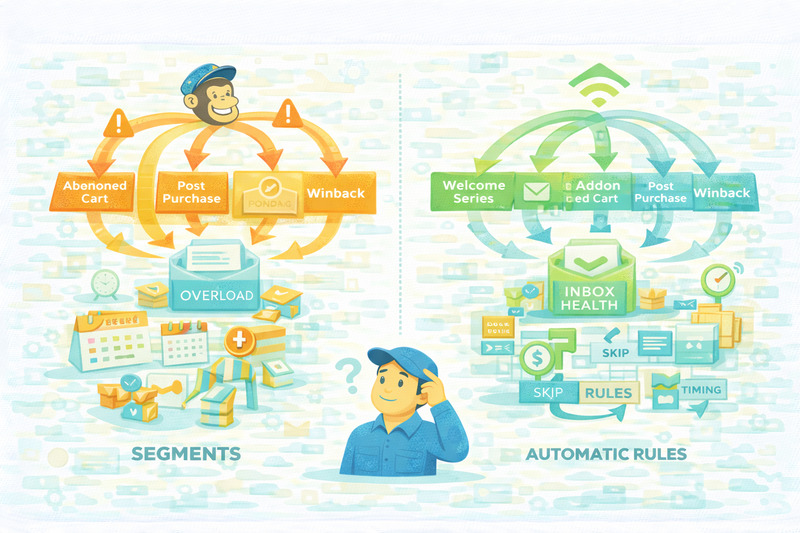
Pretty much everyone by now has got the basics down:
- Welcome and onboarding
- Abandoned cart
- Post-purchase follow-ups
- Winback or re-engagement
Mailchimp and Klaviyo handle these without issues. We won’t get into them now since other blogs have covered this part extensively.
The separation in our comparison begins once customers start qualifying for more than one flow at the same time.
Multi-flow automations are no longer an edge case. Some subscribers browse, abandon their carts, and buy the next day. Others purchase, click a campaign, then trigger a post-purchase flow while they’re still inside a winback window. In automations that are stacked on top of each other like this it’s easy to lose control.
Mailchimp will run what you tell it to run. If multiple automations are eligible, they’ll all get triggered unless you’ve manually designed around that. Managing overlap becomes a planning exercise: exclusions, careful timing, and hoping nothing collides when you add a new flow later.
Klaviyo allows you to define rules that automatically skip sending when someone has been emailed recently, and that difference changes outcomes when you’re scaling.
When you’re scaling flows like this, email deliverability starts to matter just as much as logic. If you’re running Klaviyo at volume, you might want to integrate Klaviyo with InboxAlly to keep those emails landing where they should.
Pricing and contact counting
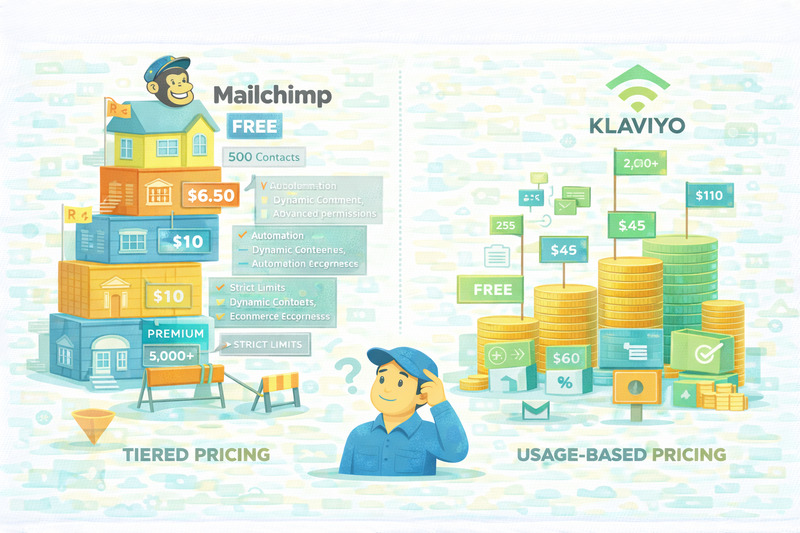
At small list sizes, both platforms look reasonable. That’s why pricing rarely feels decisive at first. The divergence shows up as soon as your list grows and you start relying on features that aren’t optional anymore.
On Mailchimp, pricing is tiered and feature-gated:
- Free: $0 for up to 500 contacts, but automation, dynamic content, and advanced reporting are largely off the table.
- Essentials: starts at around $6.50/month at low volumes, with basic marketing automation features and strict limits.
- Standard: around $10/month at the low end, where most ecommerce features finally unlock.
- Premium: jumps quickly and adds roles, higher send limits, and advanced permissions.
Send volume scales as a multiple of contacts, and audiences matter. The same contact can be counted more than once if your list isn’t structured well.
Klaviyo prices more directly around usage:
- Free: up to 250 contacts and 500 sends/month. Enough to test but not to run a store.
- Email: $45/month at ~1,000 contacts.
- Email and SMS marketing: $60/month at the same size.
- Around 5,000 contacts, email alone is roughly $110/month.
Contacts are counted once, regardless of how many segments they’re in, which makes experimentation cheaper to run. Some features that used to be included, like predictive analytics and advanced product recommendations, now require higher spend. Still, the cost curve is easier to predict.
So which one makes sense?
If you want the lowest entry price and mostly send simple campaigns, Mailchimp can work. If you depend on segmentation, automation overlap, and lifecycle targeting, go with Klaviyo. It has fewer pricing surprises, which is very important as ecommerce brands start scaling.
Time to choose your email marketing platform
Here are the takeaways to keep in mind:
- Decide what your email strategy needs: quick campaigns, or targeting and automation?
- Check how the platform works while running multiple automations at the same time.
- For pricing, understand how contacts are counted as your list grows.
- Don’t forget to think about long-term maintenance.
You can run a simple setup on either platform and be fine. Test, experiment, get comfortable with how each one works, and choose based on what makes sense once things get busy.
Whatever you end up choosing, don’t forget about inbox placement. Book a free demo with InboxAlly and get your emails landing in the inbox by training mailbox providers with reputation-safe sending and real engagement.