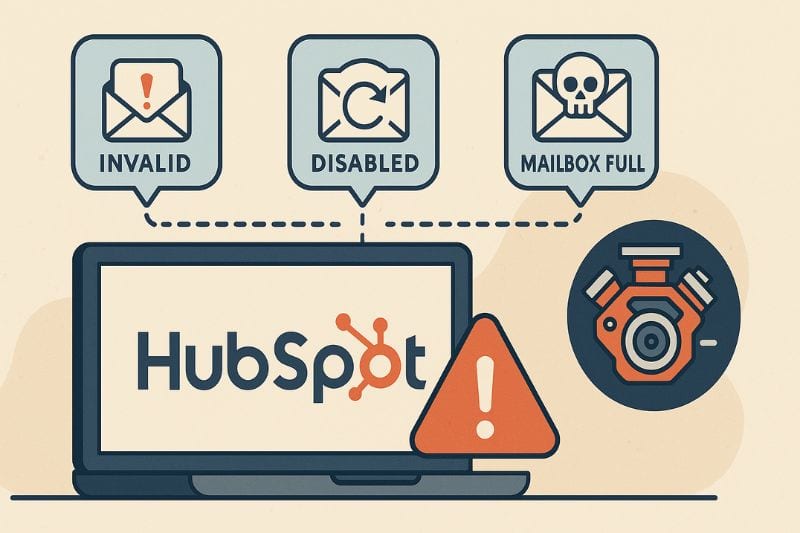
So what is a hard bounce at all? A harmless, red label from one or two bad addresses? Move on, right?
Not exactly.
While you can shrug and blame “list quality,” that mindset is how sender reputation deteriorates while your campaigns keep limping along unexplicably. A hard bounce is sometimes it’s the only honest feedback you’ll receive from a mailbox provider before things get worse.
By the end of this article, you’ll understand how HubSpot classifies hard bounces, what those reasons tell you, and how to read them like a mechanic diagnosing a faulty engine.
Key takeaways
- Hard bounces are almost always a problem with your list or the setup. Look at where they cluster (one list, one domain, one source) and fix that at the root.
- Follow this sequence: first stop sending emails to bad addresses, then create engagement so mailbox providers see opens, clicks, and low complaints instead of just “no bounces.”
What’s a HubSpot hard bounce

In HubSpot terms, a hard bounce means the email was rejected by the recipient’s server as a permanent failure, and HubSpot won’t try that address again. As far as the platform is concerned, that contact is now a bad destination for marketing email.
That’s not the same as a soft bounce. Soft bounces are temporary problems: full inbox, server too busy, rate limiting, that sort of thing. Soft says, “Maybe later.” Hard says, “Stop.”
People mess this up with lazy statements:
“Hard bounce means the address never existed.”
Not always. Sometimes the inbox was shut down last month. Sometimes the server blocks you for policy or reputation reasons.
“If it delivered once, it can’t hard bounce later.”
Also wrong. Mailbox providers change rules all the time. An address that worked last quarter can be a dead end today.
Under the hood, three things impact that hard bounce:
- How HubSpot chooses to label it
- What the recipient’s server replied with
- The history of your sending domain and behaviour
Next, we’ll go to the only place that matters: where HubSpot stores the reason, so you can see why it bounced, not just that it did.
Where HubSpot hides the email hard bounce reason
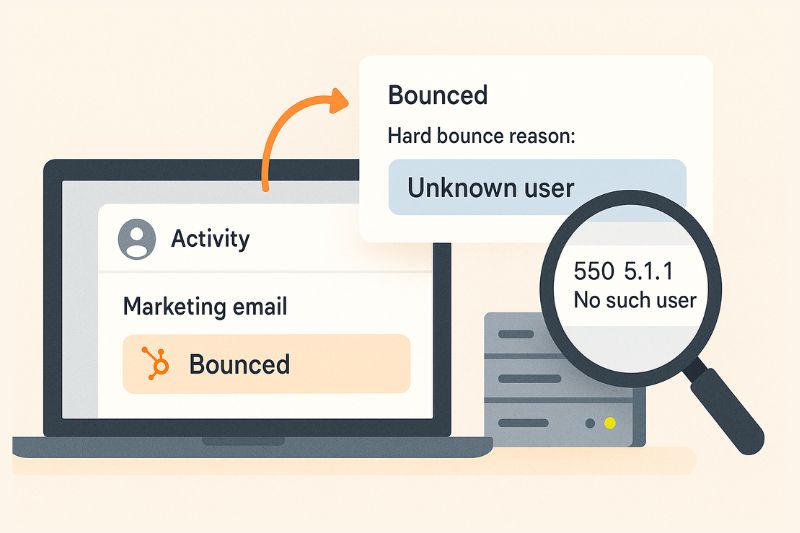
HubSpot doesn’t just label anything a “hard bounce” with no context. The clues are there, they’re just buried where you’d likely never look.
It’s also worth reviewing your hubspot email integration methods to make sure everything is properly connected within HubSpot. Gaps in setup can quietly lead to misleading or unclear bounce signals.
The contact record is the place to check first.
Open a bounced contact, scroll through their Activity or marketing email events, and find the email that failed. You’ll see the event marked as Bounced, and if you expand it, HubSpot will usually show a reason.
You can also come at it from the email side:
Go to the email performance screen > click into Bounced > then check the hard bounce reasons. This view is better when you want to see patterns over the whole campaign instead of just one person.
What you’ll notice is two types of info:
- HubSpot’s friendly label: “unknown user,” “spam,” “policy,” “other”.
- The raw server message underneath shows what the recipient’s server sent back over SMTP.
You can’t only read the label and call it a day. Mailbox providers describe similar issues in different ways. HubSpot groups them into buckets. The same “policy” label might be listed as “quality” in one case and as a domain reputation issue in another.
The habit you want is this:
See a spike > filter/export by hard bounce reason > compare across campaigns and domains.
The main HubSpot hard bounce reasons
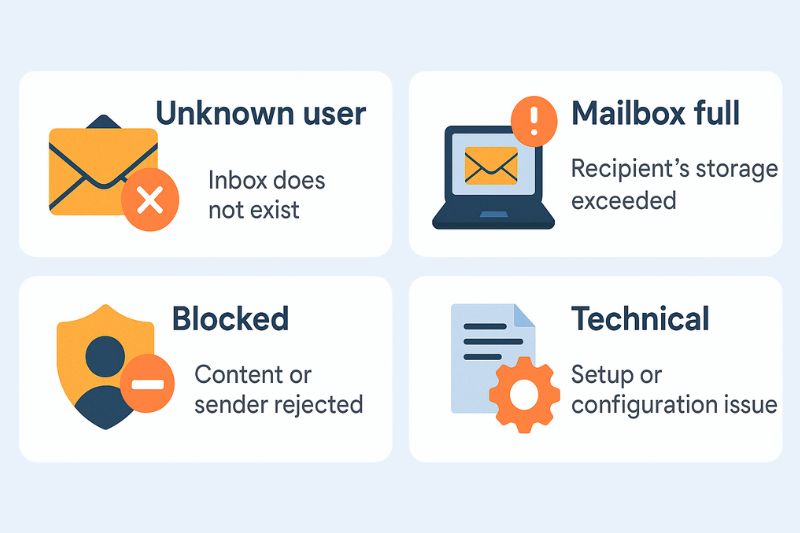
Once you know where to look, you keep seeing the same messages. Different campaigns, same patterns. Let’s translate the common ones into plain language.
“Unknown user”: the inbox was never really there
This is the classic one. “Unknown user” usually means the address never existed, was typed wrong, or the mailbox was shut down.
On the technical side, it comes from 5xx replies like “550 5.1.1 user unknown” from the recipient’s server. HubSpot just turns that into a friendlier label.
When is this on you?
- You’re importing old lists from years ago
- SDRs or AEs are guessing email formats on the fly
- Your forms don’t have any validation, so typos slide straight into the CRM
What do you do with these? Treat them as permanently dead. Don’t keep trying and don’t “fix” them by guessing again. Only change the address if you’ve confirmed the correct one from another reliable source.
“Mailbox full” / “over quota”: not temporary in practice
Sometimes you’ll see reasons that sound softer: “mailbox full”, “quota exceeded”, “over quota”. Depending on the provider and exact code, HubSpot may mark these as hard bounces.
On paper, it appears to be a temporary issue. In reality, a chronically full inbox is usually:
- An abandoned account
- A low-quality lead who never checks that mailbox
Either way, it’s not a healthy destination for your campaigns.
“Blocked”, “spam”, “policy”: the ones about your reputation
These are the uncomfortable ones, because they’re the recipient’s server explicitly rejecting the sender based on reputation, behaviour, or policy.
You’ll see labels like “blocked”, “marked as spam”, “policy rejection”. Underneath, the server message often hints at:
- Poor engagement over time
- Too many spam complaints
- Aggressive volume jumps
- A domain that’s already on thin ice
This is the early warning system before full deliverability collapse. If you don’t address it, the next step is more of your mail going straight to spam or getting rejected entirely.
Your move here:
- Stop sending similar emails to the same segments
- Reduce volume, check targeting, slow down the cadence
- Start planning how you’ll rebuild positive engagement and reputation with a specialised deliverability tool like InboxAlly once the basics of your HubSpot setup are fixed.
“Technical” or “other”: when your setup is the problem
Finally, you’ll sometimes get vague labels like “technical”, “other”, or generic error text. This bucket often hides:
- SPF or DKIM failures
- A sending domain not set up correctly
- Specific recipient servers rejecting based on DNS or security checks
These are usually not one-offs. They come in clusters with many contacts and domains in the same campaign.
Don’t treat this as bad data. This is a bad setup problem. Flag it quickly to whoever on the team is responsible for the DNS and email infrastructure. Fix the records and only then worry about who you’re emailing.
What hard bounces are doing to your sender reputation
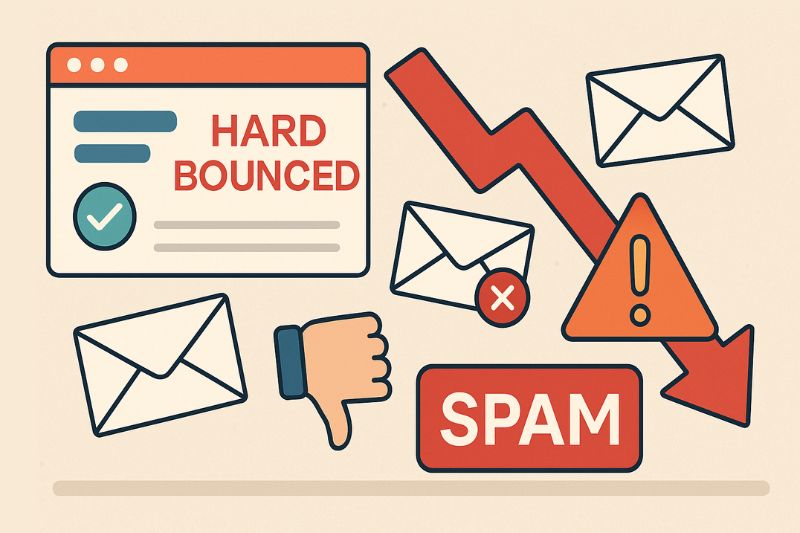
A high hard bounce rate basically tells mailbox providers, “this sender doesn’t really know who they’re emailing.” If you add low opens and a handful of spam complaints on top, your traffic will start looking closer to bulk abuse than careful marketing. You don’t get a pop-up warning when that happens. You just slowly downgrade from inbox > promotions > spam.
HubSpot’s role in this is limited. It logs the hard bounce, marks the contact as bounced or non-marketing, and politely steps away from that address. That’s helpful, but Gmail, Yahoo, and Microsoft don’t forget the failed attempts. Those errors stay tied to your domain and IP as part of your long-term record.
So the sequence is simple:
- First, fix the list intake, remove bad imports, solve technical and deliverability issues, and bring the hard bounce rate down.
- Then, work on sending great traffic.
Once you’re no longer emailing dead or hostile addresses, you can focus on building the signals that mailbox providers reward.
Wrap-up
If you treat hard bounces as a system check instead of an annoyance, they make your job easier. When you’re ready to turn those fixes into a better inbox placement, let InboxAlly handle the engagement side. Book a free demo and watch your deliverability finally move the right way.