Klaviyo is one of the most widely used email platforms for ecommerce and lifecycle messaging. Klaviyo is one of the most widely used email platforms for ecommerce and lifecycle messaging, and the best klaviyo email integration for deliverability can support more consistent inbox placement. A lot of serious businesses run their entire customer communication stack on it, often without ever coming close to a mail server or SMTP setup directly.
When you use a third-party tool like Klaviyo, you’d expect email authentication just work out of the box. No email servers to manage or protocols to think about. In reality, the responsibility just moves to the boundary between Klaviyo and your domain. That’s why setups using Klaviyo are especially prone to DMARC error and Klaviyo email authentication issues.
If you’ve landed here, you’re not alone. In this article, you will learn why the error appears, what it means, and how to fix it without breaking deliverability elsewhere. Keep reading!
Key takeaway
DMARC errors in Klaviyo are usually caused by misalignment between the domain your recipients see, the branded sending domain Klaviyo uses, and the domain DMARC evaluates. This results in gradual inbox placement degradation.
Why Klaviyo DMARC errors feel so confusing
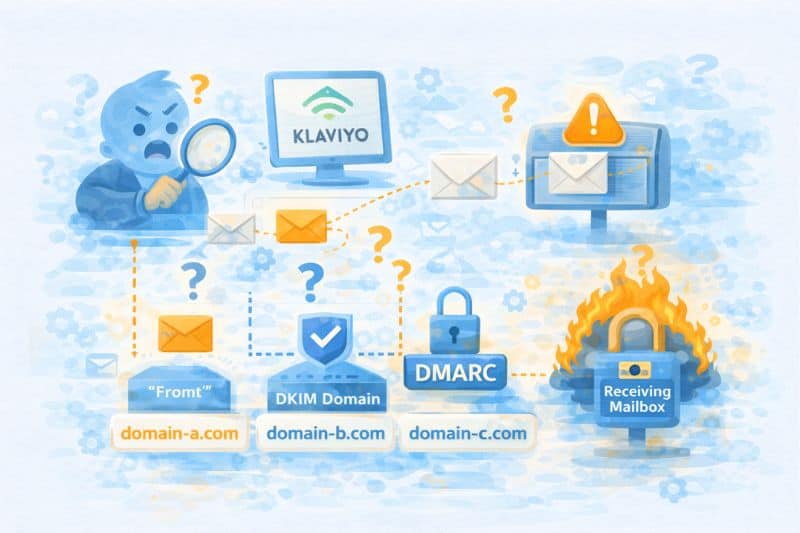
When Klaviyo shows a domain as “verified” or “authenticated,” it’s reporting on DNS mechanics. It means that the records exist and that SPF and DKIM checks have passed. From a tooling perspective, the setup is complete. From a receiving mail server’s perspective, this is just the start.
Mailbox providers don’t just evaluate email based on whether records are present but also based on whether the identity in the message matches them. As you probably already know, DMARC (domain-based message authentication) checks whether the domain a recipient sees matches the domain that sent the message. This, however, isn’t always obvious in third-party setups like Klaviyo, where signing, sending, and branding are separated per domain by design.
When you see a DMARC error, the first instinct is to tweak DNS settings and wait for propagation to finish. But more often than not, the problem is in the domain rather than the DNS because the “From” address, the DKIM domain, and the domain DMARC checks often point to different places.
Klaviyo’s sending architecture (and what causes DMARC issues)
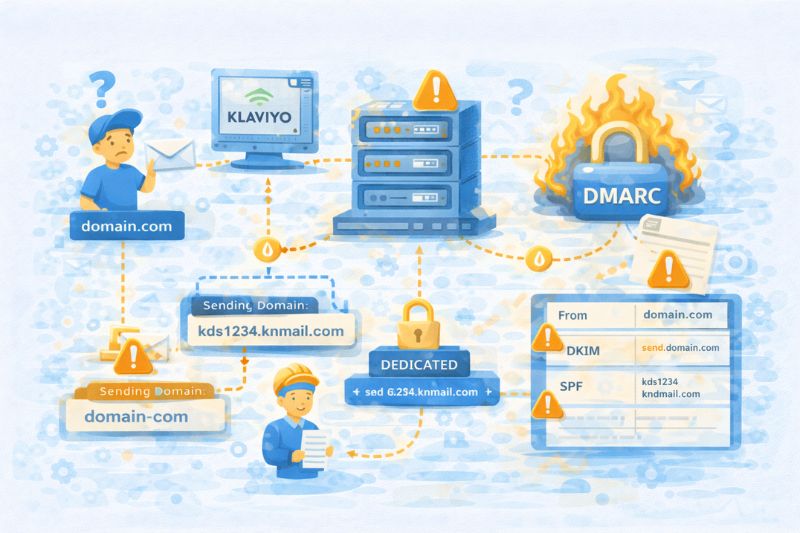
Klaviyo’s place is between you and the inbox. DMARC problems come from right “at the edge”, where your domain’s identity hands off to Klaviyo’s email infrastructure and back again. This is why it’s important that you understand where Klaviyo signs, what it controls, and what it doesn’t.
Shared vs Dedicated Sending Domains
On a shared sending domain, Klaviyo does most of the work. Messages are sent through Klaviyo-owned infrastructure, signed with Klaviyo-managed DKIM, and authorized through their SPF. From a mechanical standpoint, email authentication works, but from an identity standpoint, things can easily get compromised. The “From” address shows your domain, but the underlying sending domain isn’t yours. DMARC policy tolerates this only because Klaviyo’s shared domains are configured to be permissive.
If you move to a dedicated sending domain, that slightly changes, but not as much as you’d expect. Klaviyo still sends the mail and manages the DKIM keys; you’ve just delegated part of your namespace to them. That improves control and keeps your sender reputation safe, but it doesn’t magically guarantee alignment. If the domain you dedicate isn’t the same one users see in the “From” address, DMARC still has room to complain. “Dedicated” solves infrastructure problems, but it does not automatically solve identity problems.
Branded Domains, Subdomains, and the Alignment Trap
Most DMARC issues in Klaviyo start here. Most people brand a subdomain for sending, connect it via CNAMEs, and assume the problem is over. But DMARC works at the domain level. If your “From” address uses the root domain while DKIM signs with a subdomain, everything depends on how strictly mailbox providers interpret that relationship (and they’re getting stricter).
To add insult to injury, CNAME record chains make this even easier to miss. Whenever you point send.yourdomain.com to Klaviyo, Klaviyo signs mail on that subdomain. The SPF and DKIM pass, and everything looks perfect, while in reality, DMARC is comparing domains that only look related if you squint.
The most common misalignments look something like this:
- From address uses the root domain, DKIM signs with a branded subdomain
- Both DKIM and SPF match, but not on the same identifier DMARC evaluates
- Multiple branded domains exist, and the wrong one is attached to active flows
Technically, nothing here is misconfigured. It’s just not set up the way inbox providers expect, and that’s enough to cause deliverability issues.
Once you’re caught up on the technical side and still don’t like how mailbox providers treat your email, it’s time for dedicated help. InboxAlly uses real user behavior to teach mailbox providers that your emails deserve a place in the inbox. So before you start questioning your sanity, try InboxAlly and see how better inbox placement affects your campaign results.
What a real DMARC failure looks like
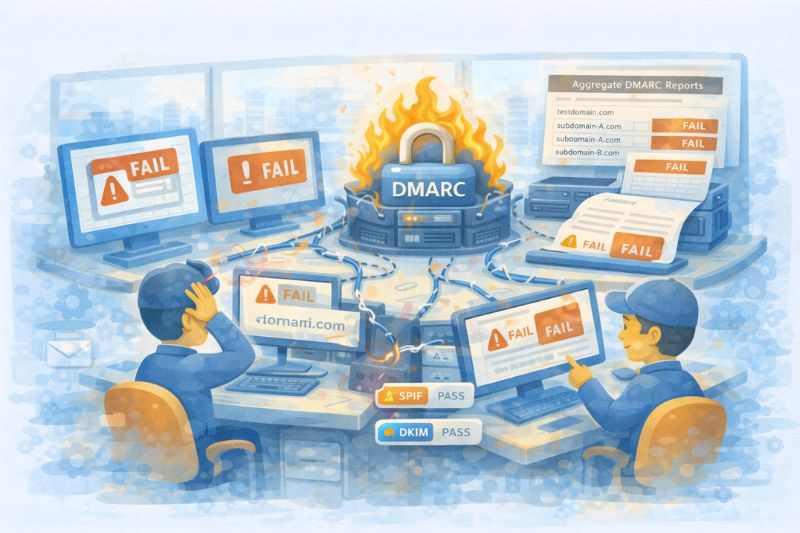
A true DMARC failure is not “email gets rejected.” That’s what people remember because it’s on-the-nose, but it’s also the least common one.
What does a good email authentication setup look like in theory?
- Publish SPF and DKIM.
- Add a DMARC record (usually p=none)
- The test passes > the tools say you’re authenticated
End of story.
In practice, mailbox providers use DMARC to evaluate identity consistency by monitoring whether you’re using the same domain, in the same role, in all messages, over an extended period. When SPF and DKIM align on two different identifiers, and DMARC is set to record failures rather than correct them, the system technically works but never earns long-term trust.
This is why p=none is still important in 2026. It doesn’t mean “safe.” It means “unresolved.” Gmail and Yahoo will accept the mail, but they won’t give it the benefit of the doubt with changes in engagement or volume.
You can see this before it causes issues if you know where to look. Aggregate DMARC reports (rua) show mixed alignment patterns depending on the provider. Headers confirm it at the message level, and SPF and DKIM pass, just not together or every time.
The DNS Changes That Cause the Most Damage
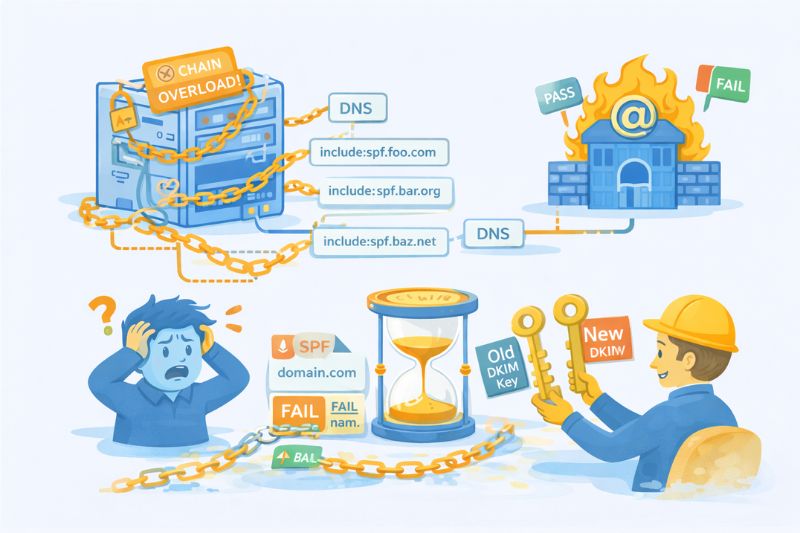
Most DMARC problems come from technically valid but structurally sloppy DNS records, usually after months or years of “just add one more thing.” SPF is the usual suspect.
Every new tool wants an include; nobody removes the old ones, which results in chained lookups across half the internet. At that point, SPF won’t fail, but it will time out intermittently, which is even worse. Some providers evaluate it differently, some stop early, and alignment becomes inconsistent without any obvious signs.
DKIM causes a different kind of damage. Key rotation sounds harmless until it’s rushed or half-finished. With the remaining old selectors, new ones can’t propagate evenly, and for a short time, you’re signing with keys that not every DNS provider can verify yet. The mail still goes out, and authentication still “passes” in some places, but sender trust drops anyway, because the sender identity is inconsistent.
When it comes to propagation, DNS luckily doesn’t take days anymore, but it also doesn’t update everywhere at once. The big mistake is assuming that because one checker showed a pass, the ecosystem has caught up. Large mailbox providers cache aggressively and evaluate changes on their own schedules.
Here are the biggest mistakes you definitely need to avoid:
- Chaining SPF includes.
- Rotating DKIM keys without an overlap period
- Assuming that DNS changes are done because they’re verified
For the most part, technical deliverability issues are easy to fix. The harder problems are the ones you don’t fully control, like engagement. That’s where an external deliverability tool starts making sense.
InboxAlly helps in that by generating real engagement signals through controlled seed traffic, which helps inbox providers build trust in your Klaviyo campaigns over time. If you want to see how that works specifically with Klaviyo, you can review the Klaviyo–InboxAlly integration setup here.
What it comes down to
DMARC issues in Klaviyo often look like a technical mess, but they’re really about identity and consistency. Once you understand where that identity inconsistency begins and why mailbox providers react the way they do, the problem becomes much easier to reason about.
If you want a second set of eyes on how your setup behaves in the wild, InboxAlly can help reveal placement and trust issues after authentication is technically “done.” Book a free demo and see what good engagement can do for your inbox placement.