
Still landing in spam even though QuickMail’s auto warmer is switched on? You’re not the only one. The tool is built for convenience: it hums away in the background, sends canned back-and-forths to make your domain look busy.
But “busy” isn’t the same as “trusted,” and email service providers are a lot harder to fool these days. If you’re serious about better deliverability, you need more than simulated chatter.
In this article, we’ll look at what QuickMail’s warm-up does, why it often falls short, and some better alternatives like InboxAlly, plus what signals really build sender reputation. Keep reading!
Key Takeaways
- QuickMail Auto Warmer simulates inbox activity, but providers catch on, and reputation gains fade once you stop.
- InboxAlly goes beyond surface-level loops with authentic engagement and placement reporting, making it the stronger choice for long-term email deliverability.
How QuickMail’s auto warmer works

QuickMail’s auto warmer works by creating a private loop of accounts that trade emails back and forth. Each message is automatically opened, sometimes replied to, and filed away to make the sender look active.
On paper, it’s simple since you don’t need to configure much, and it comes built into the broader QuickMail outreach platform. The problem is that those signals are generic. Major email providers can recognize the patterns, and since there’s no real engagement data, you never see where your messages land. Once you stop warming, your reputation gains usually fade quickly. It’s convenient, but shallow for long-term deliverability.
InboxAlly: the placement-first alternative
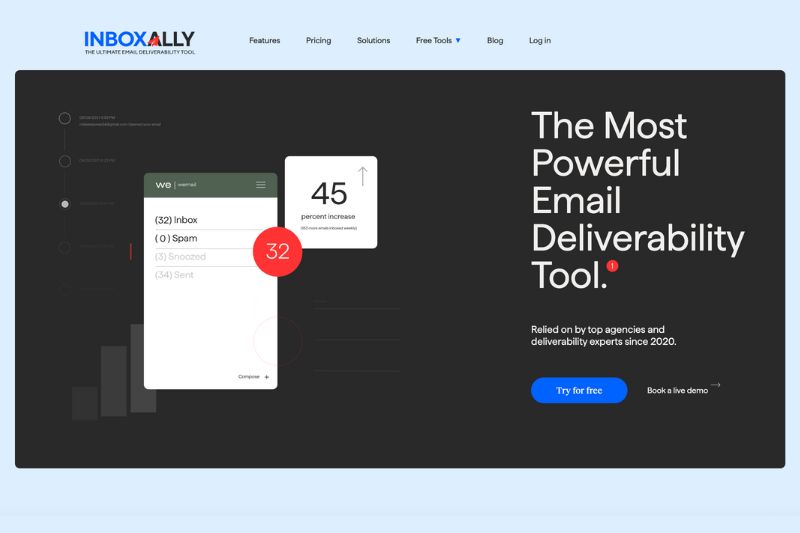
InboxAlly is a dedicated email warmup tool designed for inbox placement, not just volume pacing. Unlike QuickMail’s auto warmer, InboxAlly simulates authentic subscriber behavior: messages are opened, links are clicked, emails are taken out of spam, and some are even marked as important. This type of engagement instructs Gmail, Outlook, and Yahoo Mail to recognize your domain as trustworthy.
It also provides inbox placement reporting, so you know whether your personalized emails land in the primary inbox, promotions, or spam folder. This way, it’s easier to adjust campaigns and protect your sender reputation. InboxAlly also sends emails automatically in the background, which maintains trust long after your domain is “warmed.” If you’re starting fresh, scaling multiple email inboxes, or recovering from deliverability issues, it’s probably the best option available.
Key Features
- Real subscriber-like engagement (opens, clicks, spam rescues, “mark important”)
- Inbox placement visibility across Gmail, Outlook, Yahoo
- Ongoing reputation protection long after the warm-up phase
- Domain reputation recovery support for blacklisted or damaged reputations
- Email template review tool with spam-trigger alerts
Pros
- Authentic engagement behaviour providers trust
- Detailed placement data, not just activity logs
- Scales well for agencies and teams
Cons
- Slightly higher price than lightweight tools
- May be overkill for hobby senders
Ready to see your emails land where they should? Try InboxAlly today and turn every cold outreach campaign into an opportunity.
Warmbox: customization with AI-driven flows
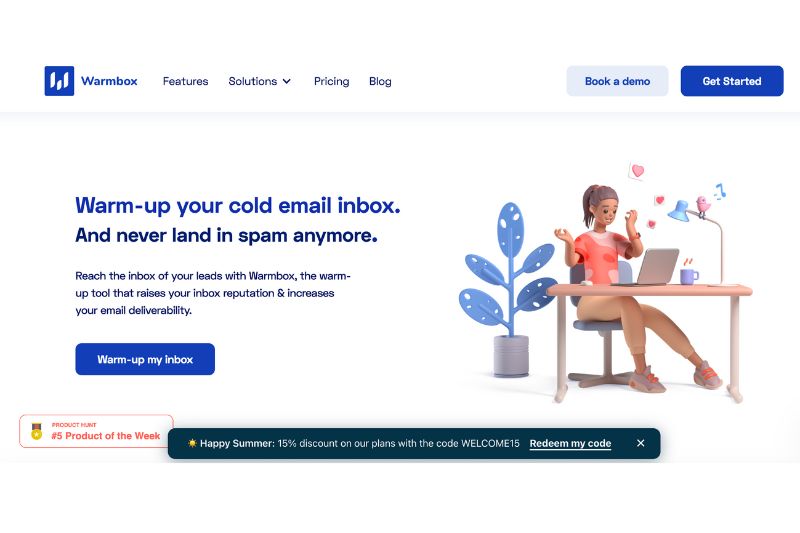
Warmbox is the power user’s dream because it lets you design how each inbox behaves. You can create AI-driven conversations, vary engagement patterns, and tweak flows to simulate different user types. That level of control is appealing if you want to experiment, but it also means Warmbox requires more setup and oversight than some plug-and-play options.
Key Features
- AI-based algorithm that simulates natural back-and-forth
- Customizable warm-up flows per inbox
- Adjustable pacing and interaction types for better control
- Analytics to track engagement and reputation signals
Pros
- Advanced customization options
- Adjustable design for different inbox strategies
- Good for experienced users who want granular control
Cons
- Steep learning curve
- Higher price point than basic warm-up tools
- Not ideal for beginners or those who need a simple warm-up tool
MailReach: beginner-friendly

MailReach gets points for being easy. You connect your inbox, the system starts exchanging safe messages, and your reputation gets a modest boost. For solo senders or beginners, that simplicity’s a win. However, past the straightforward setup, it tends to display a similar weakness as QuickMail: repetitive signals and no visibility into real inbox placement.
Key Features
- Hands-off warm-up process with steady volume ramp
- Basic reputation scoring
- Supports multiple inboxes
- Quick setup
Pros
- Simple to use, minimal learning curve
- Budget-friendly for early-stage senders
- Good for small-scale or starter campaigns
Cons
- No placement reporting
- Engagement can look generic
- Doesn’t scale well for larger teams or agencies
MailFlow: budget-conscious coverage

MailFlow is probably the best budget-friendly option around. It comes with a free tier for multiple inboxes, which makes it tempting if you just want something running at scale.
Engagement signals are automated and reasonably effective for early stages, but as a newer tool, it lacks the depth and reliability of more established platforms. Regardless, it’s a decent warmup tool for experimenting, even though not yet proven for heavy outreach.
Key Features
- Comes with free tools with limited warm-up capacity
- Multi-inbox coverage
- Automated warm-up interactions
- Basic monitoring of sending health
Pros
- Extremely cost-effective (including free option)
- Supports multiple email accounts out of the box
- An easy way to test a warm-up before investing
Cons
- Limited compared to mature platforms
- Light on analytics and placement data
- Unproven for large-scale or agency use
Smartlead: automation and scale for large sending volume
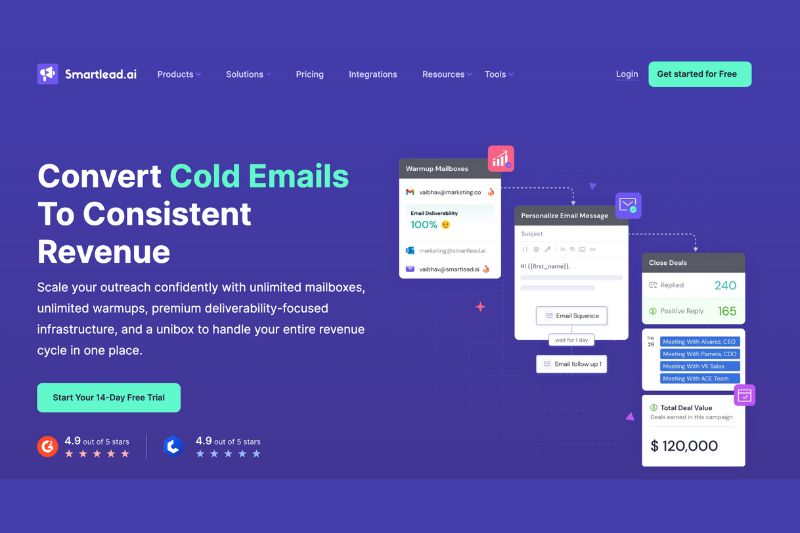
Smartlead is designed for serious outreach at scale. Unlimited warm-up across multiple inboxes, AI-generated campaigns and replies, a built-in spam checker, and your own sending servers, which help you avoid the usual landmines that come with mass emailing.
Agencies with multiple domains will especially appreciate the centralized client management. But all that power comes with a learning curve, and as you scale, so does the price. Not ideal for solo operators, but if you’re managing big volumes and multiple clients, it’s one of the more capable tools out there.
Key Features
- Unlimited warm-ups with human-like AI conversations
- AI-powered warm-up emails and reply generation
- Spam checker and dedicated sending infrastructure
- Centralized client/inbox management
Pros
- Designed for scale and high-volume outreach
- Advanced email deliverability tools
- Great for agencies managing multiple domains
Cons
- Learning curve for new users
- Higher cost at larger volumes
- More complex than most single-purpose warm-up tools
How to choose email warm-up tools
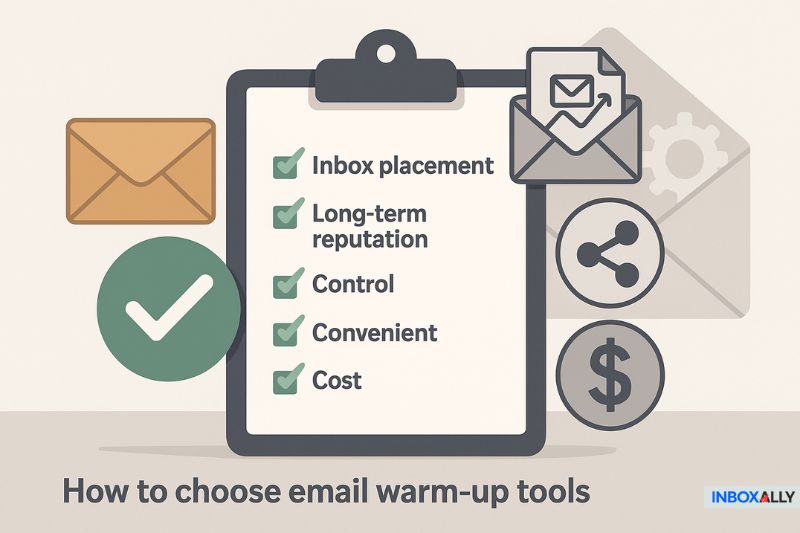
Inbox warm-up tools are only useful if they match your mailing goals. If inbox placement and long-term reputation are your priorities, InboxAlly is the clear choice, as it provides the closest thing to real subscriber engagement and the visibility to know whether you’re landing where it matters. If you’re new to email deliverability, it might be worth learning the basics of how to warm up an email domain properly, then choosing the tool that supports that process.
The point isn’t to find the “perfect” tool. It’s to pick one that fits your stage and proves itself in practice. Test it for a week, watch your inbox placement, and keep the one that moves the needle. Overanalyzing features won’t improve your deliverability. Consistent results will.
Warm-up is a habit
Email warm-up isn’t something you do once and forget about. It’s closer to training – mailbox providers need to see steady, ongoing engagement before they trust your domain long-term.
QuickMail’s auto warmer can give you motion, but motion isn’t progress. If you want your cold email campaign to reach inbox folders, you need the best tools and consistent signals that build credibility day after day. InboxAlly achieves this by turning warm-ups into a habit and reputation into an asset. Start with InboxAlly today and warm up your inbox the right way.