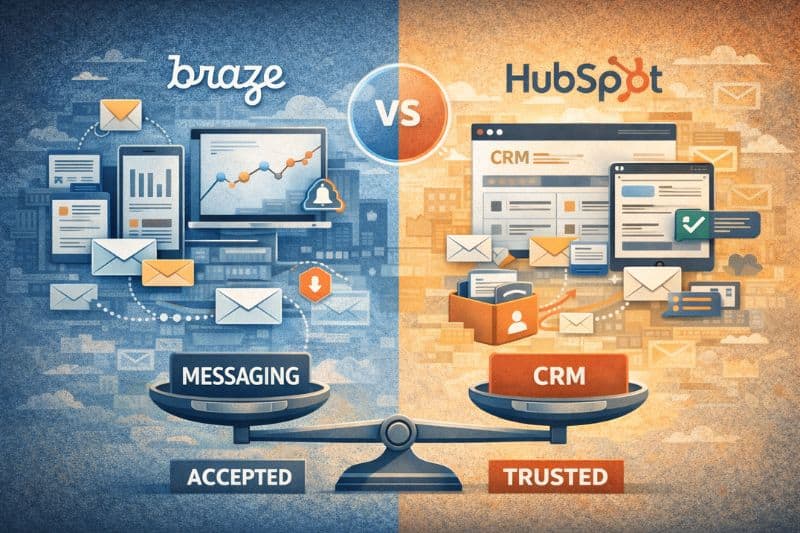
If you thought that Braze and HubSpot are substitutes because both can “do email,” you’re confusing these marketing tools in a way that most people do. Email is just one output. The underlying system determines what you can trigger, what you can measure, and what can become a problem with more volume and complexity, once you scale your email marketing efforts.
If you’re stuck between the two, not knowing what to pick, this article will help you decide. By the end, you’ll know which job you’re hiring for, and what you’re trading away.
Key takeaways
- Braze is best when clicks, usage, or drop-offs need to instantly change the next message a user sees.
- HubSpot is best when you need one shared place to track leads, deals, and customers.
- Both can send emails. The wrong choice is usually practical: choosing a tool you can’t run well day-to-day.
What Braze is built to do
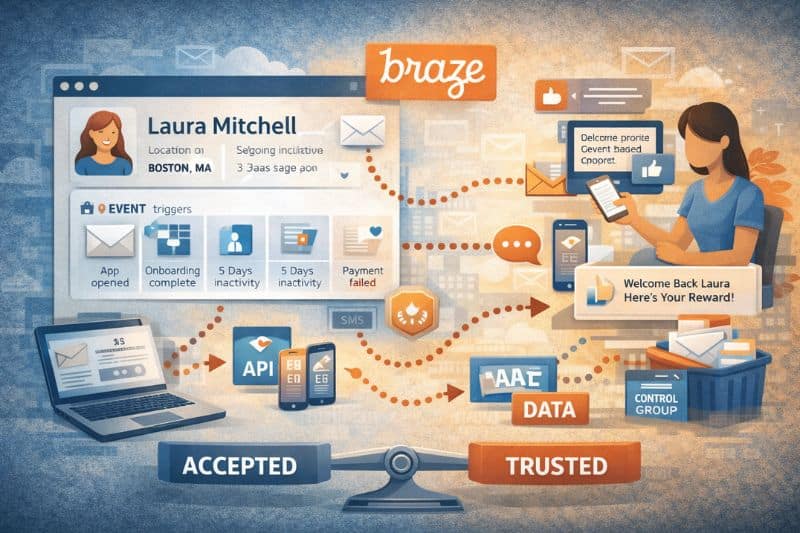
Braze’s main feature is a customer profile that updates as users interact with your product, and it’s what people mean when they say Braze is “event-based.” Emails and messages are sent because something has occurred in the product, not because a campaign was scheduled for a specific date. Whether a user completes onboarding or a payment fails, it affects the next message.
Because the same profile is used for email, push notifications, SMS, and in-app messaging, communication across the team is easier. Additionally, users aren’t reminded to do something they’ve already done, or nudged into the wrong channel at the wrong time.
This is also why Braze can feel more advanced, with a steep learning curve. You can adjust content, timing, and channel selection in very specific ways; compare different paths; hold back control groups; and see which messages improve retention. It can be a lot, for better or for worse.
But this only works if your product data is reliable and you understand how it’s set up. Without that, behavior-based messaging often becomes inconsistent.
What HubSpot is built to do
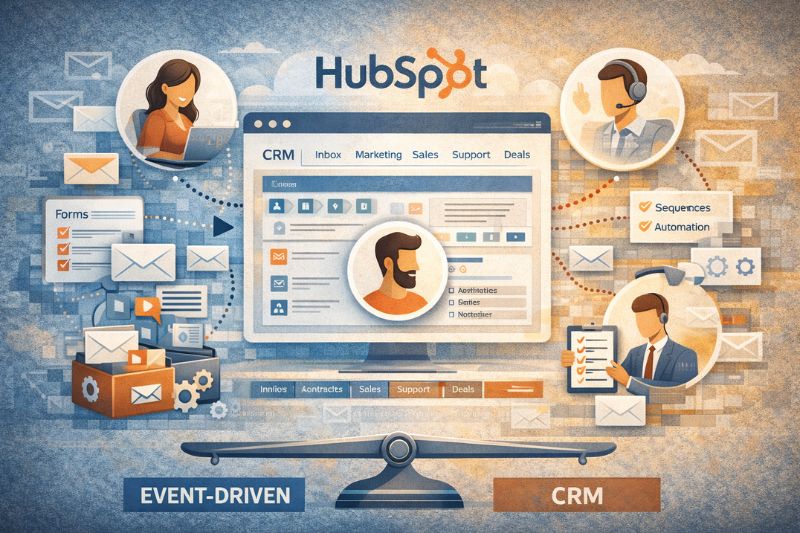
With HubSpot, the CRM is the product, and everything else is there to keep customer information consistent between users. Inbound Marketing, sales, and support all work from the same record, so the same contact doesn’t turn into three different versions depending on the tool being used.
This is why HubSpot is a marketing technology common in early-stage and mid-market companies; time-to-value is fast. The interface is straightforward, and you can set up most of its important features without technical help. Forms, emails, pipelines, sequences, and basic sales automation are all available out of the box, which means you’ll spend less time connecting tools and more time actually using them. This includes a hubspot email integration that keeps messaging tied to your CRM data without extra setup.
HubSpot is also intentionally “good enough” in many areas. Most of the time, you don’t need high-end behavior-based messaging that reacts to every product event in real time, but rather a system that prevents chaos in handoffs: who owns this lead, what happened last, what got promised, and what’s the next step. HubSpot makes those answers visible, which keeps work from getting lost in inboxes, chat threads, or memory.
Because HubSpot covers the entire funnel, some features won’t go as deep as dedicated tools or other marketing automation platforms, but that’s a conscious choice. It’s meant to make collaboration between service and operations teams easier first, then allow deeper customization if and where needed.
How HubSpot and Braze handle integrations
Because every business is different, there is no single tool that’s going to work every time. At some point, data management has to move between platforms, and that’s when you might catch yourself looking into integrations.
Here’s how both do in this regard:
HubSpot connects to a lot of tools natively: ads, other CRMs, support tools, analytics, and more. That makes it easy to get wide coverage almost immediately. Its APIs (REST and GraphQL) are simple enough that you can build custom connections on the fly. The trade-off is timing, as many integrations sync on specific and often different intervals. That’s fine for reporting, coordination, and follow-ups. Less fine when data needs to affect messaging immediately.
Braze has fewer native integrations, but gives you more control over how data goes in and out. Since product data is usually sent directly from web and mobile apps, Braze’s APIs are built for high-frequency updates. With Currents, engagement data is sent as it’s generated, which is important when other systems need up-to-date information for customer engagement strategies.
So a practical TL;DR looks like this:
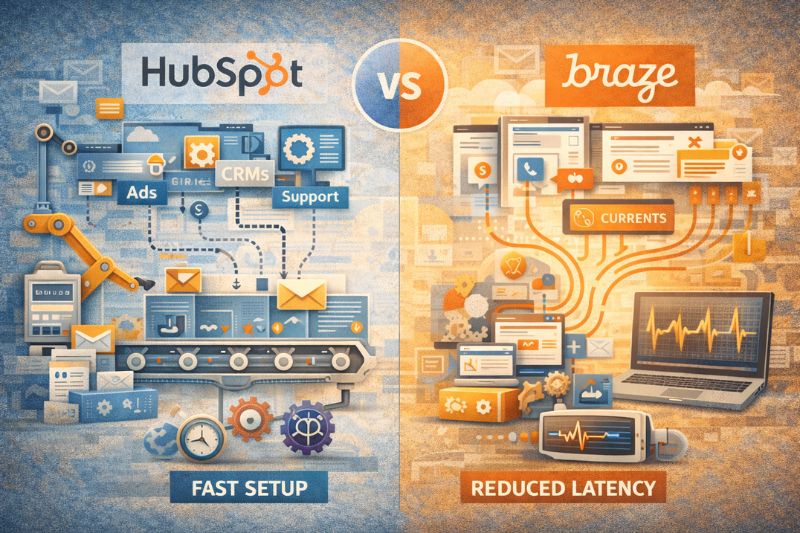
- HubSpot integrations are faster to set up and keep tools loosely connected
- Braze integrations reduce latency and keep logic tightly connected
When deciding, ask: Is fast data more important than a quick setup? That answer usually picks the platform for you.
Data + advanced segmentation: what you can target effectively
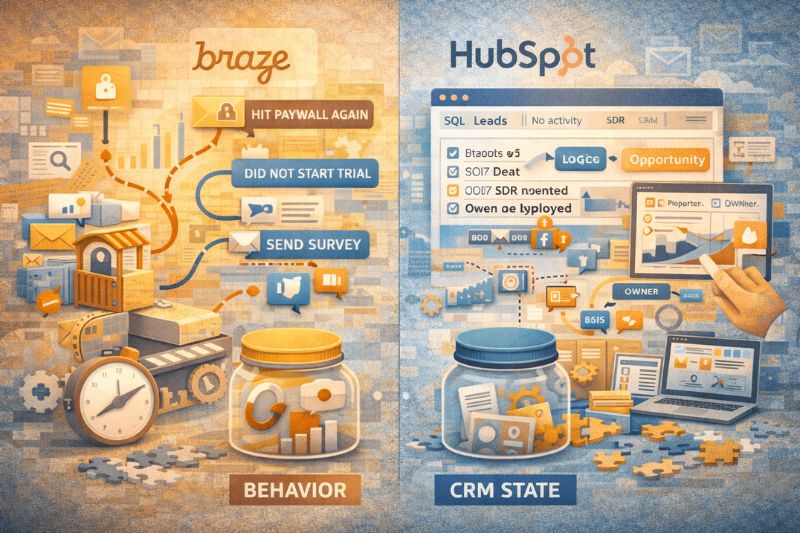
In both Braze and HubSpot, segmentation can become the limiting factor for growth, so you should understand how each one works. At the end of the day, segmentation is really about what your system treats as truth, not just how filters are set up.
With Braze, that truth is behavior. Product events and attributes update quickly, so targeting stays up to date. You can test paths inside a journey and see what changes outcomes, without setting up a separate analytics project.
Example segment (Braze): users who hit the paywall twice in 48 hours, then didn’t start a trial.
With HubSpot, the truth is CRM state. Properties, lifecycle stages, deal status, and ownership define segments that reflect how the business already works. Targeting is less about in-product actions and more about where an account stands and what you should do next.
Example segment (HubSpot): leads marked “SQL” with no logged activity in 7 days, owned by an SDR team, tied to an open deal.
Segmentation “just works” when the data models follow growth. When they don’t, you spend time fixing what shouldn’t be broken in the first place.
Reporting: what each platform can tell you
Whenever you need one view that covers marketing + product behavior + revenue, you turn to reporting. To make sense of how reporting works in both HubSpot and Braze, here’s a practical table you can come back to anytime:
| Type of report | HubSpot | Braze |
|---|---|---|
| Lead → deal → customer | Leads, deals, and customer communications are stored together, so revenue reports are simple. | Revenue reporting requires another system to connect engagement data. |
| Sales activity & follow-ups | Built in. Calls, emails, tasks, and deal stages are tracked automatically. | Not included. Sales activity is handled in other tools. |
| Campaign impact on revenue | You can clearly see which emails and marketing campaigns influenced deals. | You see engagement data; revenue attribution needs external tools. |
| User behavior inside the product | Product usage tracking is limited. | Detailed tracking of customer interactions with messages. |
| Retention & engagement trends | Basic, but enough for simple lifecycle reporting. | Clear, detailed views into drop-offs, improvements, and message performance. |
Keep in mind that reporting can be confusing if you never define a shared ID and a shared timestamp rule.
- Shared ID: choose one primary identifier (email, user_id, or external_id) and always use it, even when other IDs disagree.
- Timestamp rule: decide what counts as the conversion and use it everywhere (for example: deal created, deal closed, subscription started, etc.).
If those two aren’t defined, HubSpot and Braze can both report valid numbers that still don’t match because they’re counting different users at different moments.
Common pitfalls during implementation
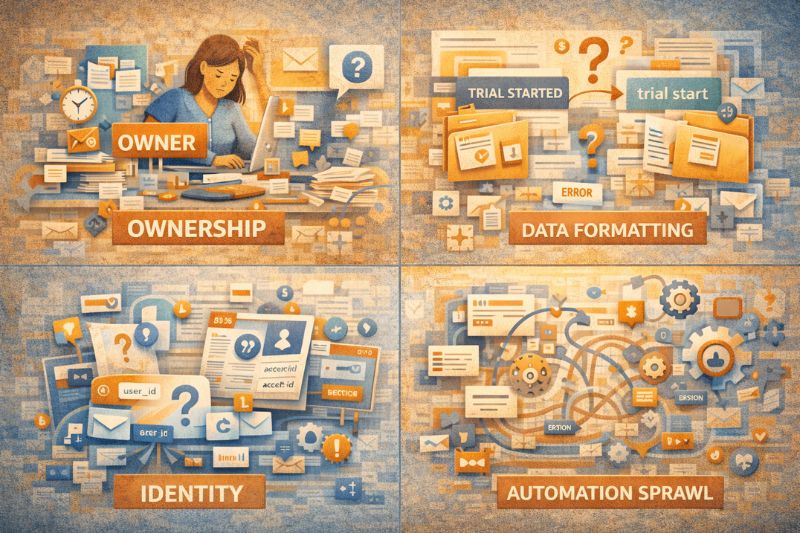
Implementation problems usually fall into the same four buckets, regardless of whether you’re using Braze or HubSpot:
- Ownership – Someone has to own the system long-term. That means deciding how fields are named, how automations work, and when things get changed or retired. Name owners early; otherwise, changes without rules will make the setup harder to maintain.
- Data formatting – Events, properties, and statuses need some structure. If you track by using “trial_started” and someone else uses “trial start”, automation and reporting will automatically be off.
- Identity – You need one clear answer to “who is this user?” If email, user ID, and account ID aren’t handled properly, you’ll have duplicates, messages will go to the wrong people, and reporting eventually won’t make sense.
- Automation sprawl – Early workflows can easily start overlapping as they mature. One updates a field, another reacts to that update, and a third triggers messaging. Eventually, no one can explain why something happened, only that it did.
Where the platforms differ is when these become a problem.
With Braze, you’ll see them earlier because you have to decide upfront how events are tracked, how users are identified, and how logic works. If you get that right, running things later is fairly straightforward.
HubSpot hides them early. You get value quickly because defaults work, but over time, as more fields, workflows, and rules are added, it becomes difficult to keep everything organized.
While both approaches work, it’s your job to prevent problems from escalating unchecked as automation continues to scale.
If emails are being sent but results are not impressive, consider InboxAlly. Book a free demo to see how we help with inbox placement as you scale without compromising deliverability.
Pricing models
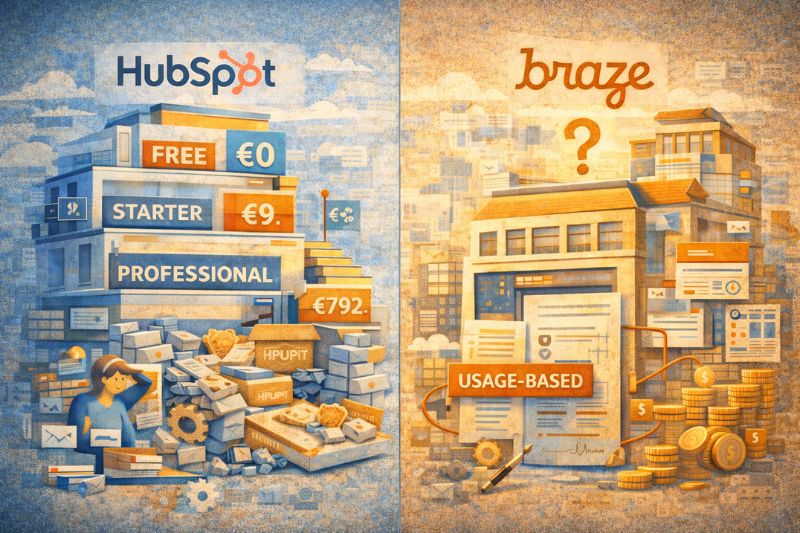
With HubSpot, you can start free, then move into paid tiers as soon as you need automation, reporting, or scale.
For Marketing Hub:
- Free: €0/month
- Starter: €9/month per seat
- Professional: €792/month (lower if paid annually, higher if monthly)
That’s the HubSpot model in a nutshell: easy entry, predictable tiers, then sharp jumps when you cross capability lines. It’s rarely surprising early on, but it can surprise you later when one missing feature forces an upgrade to the next plan.
Braze’s pricing isn’t published publicly. It’s contract-based and usage-based. A commonly cited reference point is around $75,000 per year for a base package (for example: ~100k monthly active users, several million emails, limited IPs, and SMS volume), with overages priced separately.
That’s the Braze model. You don’t pay “per seat” or “per campaign.” You pay for scale, multiple channels, and throughput. It’s expensive only when your engagement program is already expensive to run manually.
Bottom line:
- HubSpot charges for access and features.
- Braze charges for volume and complexity.
Neither is cheap if you outgrow the model you picked.
Choosing the right marketing automation platform
Hopefully, you’re now clearer on what Braze and HubSpot are built for and which one best fits your workflow.
As you can tell, neither platform is a silver bullet. Both require care, discipline, and iteration to work well.
Email, automation, and lifecycle work are never “done.” Pick the tool that improves over time, and stay consistent with it. Once that’s in place, integrate InboxAlly into your workflow to take deliverability off your plate so you can focus on work that really moves the business forward.