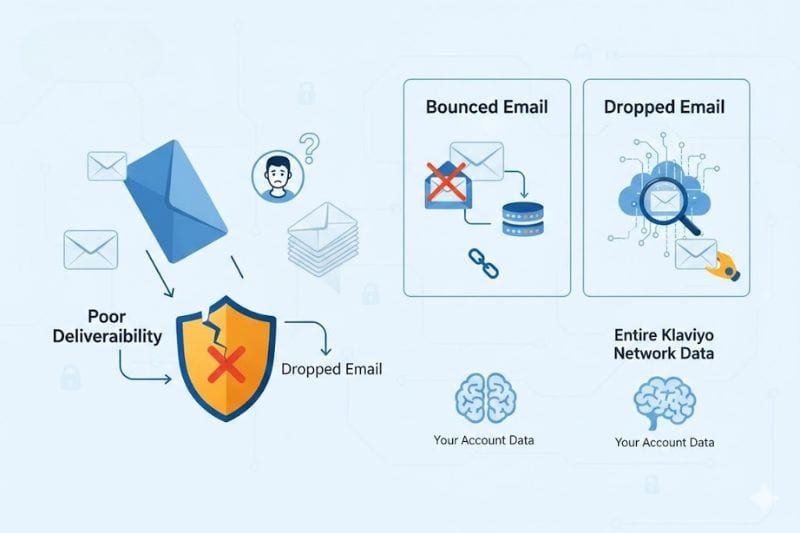
A dropped email is something Klaviyo decided not to send, and the reasons behind that decision involve data from accounts that aren’t even yours. If you’ve ever had a legitimate customer suddenly stop receiving your emails with zero explanation, this might be why.
It sounds vaguely ominous, and Klaviyo doesn’t exactly make it easy to figure out what happened. So let’s unpack this one properly, because the “dropped” label hides a mechanic that can shrink your reach drastically if you’re not paying attention.
Key Takeaways
- A “Dropped Email” in Klaviyo means the email was never sent, usually because Klaviyo marked the address as suspicious based on bounce data in its entire infrastructure.
- Dropped emails aren’t the same as bounced emails. Understanding the difference is the first step toward a better email deliverability.
What “Dropped Email” means in Klaviyo
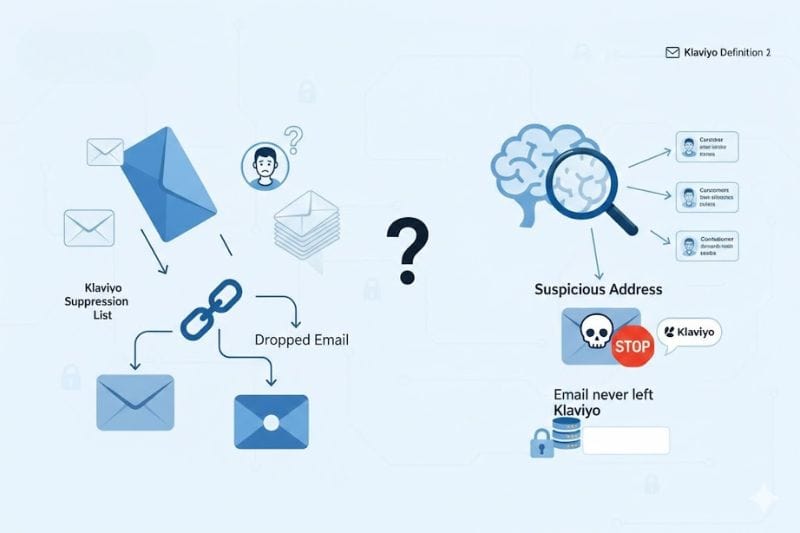
Here’s where it gets a little confusing. Klaviyo has two different definitions floating around in its own documentation.
In the email metrics reference, Klaviyo defines a Dropped Email as something that “occurs when there is a discrepancy between suppression status in Klaviyo and other upstream email service providers that Klaviyo may utilize.” That’s pretty vague.
But in the analytics glossary, Klaviyo puts it more plainly: a Dropped Email happens “when an email was not sent because the email address is suspicious.”
The second definition is the one that actually matters to you because it explains that your email never left the building. It didn’t bounce off a recipient’s server or land in spam. Klaviyo looked at the address, decided it wasn’t safe to send to, and stopped the delivery before it was even attempted. This is a small but important detail to understand when working with a klaviyo email integration.
Now, what makes an address “suspicious” in Klaviyo’s eyes is where things get interesting (and a little frustrating), because this decision is based on data from other Klaviyo accounts, not just yours. We’ll explain exactly how that works in a moment.
Dropped email vs. bounced email: they’re not the same thing
People conflate these two all the time, and it leads to the wrong fixes. So let’s lay out the distinction clearly.
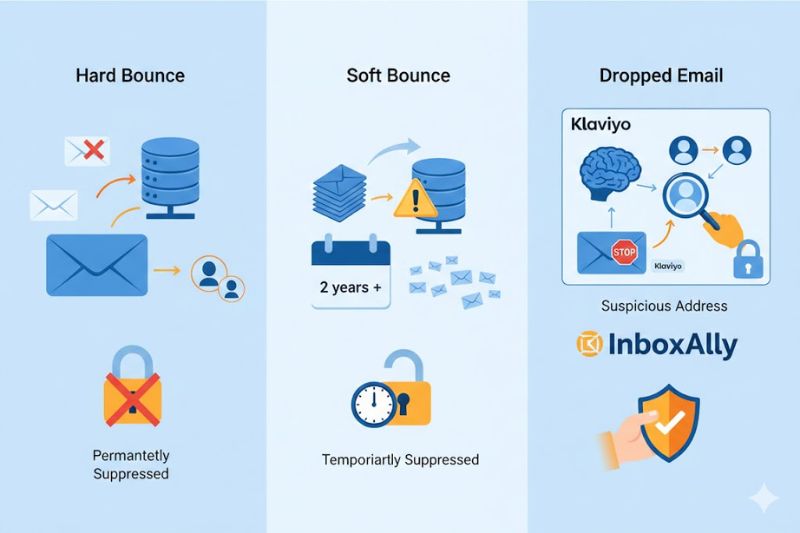
A bounced email means Klaviyo attempted to deliver, and the recipient’s server rejected it. Bounces generally fall into two categories:
- Hard bounce: a permanent failure. The address may, for example, not exist, be misspelled, or the receiving server could be intentionally blocking the message. Klaviyo automatically suppresses these addresses.
- Soft bounce: a temporary failure. The inbox might be full, the server could be down, or there’s a short-term issue. If there’s a total number of 7 bounces in a row within a two-year period, Klaviyo will suppress it.
A dropped email is different. With these, Klaviyo never attempted delivery. It made a preemptive call, based on its own internal intelligence, that sending to this address would be a bad idea. The marked email was stopped at the gate.
Think of it like this: a bounce is the door being slammed in your face. A drop is your own team pulling you back before you even knock.
This matters because the troubleshooting is completely different. With bounces, you’re diagnosing server responses and list hygiene. With drops, you’re dealing with Klaviyo’s algorithmic judgment about an address, and sometimes that judgment is wrong.
However, fixing individual suspicious addresses won’t solve broader reputation issues, which is where InboxAlly reinforces positive engagement and protects consistent inbox placement using real inbox interactions. Book a demo to see what it can do for your next campaign.
Why Klaviyo drops emails (the suspicious flag)
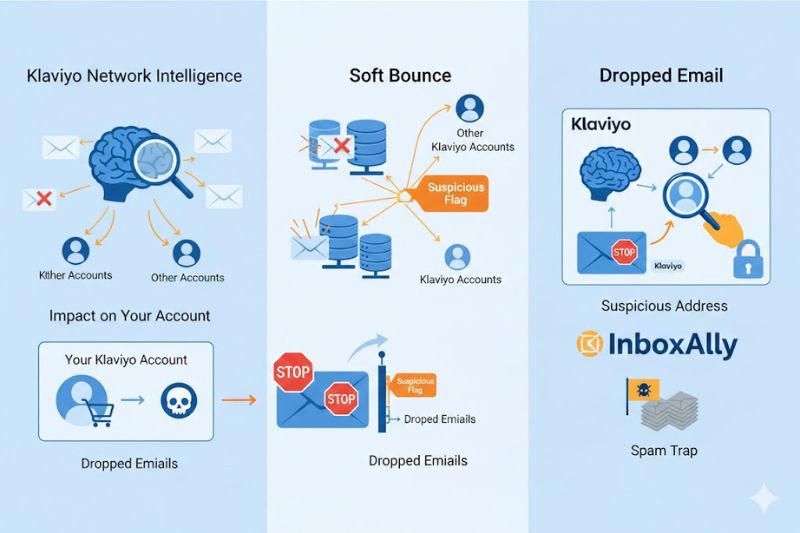
Here’s what we mentioned earlier. When an email address hard bounces at least once anywhere across Klaviyo’s entire infrastructure, Klaviyo marks that address as “suspicious.” According to Klaviyo’s help documentation, this means that even if the address has never bounced in your account, if it previously hard bounced in another Klaviyo user’s account, it can get flagged.
That’s a big deal. A perfectly legitimate customer on your list, like someone who’s bought from you, opened a previously received email, and clicked email links, can get blocked because their address triggered a hard bounce somewhere else in Klaviyo’s ecosystem. Maybe they had a temporary DNS issue, or they changed email providers, and the old address bounced for a different sender during the transition. It doesn’t matter. One hard bounce on Klaviyo’s global network, and the flag goes up.
Klaviyo does this to protect shared sending reputation. Since many Klaviyo users send through shared IP pools, one sender blasting invalid addresses can drag down deliverability performance for everyone. The suspicious flag is Klaviyo’s way of keeping the neighborhood clean.
But it’s a blunt instrument. In the Klaviyo community forums, you’ll find people complaining about paying customers being flagged as suspicious for weeks; customers who are actively buying products and have engaged with other email senders just days earlier. Users have reported having thousands of emails flagged as suspicious every week, many from contacts who had explicitly opted in.
There’s also a less common drop reason: “Spam Reporting Address.” This one confuses people because it doesn’t correspond to an actual spam complaint in your account. This flag identifies suspected spam trap addresses. Klaviyo likely detects these across its infrastructure and drops them before they can do damage to your sending reputation.
How to find dropped emails in your account
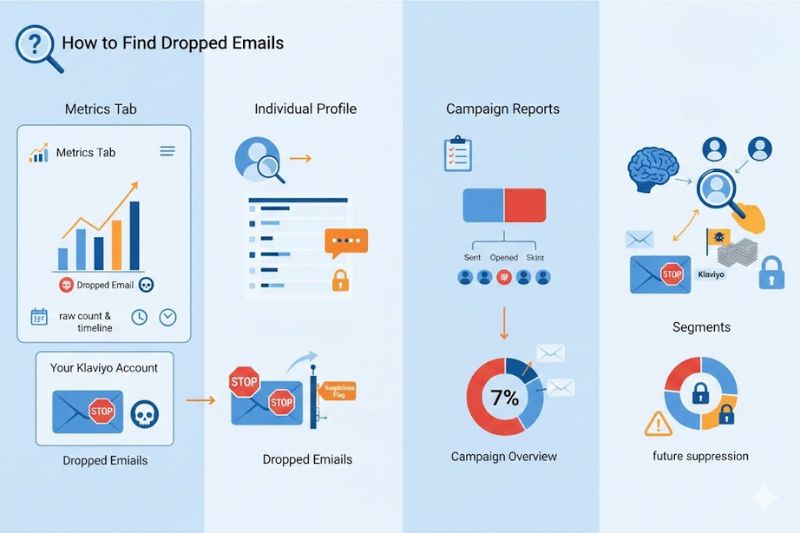
You won’t notice dropped emails unless you go looking for them. Here’s where to check:
In your metrics tab: Navigate to Metrics and search for the “Dropped Email” event. This gives you the raw count and timeline.
In individual profiles: Click into a customer profile and look for the Dropped Email event in their activity timeline. Click the timestamp to see details about why it was dropped.
In campaign reports: After sending a campaign, go to the Recipient Activity tab. You’ll see a breakdown of skipped profiles, including those skipped for “Suspicious Email.” The Campaign Overview also shows a count of suspicious addresses skipped.
With segments: Build a segment using the condition “Has Bounced Email at least once over all time” and filter by Bounce Type equals Hard. This won’t show you drops directly, but it identifies the profiles most likely to trigger suppression issues down the road.
In the Deliverability Hub: Navigate to Analytics > Deliverability tab. The Bounce details page gives you a heatmap of bounce categories across inbox providers, which helps you spot patterns. If you’re seeing a spike in drops alongside content-related or reputation-related bounces, that’s a compounding problem worth addressing immediately.
What to do about dropped emails
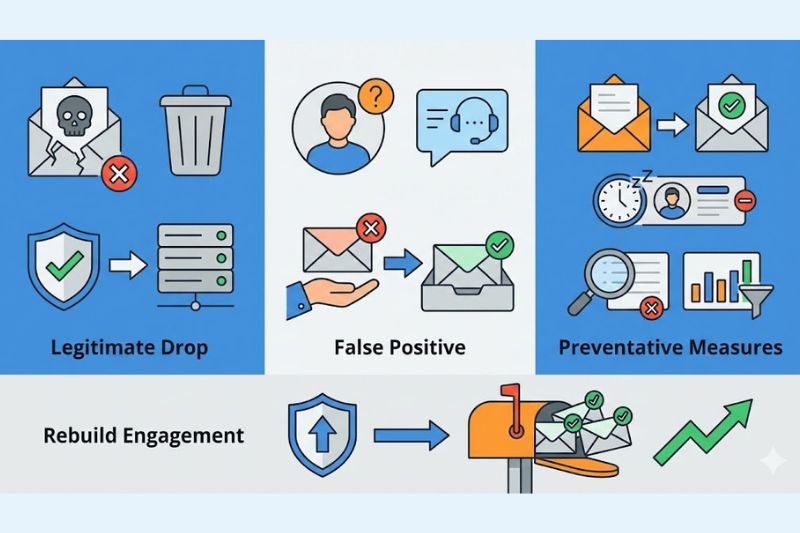
Your response depends on whether the drop is legitimate or not.
If the address is genuinely dead, leave it alone. The whole point of the dropped email mechanic is to protect your reputation. Sending to invalid addresses damages both your IP and domain reputation, which drags down deliverability for every email you send, not just the ones going to bad addresses. If Klaviyo flagged it and there’s no evidence the person is real and active, the system did its job.
If a real customer got caught in the filter, escalate it. Reach out to Klaviyo’s support team and use the subject line “Remove Suspicious Email.” Include the flagged address along with a screenshot of a recent exchange showing that the contact is active and able to receive messages. Their team can review the case and take them off the specific list manually. Keep in mind that if you’re on Klaviyo’s free plan, you lose access to email support after your first 60 days, which can make resolving this much harder.
For the long game, tighten your list hygiene. The best way to keep dropped emails low is to prevent the conditions that cause them:
- Enable double opt-in. It adds friction, yes, but it virtually eliminates fake, mistyped, and bot-generated addresses from entering your list in the first place.
- Build a sunset flow. Automatically remove profiles that haven’t engaged with your emails over a set window. This catches addresses before they go stale and start bouncing.
- Audit your suppression list regularly. Go to Profiles > View Suppressed Profiles, then filter by “email bounce.” Look for patterns. Are most suppressions coming from a specific acquisition channel? A specific campaign? That’s where your real problem hides.
A growing number of dropped emails is a signal about the quality of your acquisition channels. If you’re importing aging lists, using signup forms without proper verification, or syncing contacts from third-party tools without validation, you’re passing along potentially bad addresses. Clean up the source, and the declines usually resolve on their own.
And if you’re already dealing with broader deliverability challenges, InboxAlly can help you rebuild the engagement signals that mailbox providers use to determine inbox placement. Book a free demo and see how it works.
Don’t ignore what the data is telling you
Every email platform has its version of a safety net. Klaviyo is just more aggressive than most.
Dropped emails are Klaviyo’s way of telling you something. The question is whether you’re going to listen before the problem compounds, or after.