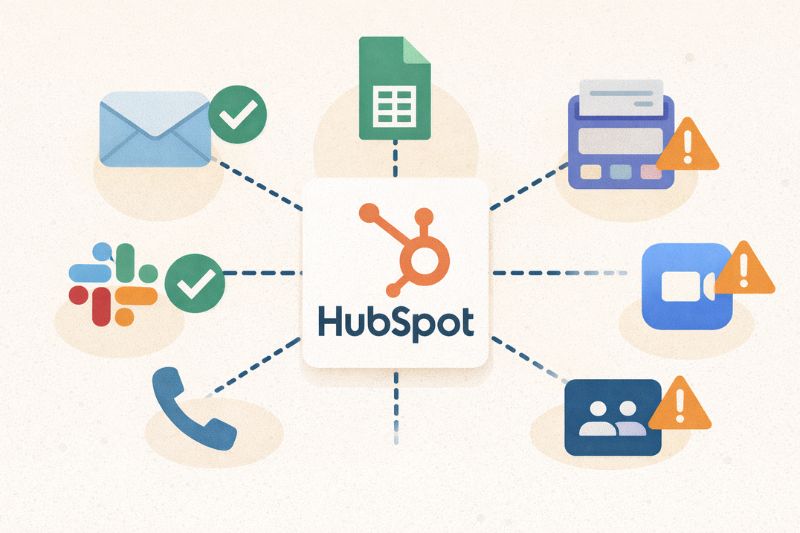
HubSpot is usually the most expensive tool in the shed, yet it’s rarely the one that causes problems. Problems start when it’s surrounded by disconnected apps, partial syncs, and “helpful” integrations no one fully owns.
But what happens when those apps communicate slightly out of order? And what does it mean for a CRM to “work” if its automation is always one step behind?
In this article, we’ll take a look at the best HubSpot integrations from a practical angle: which ones genuinely extend the CRM, which ones introduce risk, and how you decide what belongs in your HubSpot setup.
Key takeaways
- Useful HubSpot integrations make data easier to trust and actions easier to take. Everything else increases complexity without affecting outcomes.
- If an integration isn’t tied to a concrete event that the business reacts to (such as a change in workflow, a follow-up, or a status update), it probably doesn’t belong there.
What makes a HubSpot integration “good”

A good HubSpot integration survives real-world use between multiple users. When implemented properly, it keeps your CRM usable even under load, whether the sales teams are going after deals or the customer service teams are trying to help a customer.
Here’s the bar every integration needs to clear:
- Writing data back into HubSpot in a form that automation can use immediately, instead of dumping raw customer data that someone has to interpret later.
- Synchronizing predictably, with well-defined timing and ownership, so updates don’t overwrite each other, and you always know whether the HubSpot data you’re seeing is up to date.
- Respecting HubSpot as the system of record. HubSpot shouldn’t be treated like a glorified inbox or a place to store a copy of someone else’s data. The integration should always fit HubSpot’s logic.
Bad integrations rarely fail in obvious ways. Data gets rewritten out of sequence, events arrive late, and automation starts reacting to states that no longer reflect what happened. Over time, the CRM still works, but you stop relying on it and compensate elsewhere.
The mental model is simple: a great integration should not create another liability you have to check “just to be safe.”
InboxAlly is built specifically for HubSpot, supported in the Marketplace, and designed to connect inbox outcomes back to CRM activity. If you want a more controlled way to improve inbox placement, book a free demo and explore how it fits into your HubSpot email flow.
Top HubSpot integrations you probably need
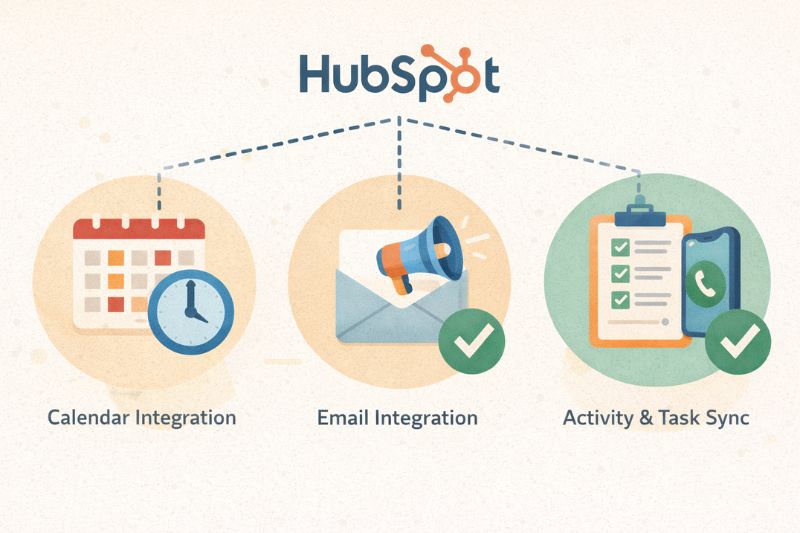
If HubSpot is your primary CRM, there are some extensions that keep it usable over time. These are the integrations that prevent your CRM from turning into a graveyard of broken workflows and records that slowly lose credibility.
Google Calendar and other scheduling tools
Meetings are one of the clearest signals of intent you’ll ever get. Clicking a link doesn’t take a lot of effort. Booking a slot on a calendar, however, means someone is willing to give you time, which is a whole different level of commitment.
That’s why integrations like Google Calendar and scheduling tools are essential. They turn “we should chat” into a logged event that HubSpot can use to create a task, update deal stages, or trigger follow-up sequences.
Email clients and inbox integrations
Email integrations in HubSpot can either be useful or misleading. Logging a sent message is easy, but seeing what happened after and whether anyone replied is a different story. The better email integrations treat email as an ongoing conversation and write those outcomes directly to the contact record. Without the much-needed context, HubSpot shows plenty of activity but offers little insight into what’s driving progress, or lack of it.
Activity and task sync
This is the CRM adoption bread and butter. If a rep has to double-log notes, copy-paste call outcomes, or remember to update fields after customer interactions, they won’t do it consistently. The best integrations streamline workflows and respect how sales processes work: quick notes right after a call, automatic activity tracking, and tasks that don’t feel like a punishment.
When activity synchronization works, pipeline hygiene improves without anyone “trying harder.” When it’s messy, everything else you build on top (forecasting, reporting, even simple follow-up) becomes less reliable.
Marketing and data-quality integrations
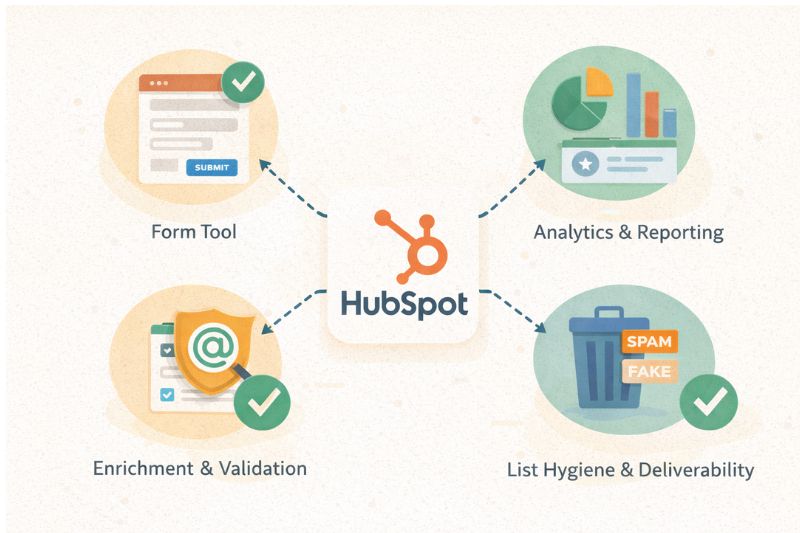
This is the part of the stack that looks harmless. A form tool here, a landing page builder there, maybe an enrichment app to “clean things up.” Six months later, your CRM is full of contacts nobody can explain, and workflows are being triggered like a broken motion sensor.
It almost always starts at the same place: data capture.
If HubSpot form submissions get in with zero context, HubSpot does what it’s designed to do:
- Records the contact
- Triggers automation
- Routes leads
- Counts conversions
The problem is that it can’t distinguish between a real buyer and “asd@asd.com” unless you train it. This is where the best integrations validate, normalize formats (names, phone fields, country values), and tag the data before it reaches the lifecycle logic. That’s also why capture-time validation matters so much. If you want to learn more about it, check out our HubSpot email validation guide.
List hygiene, enrichment, and validation
Used well, enrichment adds helpful context. Used badly, it overwrites first-party data without distinguishing between the old and new. Your setup should treat enrichment as additive and not a replacement for what your customer told you with what a database assumed.
There’s also deliverability and sending intelligence. Validation reduces bounces, but inbox placement is determined after you send a campaign, based on reputation, customer engagement, complaint rates, and consistency.
If you are focused on outcomes after you’ve sent a campaign, make sure to pair HubSpot with deliverability-focused tools that bring those signals back into the CRM context. If that applies to your setup, there’s a practical guide on how to integrate HubSpot with InboxAlly. InboxAlly is also listed on the HubSpot Marketplace, which means it’s built to work directly with HubSpot.
Don’t forget: HubSpot is smart, but only when you have good marketing data; otherwise, it just automates the mess faster.
Sales and revenue integrations
HubSpot is great at tracking intent. It’s less great at answering the question your business actually runs on: did money change hands, and what happened after? Fortunately, sales and revenue integrations can make this easier to manage.
Payments and subscription tools
When payment status flows back into HubSpot, you can see who converted, who churned, who downgraded, and who is overdue. Without that information, sales celebrates the “Closed Won” confetti while finance spends the next week cleaning up mismatched HubSpot records and a pile of paperwork. On top of that, marketing can end up nurturing people who have already paid or, even worse, dropped off.
So if you’ll use a payment integration, make sure it updates properties you can build logic on, marks customers correctly, and keeps contact records accurate.
Deal-level context
Revenue is made up of things like line items, contract terms, upgrades, renewals, and discounts. These change over time, and when they do, HubSpot should trigger an action. The best integrations treat them as events that update records and start the right HubSpot workflows.
Why this matters beyond reporting
HubSpot CRM changes how everything behaves, from when follow-ups go out to how automation responds. Payment activity is a clear indicator of customer status and enables HubSpot to operate as a system that understands the business, not one that’s trying to keep up with it.
When custom integrations make sense
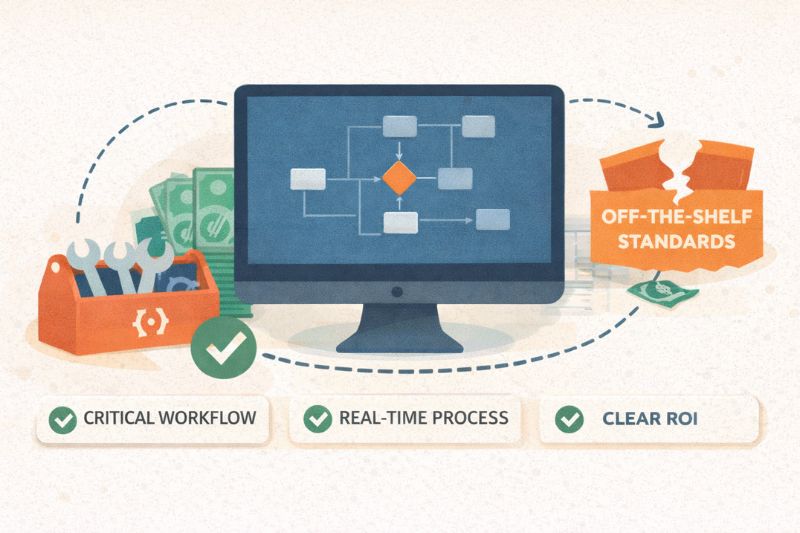
The internet is full of horror stories around custom integration, but they aren’t bad by default. They’re just expensive, slow to maintain, and very easy to regret. That doesn’t mean you should never build one. It means you should be honest about why you’re doing it.
They make sense when a core business process simply doesn’t fit within what marketplace tools can handle. Not that “it’s a bit awkward,” but it literally can’t. When the workflow is unique, revenue-critical, and too nuanced to bend without breaking, custom integrations are the only solution.
They also make sense when HubSpot needs to see a change immediately, with strict rules and zero tolerance for delay or ambiguity. If a few minutes of lag can cause billing errors, compliance issues, or broken customer experiences, waiting for scheduled data sync isn’t acceptable.
And most importantly, the ROI must be clear. Not assumptions or “we’ll probably save time,” but concrete outcomes: fewer manual steps, fewer errors, faster revenue recognition. Something you can point to six months later and say, “That paid for itself.”
The reason custom integrations can be a nightmare is that they’re often built to avoid hard decisions about ownership, data flow, and responsibility. In those cases, custom code doesn’t fix the problem. It just hard-codes the confusion and makes it harder to undo later.
How to choose integrations without breaking anything
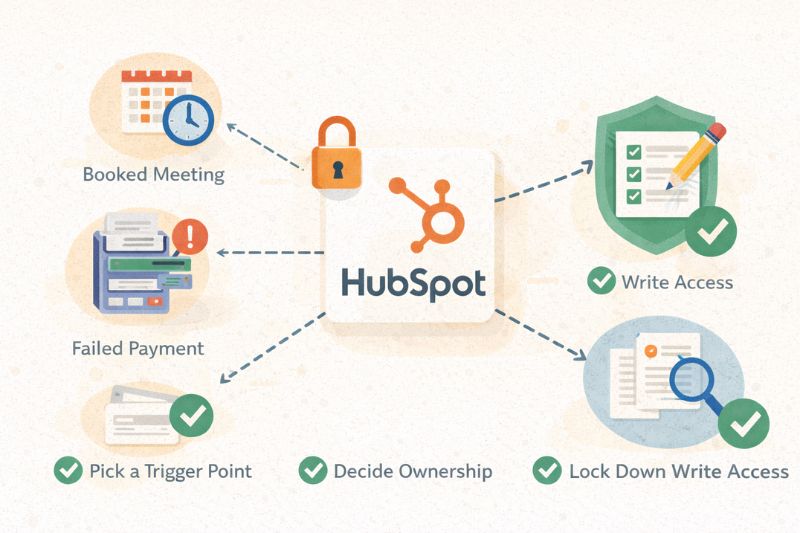
Most integration problems start long before anything is installed. Teams fall in love with a tool, plug it in, then try to bend HubSpot around it. On paper, everything is “connected.” In practice, people stop trusting what they see.
A better starting point is the moment that should trigger action:
- Booked meeting
- Failed payment
- Form submissions
Work backward from there. If an integration can’t capture that moment clearly and show it in HubSpot in a way that allows for automation, it’s not helping.
From there, decide on ownership. HubSpot can be the system of record, but only if other tools respect that boundary. If Stripe owns payments, let it own payments. Just make sure HubSpot receives the right status at the right time.
Then lock down write access. Allowing multiple tools to edit the same fields is the fastest way to create overwrites that are impossible to untangle. Decide who’s allowed to write to what, and keep that list short.
And finally, revisit everything as you grow. What worked when five people shared context often won’t work for twenty. Don’t keep adding tools just because you can. Keep the stack useful by removing what’s no longer needed.
Integrations are leverage
Sometimes less really is more. HubSpot doesn’t need a long list of tools, just the right ones, connected in the right way. Great integrations clarify what’s happening and make follow-ups easier. Bad ones add confusion and push people to double-check other systems. The difference isn’t the tools themselves, but whether the stack was built with intent or assembled out of panic.
If you want the email side handled by a seamless integration that HubSpot directly supports, check out InboxAlly. It’s one of the few tools you can add to your stack, get awesome email results, and not worry about anything breaking.