
Email marketing is a potent way of engaging customers, growing sales, and building brand recognition. However, the best-laid plans of marketers can crumble if their messages get flagged as spam and filtered out before they reach the recipient’s inbox. That’s why we created an email marketer’s guide to fighting against spam filters.
Knowing about spam filters is just the start; you need to work hard to always stay inside the lines to reach prospects successfully every time. The more you understand what’s at play, the easier you’ll discover how to succeed.
So, let’s reveal the inner workings of spam filters and discuss what’s needed to land in the inbox.
Key Takeaways
- Email marketing spam filters protect inboxes by blocking phishing attempts and junk mail, but they can also misclassify legitimate emails and harm deliverability.
- Applying authentication methods, maintaining list hygiene, and sending relevant content improves inbox placement, reduces spam complaints, and strengthens overall email engagement.
Why are Spam Filters Necessary?
To be clear, spam filters are not the enemy. Indeed, they’re an unavoidable requirement of online life in the 21st century, with billions of spam messages sent daily. [1]
Another important distinction is that spam is different from marketing emails. Instead, it’s a message that’s usually malicious, designed to dupe people into falling for all sorts of fraudulent schemes.
Therefore, it’s more of a case of marketers understanding spam filters’ role and making sure they don’t fall foul of them, rather than seeing this as an adversarial relationship. Failing to adapt to this reality is every email marketer’s worst nightmare, as it can tank campaigns before they ever reach prospects.
How Spam Filters Work
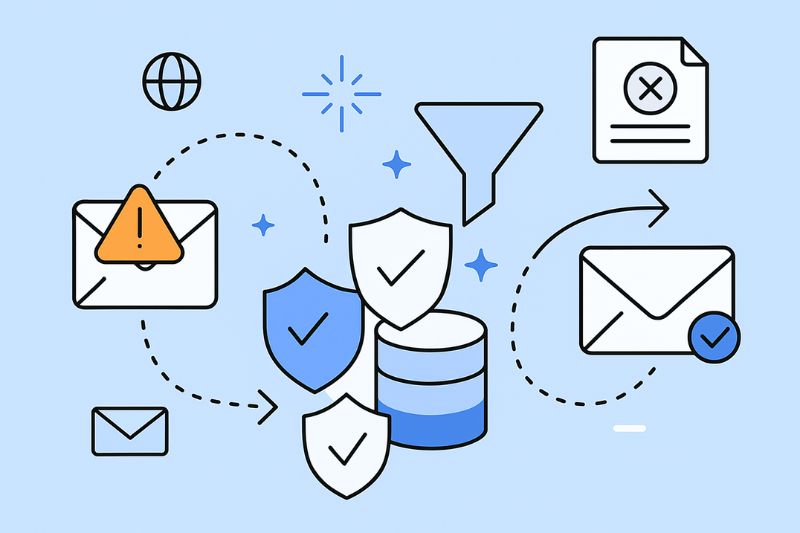
Filtering out spam from inbound messages is achieved in several ways. For example, network administrators can use a network sniffer to check where emails are coming from, where they’re going, and whether or not they originate from a legitimate source or one that has been identified as suspicious.
You can also automate spam filters and rely on checking the spelling, grammar, and keyword density of the copy included in the subject line and the body of the message to assess the likelihood that it’s spam rather than legitimate.
Some filters look at incoming emails with an authentication process like SPF or DKIM, while others flag content that includes misleading information or irrelevant content.
Detection is most straightforward when filters can rely on blacklists of domains and email providers to enact a blanket ban on messages from points of origin that have been flagged in the past as problematic.
An Email Marketer’s Guide to Avoid Spam Filters: 6 Tips

Now that you’re up to speed with the ins and outs of spam filters let’s look at the ways you can steer clear of being caught up in their nets, such as:
1. Choose the correct email address
The email address you use to contact prospects and existing customers dramatically matters. Filters and recipients themselves will also be wary of email addresses that are non-specific and difficult to recognize.
The answer is to stick to the tried and tested format of having a sender name that’s personal to you, followed by a top-level domain that uses the brand. So, johnsmith@brandname.com is better than marketing_guru_001@unknownemailprovider.com, for example.
2. Pick a reputable provider
As mentioned, some email service providers have spam filters that can block more lax and new senders. So, ensure that you avoid falling into this trap by choosing one that has an impeccable reputation. Not doing so can result in poor deliverability that undermines even your best marketing efforts.
3. Test campaigns
There are lots of tools that let you test the quality of your marketing emails before sending them. And the best of the bunch will look to see if spam filters will clamp down on what you’ve composed.
Pay attention to how these email spam tools score the specific words and certain words in your subject lines. Overuse of images or poor content can also be flagged as risky.
Doing this saves you time and money, meaning you can tweak your copy to prevent this rather than only finding out when your campaigns generate no traction.
4. Target relevant audiences
Your company could have its email addresses penalized if recipients marked the messages you send as spam. This usually happens when marketing campaigns end up in the inboxes of people outside your target audience.
Avoiding this is as simple as ensuring that your mailing list is current and that you are as precise as possible regarding whom you send messages to.
Additionally, it would help if you tracked bounce rates and open rates. Addresses in your mailing list that aren’t receiving messages or are never opening them should be removed.
Making it a habit to regularly clean inactive email subscribers or unengaged subscribers from your subscriber list will help you keep your sending volume consistent while keeping the trust of your subscribers.
5. Write effective subject lines
Another way to avoid flagging emails as spam and increase open rates is to get the subject line spot-on.
Keeping them short, sweet, intriguing, and relevant will help. Avoiding excessive punctuation and foreign languages in subject lines (unless relevant to your audience). This, next to clear CTAs and an easy-to-find unsubscribe button, will reduce the risk of getting flagged.
Read also: 3 Key Elements of Irresistible Email Subject Lines
6. Eliminate spam keywords
Lastly, ensure that the words and phrases you use in your marketing emails aren’t often found in spam messages.
There are hundreds of examples, so knowing how to write emails without triggering filters is part of becoming a good digital marketer.
TIP: A simple way to check where your current emails are landing is by using our Email Spam Checker tool.
Read also: Why are My Emails Going to Spam and How to Avoid the Spam Folder
FAQ: Email Marketing Spam Filters
Wrapping up
Spam filters aren’t going anywhere, so you must learn to work with them rather than struggle against them. Once you do, your job as an email marketer will become much more manageable.
About the Author
Darren Blumenfeld — Founder & CEO
Darren is the Founder and CEO of InboxAlly, an industry-leading email deliverability tool. A veteran in email marketing, he also founded HonestMail, the first commercial platform to integrate Amazon SES. With an MBA from Columbia University and an engineering degree from Tufts, Darren blends technical expertise with business strategy to help companies boost their email performance. Outside of work, he’s a musician and comedian who has performed at the World Series of Comedy in Las Vegas.
References: