
Nothing is more frustrating than investing months into a marketing automation platform and still questioning basic things like where leads came from or which campaigns actually worked.
That confusion comes from the assumptions baked into the marketing automation technology you chose. Marketo, HubSpot, and Pardot determine how data behaves, how decisions get made, and how much ambiguity your setup can tolerate once it’s in daily use.
But where does the platform end and your process begin, and how much of that confusion is already locked in by the choice you made?
In this article, we’ll look at what changes after these tools are fully embedded: how they shape day-to-day workflows and why the same question can give different answers depending on the platform.
Key takeaway
- HubSpot works best when different marketing teams need to work from the same system, using the same contact records and lifecycle stages. Use it where campaigns, lead follow-up, and reporting need to be live quickly.
- Marketo fits enterprise organizations with long sales cycles and many parallel audiences. It’s designed for predictive lead scoring, routing, and nurture logic that can’t be simplified without losing accuracy.
- Pardot is built for companies that already run sales in Salesforce. Its main focus is on capturing, scoring, and lead nurturing until they are ready to be worked by sales.
Your platform choice & your operating rules

Some companies simply run on speed. Someone has an idea on Monday, launches on Tuesday, and expects a clean handoff to sales by Wednesday. Other slow things down on purpose, because a wrong rule in scoring or routing can create problems that are hard to identify and fix.
You’re essentially choosing a platform based on these two questions:
- “How quickly can you get a campaign out?”
- “How much control do you need over every step?”
You can force either tool to do the other job, but you pay for it in workarounds.
It also comes down to who works on automation every day. In some places, general marketers build and tweak flows. In others, a dedicated ops person controls changes because every edit has side effects.
In environments where people are used to working things out as they go, rigid systems slow everything down. But when everything is built around repeatable flows, loosely defined systems create gaps, second-guessing, and constant cleanup work. That’s part of the reason why marketing automation tool choice is so important
HubSpot: one system, one truth

HubSpot is a CRM-first system with marketing tools that use the same data. Contacts, companies, deals, and activity are all stored in one place, so marketing logic works on those shared records instead of syncing between separate systems.
That single decision explains most of HubSpot’s strengths and limits.
How HubSpot works in practice:
| Area | How HubSpot works | What that means day to day |
|---|---|---|
| Data model | Each person is one contact by default | Fewer sync issues, fewer competing “versions” of a lead |
| Identity | Built in. Calls, emails, tasks, and deal stages are tracked automatically. | Easy at first, hard when people have multiple emails |
| Automation | Visual automated workflows with set rules | Easy to read and maintain, hard to over-customize |
| Reporting | Fixed lifecycle stages and attribution | Quick alignment, limited redefinition |
| Governance | Strict rules, limited freedom | Safer for sales teams, restrictive for edge cases |
HubSpot isn’t endlessly configurable, but it is consistent.
It fits best when:
- Marketing and sales need to work off the same contact record
- Speed matters more than perfect edge-case handling
- Multiple people need to build and edit automation
You may struggle when you need complex conditional logic, multiple identities per person, or reporting definitions that align with HubSpot’s stage definitions. You can push against those limits, but each workaround can create new problems elsewhere.
HubSpot keeps things simple by limiting your choices. If that setup matches how you already work, it can be great. If it doesn’t, it can become quite frustrating.
Another frustrating issue is poor inbox placement. When emails don’t land where they should, HubSpot’s robust reporting is the first to fail. Book a free InboxAlly demo and keep your email marketing campaigns honest and high-performing all the time.
Marketo: precision over convenience
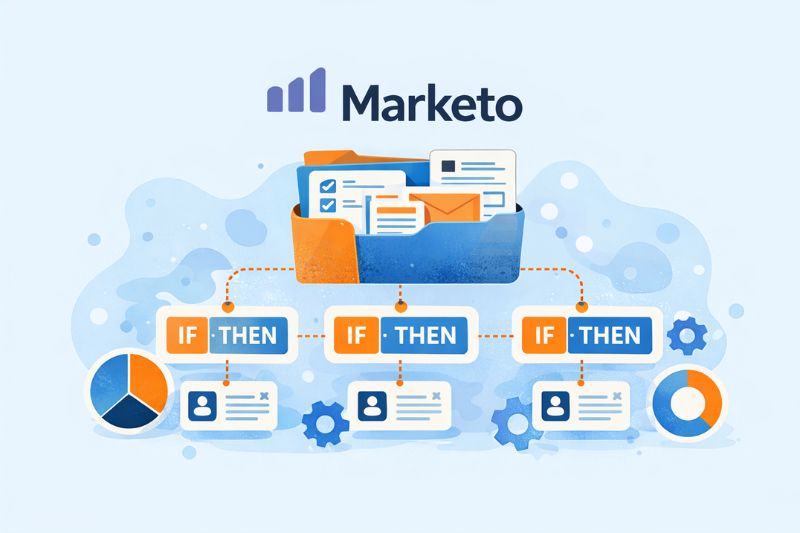
Marketo works best when your marketing efforts become a system you can run the same way every time. This can become a real need in situations that require a repeatable logic that stays stable when volume, routing rules, and reporting requests keep stacking up.
The big shift with Marketo is how it makes you build. To create a campaign, you build a container (a Program), then add rules, lists, emails, forms, tracking, and other marketing assets to it. That structure sounds like needless work until you’re six months in and you can still trace why something happened, who entered, and what triggered the next step.
How Marketo works in practice
| Area | How Marketo works | What that means day to day |
|---|---|---|
| Data model | Uses its own marketing records synced with the CRM | More flexibility, more things to keep synchronized |
| Identity | Separate contact and lead management | You must decide how people are counted |
| Automation | Rule-based flows built from logic blocks | Very powerful, slower to build |
| Reporting | Based on programs, scoring, and lifecycle rules | Clear only if rules are defined and followed |
| Governance | Few built-in restrictions | Flexible, but easy to break without control |
Discipline is key here. If you’re already meticulous about naming, ownership, and version control, it starts paying off quickly. Otherwise, Marketo turns into a stress test.
It fits best when:
- Data definitions already exist and are followed
- Automation needs to survive scale, handoffs, and time
- One or two owners control logic (small changes can ripple widely)
- Reporting needs to stay traceable months later
There’s a somewhat steeper learning curve with Marketo because it exposes every rule and dependency as you build. If you can live with that, it can be quite a capable scaling tool.
Pardot: marketing inside Salesforce rules
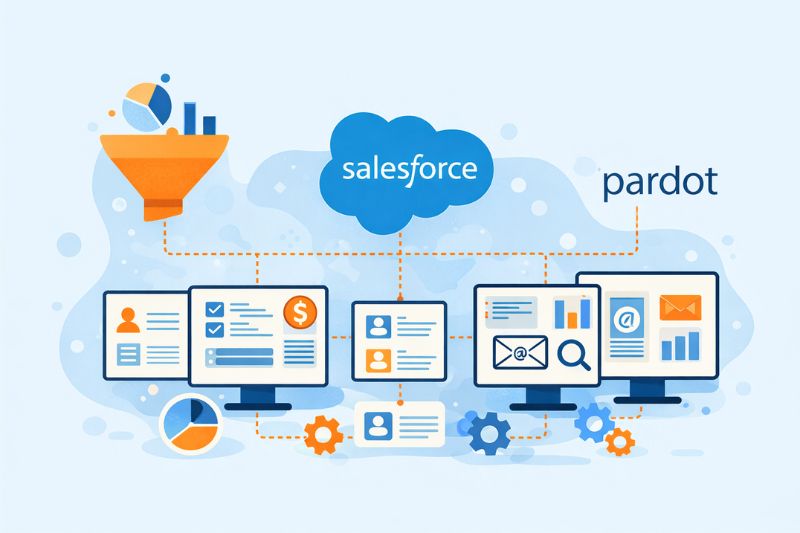
Pardot only makes sense once Salesforce has already defined how the business runs because it relies on native Salesforce integration rather than its own data layer. Leads, contacts, deals, campaigns, and ownership are all controlled by Salesforce, and Pardot simply follows those rules
Because of that, it can feel limiting if you’re coming from HubSpot or Marketo. You don’t have full freedom to create custom flows, change lifecycle rules, or reshape how records work. In exchange for less flexibility, Salesforce reporting stays consistent, and sales don’t have to sort out conflicting definitions later.
If Salesforce is the system people trust, Pardot acts like a filter. It limits how far marketing can deviate from CRM logic. That’s not a compromise; it’s the point.
How Pardot works in practice:
| Area | How Pardot works | What that means day to day |
|---|---|---|
| Data model | Uses Salesforce integration for leads, contacts, and fields | Marketing must follow the CRM structure |
| Identity | Identity is defined in Salesforce | You don’t decide identity in Pardot |
| Automation | Engagement Studio runs on Salesforce data | Changes depend on CRM setup |
| Reporting | Mostly Salesforce-based reporting | Reports match sales views |
| Governance | Changes often require Salesforce technical expertise | Safer system, slower changes |
Pardot can feel slower because most changes depend on Salesforce. Updating automation often requires working with a Salesforce admin, waiting for fields to sync, and verifying that permissions and data structures match. You can’t skip these steps, because they directly affect how the campaign works.
It fits best when:
- Salesforce already defines pipeline stages and ownership rules
- Keeping data consistent is more important than experimentation speed
- Only a few people are allowed to change advanced automation rules
What Pardot really changes is who gets to improvise. If you proceed, keep in mind that every change must respect shared objects and rules.
Data models and attribution

A simple question like “How many leads did this webinar generate?” often turns into an argument. The number varies based on where you look, how you export it, and the filters you apply.
You could blame the tools when HubSpot, Marketo, and Pardot all show something different. But most of the time, the tools are doing exactly what they were set up to do. The disagreement often comes from how a “lead” is defined and which records are counted when data is transferred between systems.
Identity is usually the first fault line. Some setups treat an email address as the person. Others rely on Salesforce Lead or Contact IDs. But a single person using two email addresses, or existing as both a Lead and a Contact, can be counted more than once unless you clearly decide which record represents the real person and which ones collapse into it.
Another common issue is timestamps. A “conversion date” could mean the first form fill, when someone becomes a lead, when a deal is created, when it closes, or when the first payment happens. All of these make sense, but they mean different things. If each report uses a different one, month-over-month charts become less relevant.
Sometimes, though, it’s just that different systems answer different questions: how deals move, where the money lands, etc. Attribution settles down only when each system has a clear definition, and those definitions are connected with purpose.
Choosing the right marketing automation platform
No matter which marketing automation software you choose, time spent understanding how it behaves in your setup is never wasted. The biggest problems come from assumptions you didn’t notice until months later. Learning those early saves a lot of rework.
If you don’t have the space to evaluate everything in depth, focus on the parts you’ll work with every week: reporting, handoffs to sales, and how changes get made. Those areas quickly reveal whether a system will remain manageable or slowly become friction.
And for every hour you spend comparing platforms, spend an hour using one. Real workflows expose tradeoffs faster than reading about them ever will.
Platform choice matters. So does whether emails land. Try InboxAlly to remove inbox placement as a variable, then judge HubSpot vs Marketo vs Pardot on real performance.