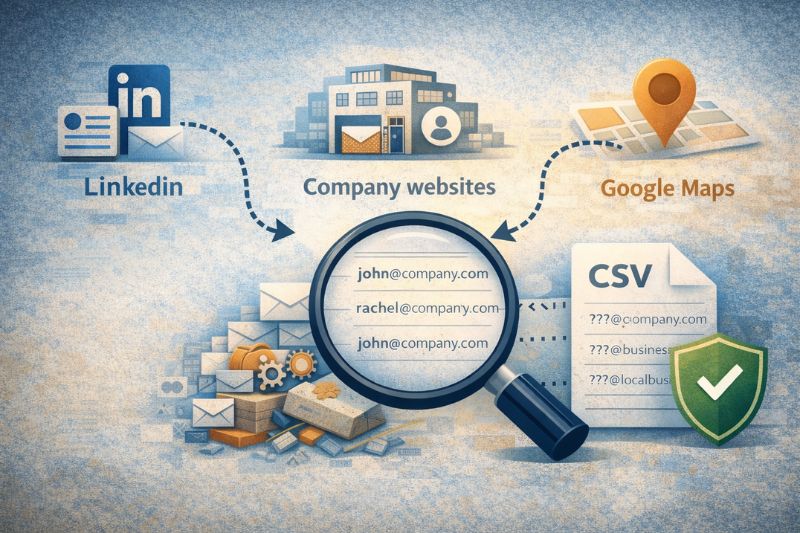
Email scraping is a fun little activity right up until the first bounce wave hits your domain reputation and someone replies with “how did you get this?” in all caps.
The point of email scrapers isn’t to “get more contacts” but to build lists you can use daily without poisoning the well.
In today’s article, we’ll break down which tools work best for LinkedIn prospecting, which ones shine for company websites, and which are built for Google Maps/local leads.
We’ll also cover the most important aspect of email marketing: keeping deliverability intact once you export that CSV. Keep reading!
Key takeaway
The best email scrapers are source-specific. What works for LinkedIn prospecting behaves very differently from tools built for company websites or local search, and the best way to run them is to always verify what you extract and protect your deliverability.
- Start with the source: LinkedIn profiles, websites, or local listings
- Extract deliberately, not at maximum volume
- Verify email addresses, then send in a way that keeps your reputation intact
What is “email scraping”?
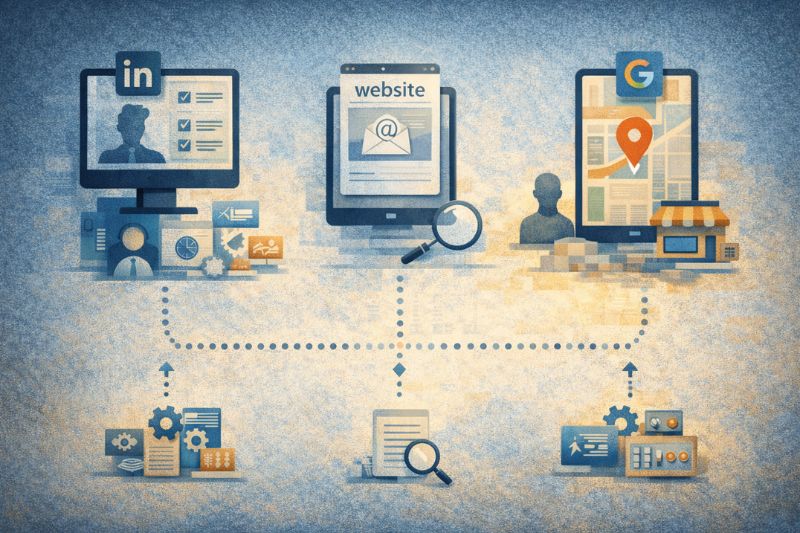
“Email scraping” is often treated as a single process, but it’s actually two distinct processes.
Scraping is the rough version: you collect whatever is already visible on pages: company websites, directories, Google Maps listings, random “contact us” pages. If it’s on the page, the email scraping tool grabs it.
Finding is harder (and usually more useful): the tool takes a name + company, then uses databases, enrichment, and pattern matching to predict the likely business email. Half the time, it is still marketed as scraping because that term sells.
The mess happens when you treat both outputs as equal. They aren’t. Scraped lists are full of stale addresses, role accounts (info@, sales@), and catch-all domains that accept mail but don’t reliably deliver it to a human. Emails that look valid can still bounce later, especially once you send at scale.
That’s the real difference here: having emails versus having emails you can use without burning your sender reputation.
And, before you ask, yes, there’s a compliance angle too. But even before legal risk, there’s the practical one: if you get known for unsolicited, low-quality outreach, your deliverability and your brand both pay the bill.
So, next time you send to random email addresses, make sure you have a backup plan. InboxAlly helps protect your sender reputation before your first risky campaign and keeps it steady as you scale. Book a demo and see how it works.
7 email scrapers worth using (with the catches you should know about)
Wiza (LinkedIn email data extraction)

Best for: LinkedIn Sales Navigator lists when you want speed and low setup.
Wiza is at its best when your LinkedIn targeting is already dialed in. You run a Sales Navigator search, export, and you’ve got work emails mapped to profiles with minimal friction. It’s one of the quickest ways to have a Sales-Navigator-ready list.
Watch out: It won’t fix bad filters. If you collect the wrong titles, irrelevant regions, Wiza will faithfully turn that mess into a bigger mess. Coverage also drops in industries where LinkedIn data is sparse or inconsistently maintained, especially outside common B2B SaaS roles.
Export/integration: Exports work well (CSV/Sheets-friendly), but treat the output as raw. Verify what you collect before you send if you care about deliverability.
Apollo (database + sequencing)

Best for: Running prospecting, enrichment, and outreach from a single system.
Apollo isn’t really positioned as a scraper, even though that’s how many people end up using it. It functions more like a sales database, with email discovery as a feature. You can filter by job titles, seniority, company size, revenue bands, tech stack, and more. If you want a single environment where list building and first-touch outreach go hand in hand, Apollo is the way to go.
Watch out: The interface encourages overconfidence. Seeing an email marked as available or verified can create a false sense of safety. Data freshness varies by role and region, and older records can be outdated. An email existing in a database doesn’t mean it’s still monitored or deliverable.
Export/integration: Apollo supports direct integration with CRMs, exports easily to CSV, and offers API-style access on higher plans. Just make sure not to treat the scraped data as a green light right away.
Hunter (company web page emails)
Best for: Collecting emails directly from company websites and inferring formats from what’s already public.
Hunter works best when you know which companies you’re after. You search a domain, identify which addresses are exposed, and use that to understand how email is structured in the organization. It’s fast, simple to use, and doesn’t try to disguise what it’s doing. Domain search, pattern discovery, export. Done!
Watch out: The trap is role inboxes. Addresses like info@, sales@, or support@ look safe and plentiful, but they behave very differently once you send in larger volumes. They’re filtered aggressively, often monitored by multiple people, and rarely convert the way personal inboxes do.
Export/integration: Exports are easy to work with, especially if you’re already building from a defined account list. Hunter works best when the destination is known, not when you’re prospecting blindly.
Snov.io (email discovery with built-in outreach)

Best for: Combining email finding and simple drip campaigns without assembling a large tool stack.
Snov.io keeps discovery and outreach in one place. That speeds things up, but it also means you’re accepting speed at the expense of flexibility. The Chrome extension helps with list building, and the platform does a decent job combining scraping, enrichment, and basic campaign logic.
Watch out: When everything is inside one system, quality problems appear late. Basic email verification catches obvious dead ends, but it doesn’t flag the less obvious ones that you can run into with larger sending volumes. It’s easy to mistake “campaign running” for “campaign working,” especially when early metrics look fine.
Export/integration: List exports are easy to reuse elsewhere. That’s why Snov.io works best as a list builder. Use it to assemble lists and test ideas, then validate independently before relying on the data for sustained outreach.
PhantomBuster (automated LinkedIn and web extraction)

Best for: Repeatable LinkedIn and public-web workflows when setup time isn’t a dealbreaker.
PhantomBuster isn’t really a scraper so much as an automation tool that happens to scrape extremely well. Its strength is in “recipes” that chain actions together: extract profiles, enrich data, export results, then repeat on a schedule. Once configured, it can run in the background, making lead collection a simple process.
Watch out: That same flexibility makes it fragile. Automations can fail when platforms tweak their UI, and it’s easy to collect far more data than you can realistically use. Junk accumulates slowly, and by the time performance drops, the list is already bloated.
Export/integration: Exports work well with Google Sheets, CSVs, and downstream tools. PhantomBuster works best when you’re strict about inputs and outputs. Used deliberately, it’s powerful. Used lazily, it produces impressive spreadsheets that underperform once you start sending.
TexAu (local business and Google Maps scraper)
Best for: Local lead generation where the starting point is Maps, then websites, and social media platforms.
TexAu is designed for chaining sources. A common flow starts with Google Maps, then moves to company websites, collects any available contact details, and continues. That flexibility is the appeal, as you’re not locked into a single source. The automations can be set up to mirror how you’d research leads manually, just faster and at scale.
Watch out: Local data is unreliable by nature. You’ll find contact details like phone numbers and generic inboxes unless you deliberately enrich and filter. Decision-maker emails are not always easy to find, especially outside well-documented industries. Without precise targeting, it’s easy to end up with a high volume of low-quality data.
Export/integration: Supports exports to Sheets and CSVs. TexAu is excellent for research-heavy workflows and market mapping, less so if you need an executive email list out of the box.
Skrapp (basic LinkedIn email extraction)

Best for: Straightforward LinkedIn-to-email extraction with an user-friendly interface.
Skrapp keeps the scope intentionally narrow. You connect to LinkedIn, run searches, and extract email addresses with minimal setup. It’s not an all-in-one system like many other tools on this list, which can be great when you just want to turn profiles into contacts and move on.
Watch out: The simplicity cuts both ways. Skrapp won’t protect you from downstream consequences. If you extract broadly and send without verification or segmentation, problems show up later as bounces, complaints, or inboxing, and the tool won’t warn you.
Export/integration: Exports are easy to reuse elsewhere. Skrapp works best in setups where most sending decisions are made manually.
How to choose the right email scraping tool
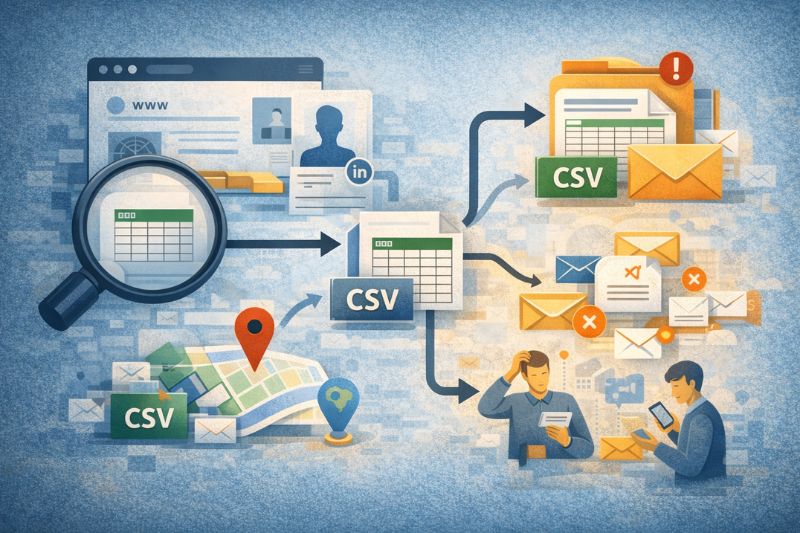
When srapping gets messy, most of the time it’s because the tool choice comes before the source. That’s the wrong order. Start with the sources of contacts, then work outward.
If LinkedIn is the starting point, go with tools built around Sales Navigator and profile-based searches. They understand titles, seniority, and company context in a way generic scrapers don’t. If you already have a defined account list and domain, website tools make more sense.
They’re designed to collect what’s public and infer patterns. Local lead generation is a different problem altogether. When Google Maps is the starting point, the workflow needs to follow local listings first.
The second decision is how much setup you’re willing to deal with. Automation-first tools reward process thinking but punish impatience. One-click-access tools trade flexibility for speed. Neither is wrong, but mixing them without a plan is.
Keep it simple:
- Start with the source, then pick the tool
- Choose setup tolerance over advanced features
- Extraction is step one; reputation is step two
That’s how you end up with a scraper that supports longevity once you start sending.
Making an email extractor work long-term
There’s no universally best email scraping tool. Tools differ, workflows differ, and trade-offs are unavoidable.
What actually separates a successful outreach from short-lived marketing campaigns isn’t the scraper itself. It’s everything that happens after you export the CSV and decide how aggressively, how carefully, and how patiently you use it.
If you want to make sure you’re sending only to high-quality addresses and not burning your domain along the way, book a free demo with InboxAlly. With its free tools, including an email spam checker and an industry-leading email warm-up system, your emails will never end up in spam again.