You spend time writing great emails, hit send, and then… nothing. No replies, no clicks, and no sign your message ever reached the inbox. If that sounds familiar, your IP reputation may be the reason.
Every email leaves your server from a specific IP address, and inbox providers use that address to decide how much to trust you. Positive engagement builds that trust over time. High bounce rates, spam complaints, and sudden volume spikes erode it (sometimes sooner than you’d expect)
Luckily, IP reputation isn’t permanent, and in this guide, we’ll cover what it stands for, how it’s calculated, and show you seven ways to improve it. Let’s begin!
Key Takeaways
- IP reputation directly determines inbox placement: inbox providers evaluate signals like engagement, bounce rates, spam complaints, and authentication to decide where your mail lands.
- You can improve IP reputation with consistent best practices. Using a dedicated IP, warming it up gradually, maintaining a clean list, authenticating your domain, and monitoring bounces all help rebuild trust and increase inbox delivery.
IP Address and IP Reputation. What Are They?
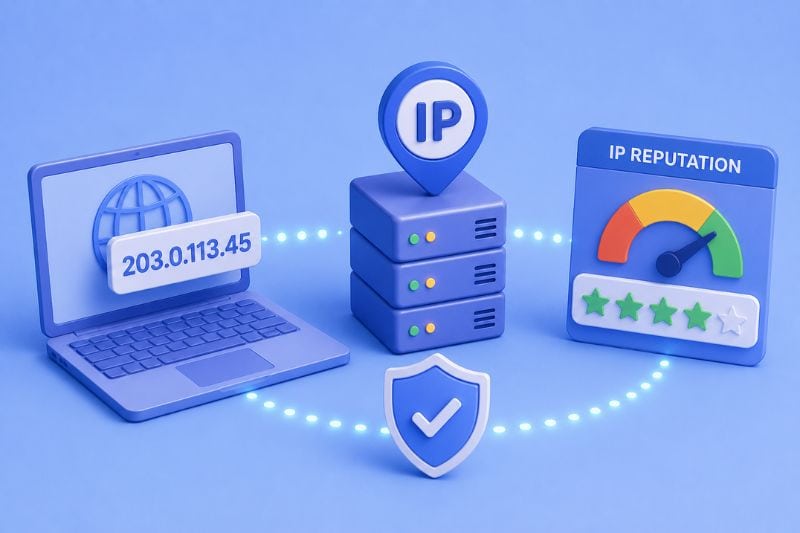
Every email you send comes from an IP address, which functions as the technical origin point for your sending server. Email providers use this IP to assess where messages are coming from and whether they should be trusted.
Over time, inbox providers evaluate how recipients interact with mail sent from a specific IP. Positive engagement, like opens, replies, and clicks, builds trust, while negative signals, such as spam complaints or high bounce rates, can quickly damage a good reputation.
Spam traps deserve a specific mention; they’re seed addresses designed to catch senders who aren’t practicing proper list hygiene, and landing on one tells providers exactly what they don’t want to see. while negative signals, such as spam complaints or high bounce rates, can quickly damage your good reputation. Spam traps, in particular, are designed to identify poor sending practices and can significantly affect inbox placement if triggered.
When an IP’s reputation declines, emails are more likely to be filtered out or routed to spam, even if the content itself is legitimate. Understanding how inbox filtering works and how emails end up in spam helps explain why maintaining a clean sending history is essential for consistent inbox delivery.
IP vs. Domain Reputation
IP reputation and domain reputation are closely related, but they’re not the same thing, and understanding the difference matters for email deliverability.
IP reputation is tied to the specific IP address your emails are sent from. Mailbox providers evaluate that IP based on sending behavior such as volume, bounce rates, spam complaints, and engagement. If you’re using a shared IP, your reputation can be influenced by other senders on that same IP. With a dedicated IP, the reputation reflects only your own sending practices.
Domain reputation, on the other hand, is linked to your sending domain (for example, yourcompany.com). This reputation follows your brand rather than your server. Even if you switch IP addresses, your domain reputation carries over, because inbox providers track how recipients interact with emails coming from that domain over time.
In practice, email providers look at both signals together, and neither fully protects you from a problem with the other. A good domain reputation can cushion a newer IP during warm-up, but if your positive IP reputation deteriorates either through a volume spike, a complaint surge, or a shared IP going bad, even a well-established domain won’t keep placement for long. Long-term deliverability depends on keeping both in the best shape possible: consistent volume, maintained lists, proper authentication, and content people want to read.
How Do You Improve Your IP Reputation?
Now that you know why your IP reputation is a big deal, let’s get to the good stuff- the strategies to clean it up and keep it that way.
Just remember, this isn’t a definitive list and managing IP reputation can be tricky at times. However, by sticking to these tips and checking your deliverability with tools like Sender Score, you’ll knock out most of the chances of messing things up and seeing poor results.
So let’s get started!
1. Use a Dedicated IP Address
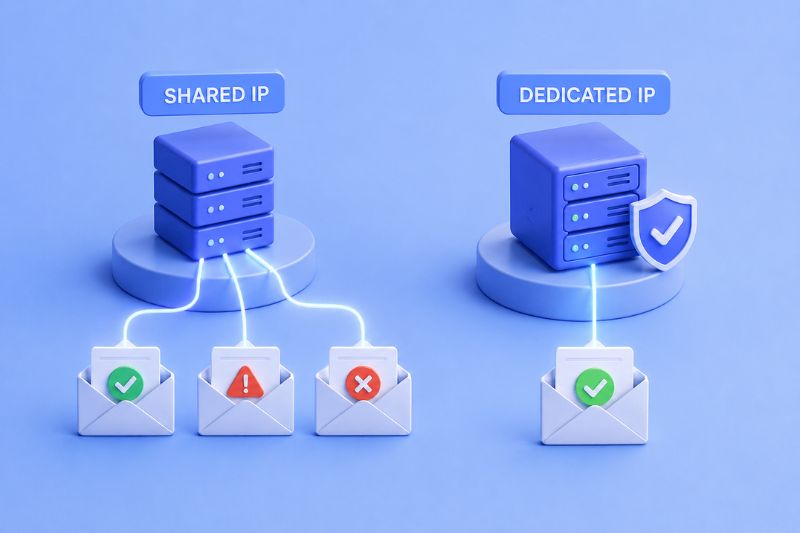
When choosing which IP address to send your emails from, you typically have two options: shared or dedicated.
On a shared IP, your reputation is pooled with every other sender on that server. If another sender on the same IP starts generating complaints or landing on spam traps, your deliverability takes the damage too, regardless of how good your own sending practices are. ESPs typically group senders by size and type, but that’s no guarantee you won’t end up alongside a poor sender.
Now, with a dedicated IP, it’s all you. You’re in full control over how it’s used and your reputation depends solely on your own email habits. No one else’s mistakes will affect you.
Pro tip: Dedicated IPs are a lifesaver if you’re sending large volumes of emails, so use one whenever you can. It gives you more control and makes sure your reputation reflects your email practices, not someone else’s.
2. Warm up Your IP Address
A new IP essentially has no history, which means providers have no reason to trust it. If you start sending all of a sudden 10,000 emails, their filters will treat you exactly like a spammer would (because that’s what spammers do).
IP warming lets you build that trust from scratch: start with a small volume and increase it slowly, giving providers enough sends to establish a pattern before you start emailing your full list. A practical baseline is around 300 emails on day one, increasing by roughly 20% each day.
Crucially, those first sends should go to your most engaged contacts. These are the people who open reliably, click, and don’t delete without reading, so that their behavior builds a positive signal history that makes providers progressively more receptive to your mail.
The ramp is just as important as the starting point. If you start too slow, you stall before establishing anything meaningful. If you start too fast, you risk getting flagged before your reputation can absorb the volume.
When you’re unsure what the right pace looks like for your list size and sending frequency, you can use InboxAlly’s warm-up system that handles the ramp automatically so you don’t have to guess anything.
3. Maintain a Clean Email List
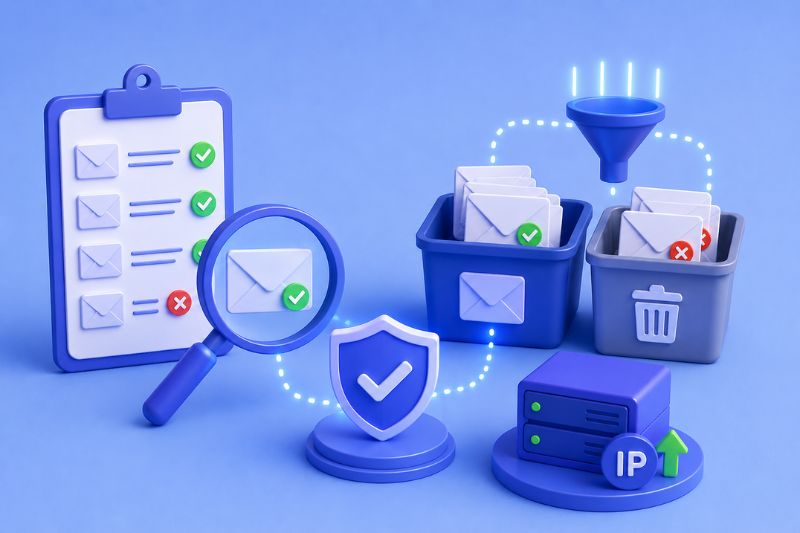
Counterintuitively, a larger list can actually work against you. Sending to enough inactive or invalid addresses increases your bounce rate, which in turn deteriorates engagement and makes providers start drawing conclusions about the kind of sender you are.
Adjacent to it is the spam trap problem. ISPs repurpose old, abandoned email addresses as traps, then seed them into lists to catch senders who aren’t keeping their lists clean. If you’re still mailing addresses from three years ago that haven’t opened a single email, some of those are probably traps now. Landing on one tells providers that you aren’t a trustworthy sender.
Run your list through an email verification tool before major sends to catch invalid addresses early. Set a suppression threshold for subscribers who haven’t engaged in 90 – 180 days. Try a re-engagement sequence first, then suppress anyone who doesn’t respond. The best deliverability tends to come from smaller, tighter lists, and that’s not a coincidence.
4. Set up Strong Authentication Protocols
Without authentication, providers have no technical basis for trusting that your emails actually come from you. Your content quality, list hygiene, and sending consistency won’t matter much if you can’t prove basic domain ownership. Three protocols establish that proof:
- SPF (Sender Policy Framework) publishes a DNS record listing which servers are authorized to send mail from your domain. Providers check it on every inbound message.
- DKIM (DomainKeys Identified Mail) attaches a cryptographic signature to your outgoing mail, letting providers verify the message hasn’t been tampered with in transit and genuinely originated from your domain.
- DMARC (Domain-based Message Authentication, Reporting, and Conformance) ties SPF and DKIM together and tells providers what to do when either check fails: quarantine, reject, or let it through. It also sends aggregate reports so you can see who’s sending mail on behalf of your domain, which is useful for catching unauthorized use.
Authentication stopped being optional a while ago. Google and Yahoo mandated SPF, DKIM, and DMARC for high-volume senders in February 2024. Microsoft followed in May 2025, requiring the same for anyone sending more than 5,000 emails per day to Outlook, Hotmail, and Live addresses.
Non-compliant mail goes to Junk immediately, with full rejection coming in a later enforcement phase. Despite all of this, a January 2025 study by Validity found that 84% of domains used in email “From” addresses still don’t have a published DMARC record. If that includes yours, fixing it is the highest-leverage change you can make right now.
5. Keep an Eye on Bounce Rates
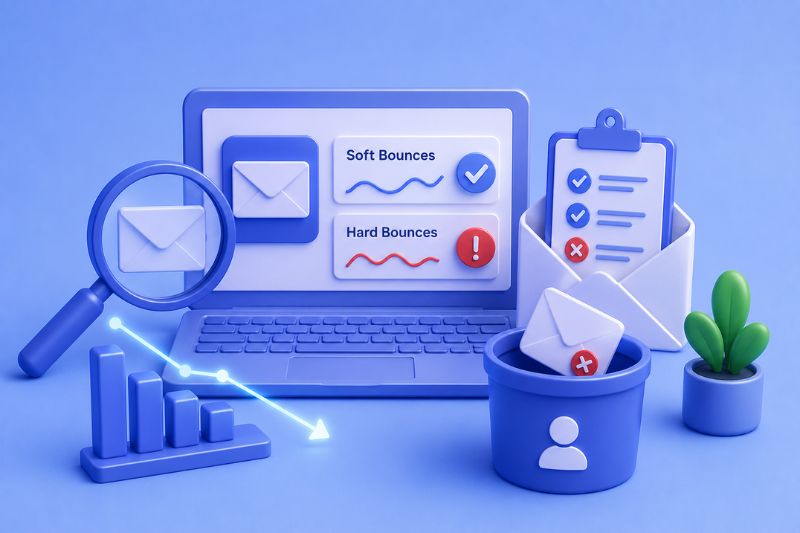
Bounces come in two types, and they’re not equally damaging.
Soft bounces are temporary bounces that come from things like a full inbox, a server outage, or a brief delivery failure. They happen to everyone. An address that soft-bounces repeatedly over several sends is worth suppressing, but an occasional soft bounce on an otherwise healthy list isn’t a big deal.
Hard bounces are a different story. A hard bounce means the address doesn’t exist or has been permanently deactivated, and a high hard bounce rate means that your list hasn’t been maintained. Most ESPs will suspend your sending if your hard bounce rate goes above 2%, so keeping hard bounces below 0.5% is the safer target, and it’s achievable with basic list hygiene and an email verification pass before big email marketing campaigns.
Always remember: your list will shrink over time if you’re actively removing disengaged and invalid contacts. That’s fine because it’s what good maintenance looks like.
6. Avoid Spam Trigger Words and Practices
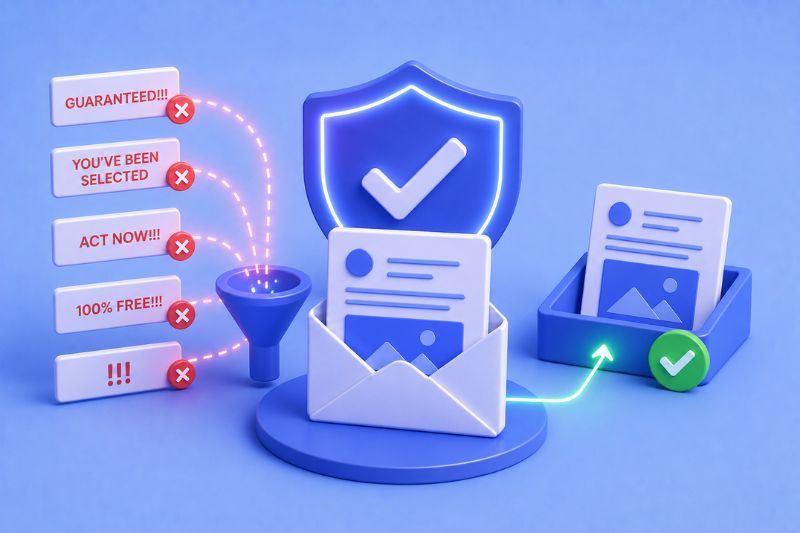
Today’s spam filters are way past simple keyword matching, but content still contributes to how providers score your mail, and some patterns remain reliably bad.
At the word level: heavy promotional language (“guaranteed,” “you’ve been selected,” “act now”), all-caps subject lines, and strings of exclamation points are filters’ oldest tells. Image-heavy emails with almost no text are also highly risky, since they give filters very little to evaluate for intent. None of these will destroy a good sender reputation on their own, but they certainly add suspicion you don’t need.
The bigger issue comes from recipient behaviour. Providers track what your subscribers do after they get your email. Do they open it, scroll, click, reply, or delete it immediately without reading? Frequent instant deletions or spam marks damage your IP reputation faster than any “spam trigger” keyword, which is why content quality and list quality are essentially the same problem: relevant mail to people who want it prevents most content-scoring risk before it starts.
7. Regularly Check Blacklists
Landing your IP on an email blacklists is like getting banned from the email game- it can severely hurt your deliverability. Blacklists like Spamhaus track malicious IP addresses known for spamming, and if yours makes it onto the list, your emails won’t make it to the inbox.
But if you do end up blacklisted, don’t panic. Sometimes, you can fix it! Start by scrubbing your email list, tightening up your sending practices, and then requesting removal from the blacklist once you’ve sorted things out.
Keep in mind that not all blacklists are deal-breakers for your IP reputation score. Some are less severe, while others- like UCERPROTECTL- are downright sketchy and have been accused of bad practices. So, before you panic, do your homework and figure out how serious the issue really is!
Top 6 Tools to Check Your Email’s IP Reputation
No single tool gives you the full picture of your IP reputation since each one is based on a different provider’s perspectives, which aren’t necessarily the same. Using two or three in combination is much more reliable than treating any one of them as definitive. Here are some of the tools you should try:
Google Postmaster Tools
Google Postmaster Tools shows how Gmail users interact with your emails. After verifying your domain using SPF or DKIM, you can view IP reputation, domain reputation, spam complaint rates, authentication status, and delivery errors. This tool is most useful for senders with moderate to high Gmail volume.
Yahoo Sender Hub
Yahoo Sender Hub is Yahoo’s equivalent of Postmaster Tools, which monitors complaint rates and deliverability for Yahoo Mail and AOL. Frequently overlooked, but Yahoo accounts for a big portion of consumer inboxes in the US, particularly in older demographics.
Talos Intelligence
Talos Intelligence (by Cisco) returns a reputation score of Good, Neutral, or Poor for any IP or domain, along with email volume history and content reputation data. Useful for cross-referencing signals outside the Google and Microsoft ecosystems.
MXToolbox
MXToolbox focuses on diagnostics rather than engagement. It helps you check IP reputation, DNS records, blacklist status, and sending infrastructure issues that could impact deliverability. This tool is commonly used to identify the technical problems related to email sending.
Microsoft SNDS (Smart Network Data Services)
Microsoft SNDS provides insight into how Outlook, Hotmail, and Microsoft 365 handle emails sent from your IP address. It reports spam complaints, sending volume, and filtering activity, helping you understand the type and quality of traffic coming from your IP to Microsoft inboxes. Reviewing this data regularly makes it easier to identify abnormal patterns, address deliverability issues early, and adjust your sending behavior before inbox placement is affected.
SenderScore (Validity)
Sender Score assigns a reputation score from 0 to 100 based on sending behavior observed across multiple data sources. While inbox providers don’t use this score directly, it’s a helpful benchmark for tracking overall reputation trends over time.
Final Thoughts
Your IP reputation plays a huge role in whether your marketing emails reach your target audience’s inbox or get lost in the spam abyss. But don’t worry, you’re not powerless here!
A well-maintained IP reputation is essential for successful email outreach, but it’s just one piece of the puzzle. Understanding the advantages and disadvantages of email marketing helps you refine your approach, ensuring every campaign maximizes engagement and minimizes deliverability risks.
By improving and maintaining a strong IP and domain reputation, you’ll have better deliverability, higher engagement, and a top-notch email marketing game in place.
And if email deliverability is still keeping you up at night, why not let the pros at InboxAlly take over? With IP warmup, advanced tracking, list cleaning, and a ton of other services, you’ll make sure your emails reach inboxes every time!
About the Author
Shubhneet Goel is the Co-founder and CTO of InboxAlly, which he has helped build since 2019. His background is in enterprise systems architecture and automation, with prior work spanning startups, large enterprises, and projects for the Indian Air Force.