
The dirty secret of pool-based warm-up is that the mailboxes inside most tools’ networks aren’t reading anything either. They’re warming each other in a closed circle, generating opens and replies on a schedule, and Gmail’s filters have had years to learn what that pattern looks like.
The average inbox placement improvement from generic pool warm-up is under fifteen percent for new B2B domains – meaningful, but a fraction of what you’d expect when buying in the category. Better tools exist, and they do something other than swapping warm-up emails in a circle.
Warm-up is the alternative to learning that lesson on real prospects. The hard part is picking a tool that matches how you send, because a solo founder warming a single mailbox, an SDR fleet rotating ten domains, and an agency holding reputation for six different clients are three completely different problems wearing the same name.
Below are five tools worth your shortlist, with honest takes on where each one fits, where it doesn’t, and what you’re actually paying for. Let’s begin!
Key takeaway
The right warm-up tool depends on three things: how you send (solo, fleet, or bundled with sequencing), where your prospects’ inboxes are (Google Workspace and Microsoft 365 dominate B2B), and what kind of engagement signals you need to generate to satisfy modern filter scoring.
InboxAlly
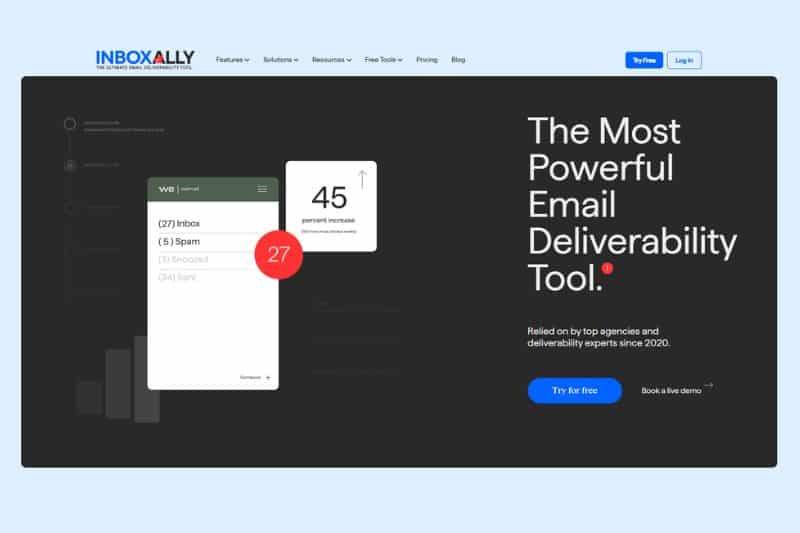
Reputation is built from what happens after delivery: whether someone reads the message, scrolls through it, replies, marks it important, or pulls it out of spam when the filter got it wrong. Those are the actions Gmail and Outlook score, and they’re what InboxAlly produces against your real sends instead of against a pool of mailboxes pinging each other in circles.
The mechanism of its automated warm-up is straightforward enough that it doesn’t need much translation. You connect any sending platform you already use, set a volume cadence and an engagement profile, and InboxAlly generates the engagement footprint of an interested human reader against your campaigns, including the harder-to-fake signals like scroll depth on long emails, replies that read like real responses, importance flags, and corrections out of the promotions and spam folders when filters miscategorize, which is the kind of engagement signal providers like Microsoft now factor into sender reputation scoring. What makes it useful for B2B specifically is that it doesn’t care which ESP you’re on or what your sending stack looks like, working equally on Workspace, Microsoft 365, and SMTP setups, with no shared pool dependency and no need to give it access to your mailbox.
Pros:
- Works with any sending infrastructure
- Generates the high-value, human-like interactions that filters rely most heavily on
- Engagement profiles tunable for new domains or campaign-specific reputation priming
- Dashboard tracks placement over the trailing 30 days
Cons:
- Higher entry price than basic pool warmers
- Doesn’t include cold sequencing or list verification
- The engagement model is different enough from traditional warm-up that it takes a beat to understand what they’re paying for
Best for: B2B teams experiencing deliverability issues despite a good SPF, DKIM, and DMARC setup, agencies managing client reputation over multiple domains, and anyone scaling volume on a new domain who needs the right engagement from the start.
Pricing: Starter $149/month, Plus $645/month, Premium $1,190/month, Enterprise custom.
If pool-based warm-up feels like it’s doing something but not enough, you’re not wrong. Filters have seen that pattern for years. InboxAlly takes a different route by working on your actual sends, not a closed network. Try it free and see how your placement responds when positive signals look real.
MailReach
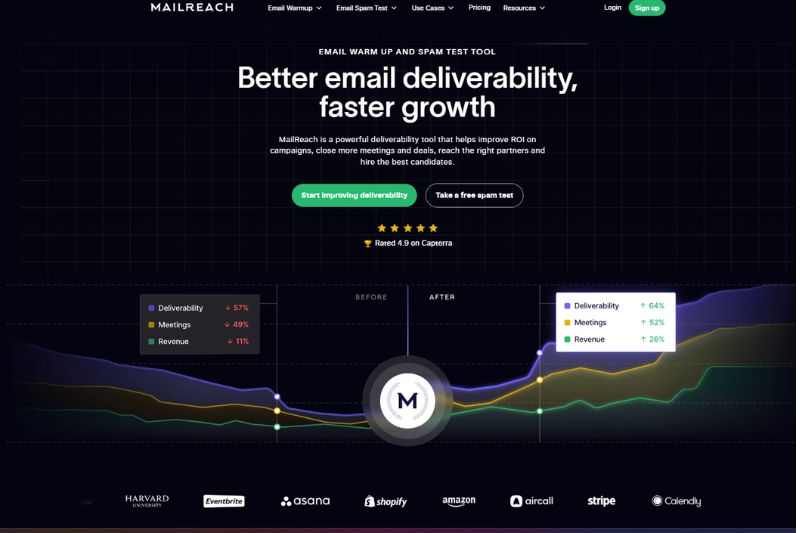
MailReach made a deliberate bet that network quality matters more than network size, and that bet is mostly correct for B2B cold outreach because its warm-up network is built around Google Workspace and Microsoft 365 business inboxes, which is where almost every B2B prospect you’ll ever email reads their mail. Engagement coming from those mailbox types carries more weight than the same actions from consumer accounts, so a smaller network of business inboxes produces results that a larger consumer-heavy pool can’t match for an audience like yours.
The other thing MailReach does well is bundle inbox placement testing into the warm-up product instead of treating it as a separate purchase or skipping it entirely, the way most other warm-up tools do. You can send a test before launching a campaign and see exactly where it lands across providers, which means warm-up progress isn’t a black box you trust on faith but something you can verify with real numbers before committing to a bigger volume.
Pros:
- Network composition skews heavily toward business inboxes
- Placement testing included
- Controls for multiple inboxes work well at agency scale
- Integrates with any ESP rather than locking you into a sending platform
Cons:
- Per-mailbox pricing can add up when scaling
- No native sequencing
- UI is functional rather than polished
Best for: B2B teams running pure cold outreach to business inboxes who want warm-up and placement testing under one roof.
Pricing: From $25 per mailbox per month, with volume discounts as mailbox count grows.
Lemwarm
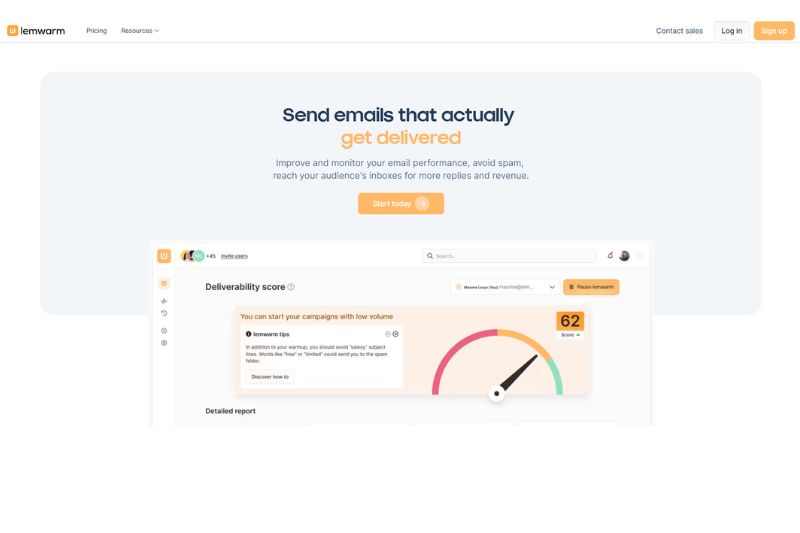
Lemwarm is Lemlist’s native warm-up tool, and the pitch is mostly about how well the two products work together. If you’re already using Lemlist for sequencing, the integration is the biggest reason to pick it, because the warm-up process auto-pauses when you launch a campaign, so you don’t get domain reputation whiplash from volume spikes, and the engagement score updates in real time inside the same dashboard you’re already checking.
The smart-cluster approach is the other distinguishing feature, where instead of warming your inbox against a generic pool, Lemwarm matches you with mailboxes from similar industries on the theory that engagement patterns from comparable senders look more believable to filters than random ones. Whether that can meaningfully improve inbox placement is harder to verify than the network-level claims, but the integration alone earns Lemwarm its spot here for the segment of buyers who’ve already committed to the Lemlist ecosystem.
Pros:
- Smart-cluster industry matching
- Auto-pause when campaigns send
- Email deliverability scoring is built into the same dashboard as your sequences
- AI-varied warm-up content rather than repeated templates
Cons:
- Real value depends on you actually using Lemlist for outreach
- Per-inbox pricing scales sharply once you cross three or four mailboxes
- Some warm-up features come only with the higher-tier plan
Best for: Teams already using Lemlist who want a warm-up that syncs natively with campaign activity.
Pricing: From $29 per inbox per month on Essential, $49 on Smart.
Warmbox
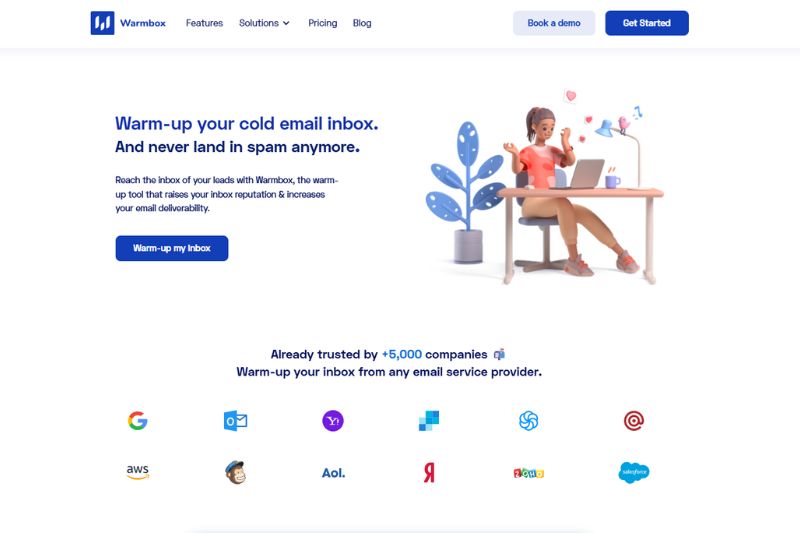
Warmbox is the option for people who don’t want to think about warm-up. All you need to do is connect a mailbox over IMAP or SMTP, pick a ramp speed, and the tool runs without smart clustering, placement testing, or AI analysis of your engagement profile. The warm-up starts working in under ten minutes from signup to active, with a dashboard that shows the three things that matter (daily warm-up volume, spam placement rate, inbox rate per provider) and nothing else.
The network covers around 35,000 mailboxes, mixed between consumer and business accounts, which makes it less precise than MailReach for pure B2B but produces solid results for most cold email use cases through volume and pattern variety. And it does that job without making you learn a deliverability platform along the way, which is sometimes the entire point for solo senders and small teams without a dedicated ops person.
Pros:
- Lowest per-inbox price in the category
- Fastest setup of any tool here
- Supports any ESP or Workspace inbox
- Dashboard is genuinely uncluttered
Cons:
- Network isn’t B2B-weighted
- No placement testing
- No native integration with major outreach platforms
- Per-inbox costs accumulate past ten or fifteen mailboxes
Best for: Solo senders, small teams, and anyone running their first cold campaign who needs a warm-up live today without becoming a part-time deliverability operator.
Pricing: Solo plan from $15 per month for one inbox; team plans up to $139 per month for ten.
Instantly
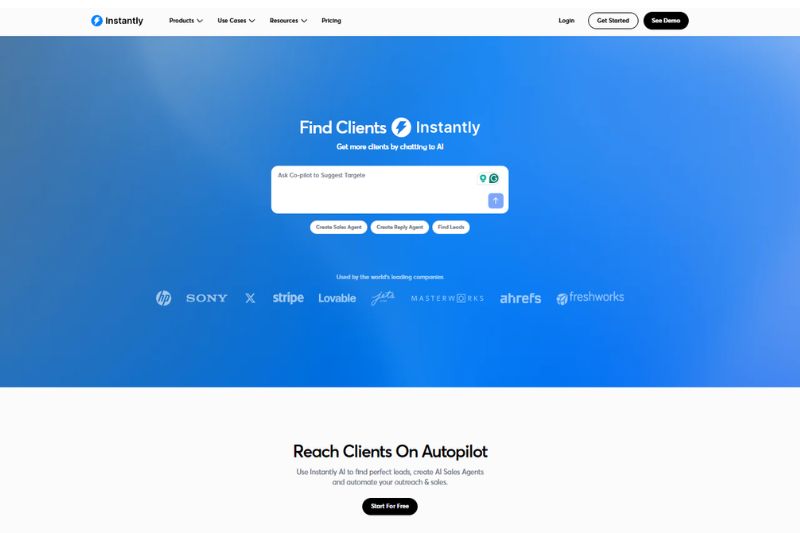
Instantly’s pricing structure is the reason it’s on this list, because the warm-up service isn’t priced per inbox. It’s actually unlimited on every plan, included with the cold email platform itself, which means at ten or more mailboxes, the math tips heavily in Instantly’s favor since the same fleet on per-inbox tools goes from $250 to $500 a month for warm-up alone, while on Instantly it’s bundled into a single flat charge.
You’re paying for the platform rather than just to warm up your email, with sequencing, A/B testing, reply management through a unified inbox, and multi-account scaling making up the actual product, while warm-up runs in the background. The network is the largest of the five tools here, with over a million mailboxes, but less B2B-weighted than what MailReach or Lemwarm offer, which is fine for sending to a broad audience mix and less ideal for pure enterprise outbound, where mailbox composition affects the placement numbers.
Pros:
- Unlimited warm-up across all plans
- Full sequencing and analytics included
- Strong multi-account workflow for agencies
- Predictable flat pricing as mailbox count grows
Cons:
- The network is oriented more to consumers than the B2B-focused alternatives
- Warm-up is a feature rather than the core product, so customization is limited
- Pricing scales with active leads, which can get expensive on large lists
Best for: Agencies and high-volume senders who want warm-up, sequencing, and reply management on one bill.
Pricing: From $37 per month on the Growth plan with unlimited email accounts; higher tiers scale with active lead volume and sending limits.
How to choose your warm-up platform
The tool that fits your stack today might not fit it in six months, and the one that protects your reputation through a domain rotation might be different from the one that handles your steady-state sends. Pick for what you’re doing right now, watch what the inbox tells you, and adjust when it stops telling you what you want to hear.
What works for your domains today won’t hold forever. Spam filters change, engagement shifts, and reputation follows. If you need a way to stabilize placement while everything else evolves, InboxAlly gives you that control layer. Start a free trial and keep your inbox position from drifting.